Best Email CRM Tool for Follow-Ups and Check-Ins (2026)
Samuel Oyebode
February 17, 2026
19 min read


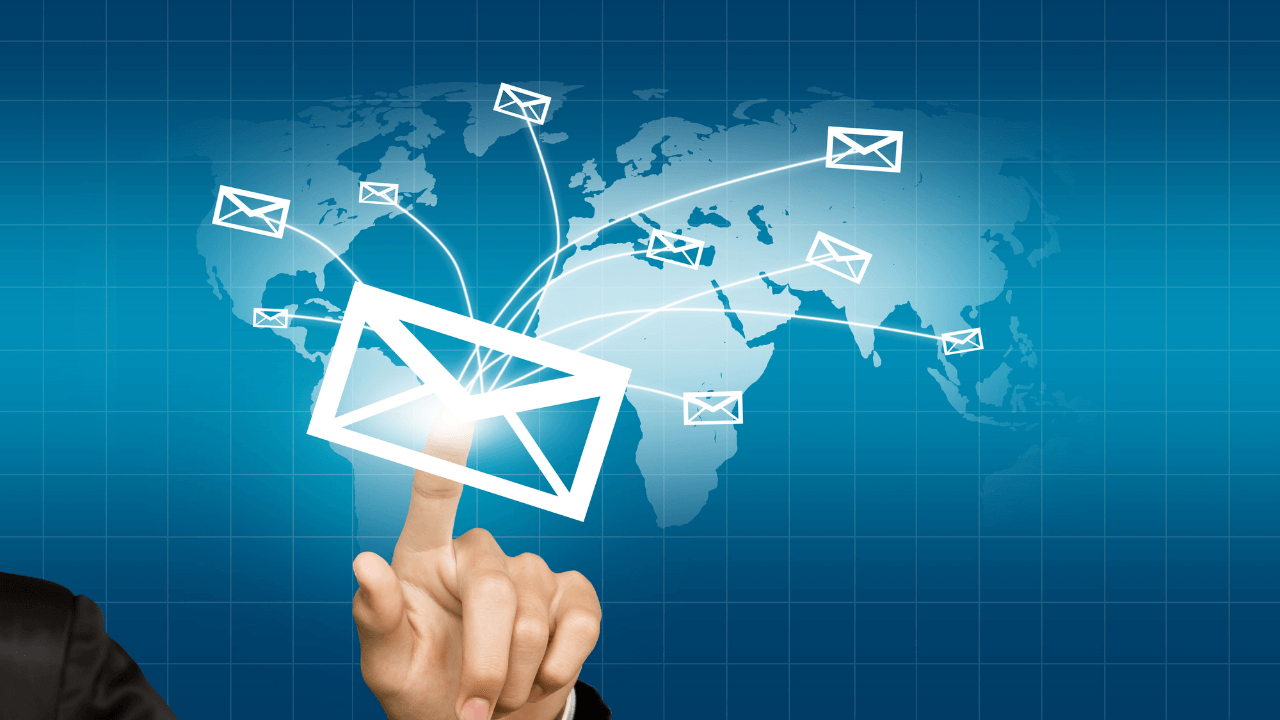
How do you reach out to a large number of leads at the same time while staying personal?
Bulk email sender software is the answer.
In this guide, we’ll break down what bulk emailing is, what functionalities it comprises, and which bulk email software is worth considering for sales outreach and marketing campaigns.
Bulk emailing simply means sending the same (or similar) email to multiple recipients at once. In sales, bulk emailing is about reaching many prospects while still keeping messages personal.
For example, if you have 200 leads to contact, you’d create one-to-one messages for each lead and personalize them with the right details (beyond the lead’s name).
In marketing, though, bulk emailing is more about one-to-many communication. The message is usually the same for everyone. This approach is common for newsletters, product announcements, or promotional offers where the goal is to share information at scale.
Bulk emailing software comes in various types and packages, and not every option will be right for you.
Below are the core features that separate a good mass email sender from the rest.
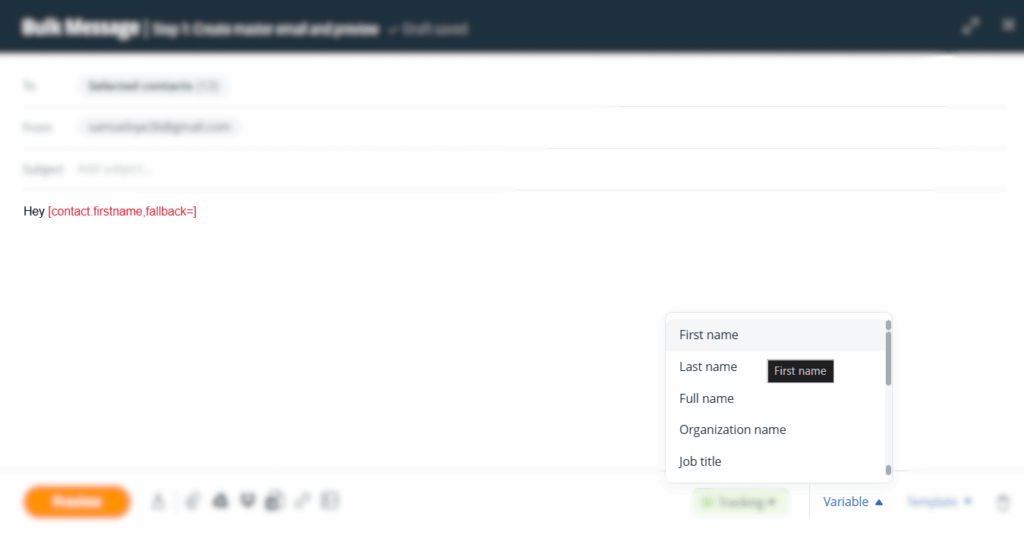
Personalization is what keeps your bulk emails from feeling like spam. A good bulk email sender lets you insert mail merge tags — placeholders like {FirstName}, {Company}, or {JobTitle} — that automatically get replaced with each recipient’s information.
Bulk email software also feature segmentation tools like filters and tags.
These allow you to group and organize leads based on criteria like industry, location, engagement level, or where they are in the sales funnel. This way, you can send targeted messages to the right people.
For instance, you want to reach out to all the leads that came in from your social media. You simply select the “Lead Source” filter and choose “Social Media”.
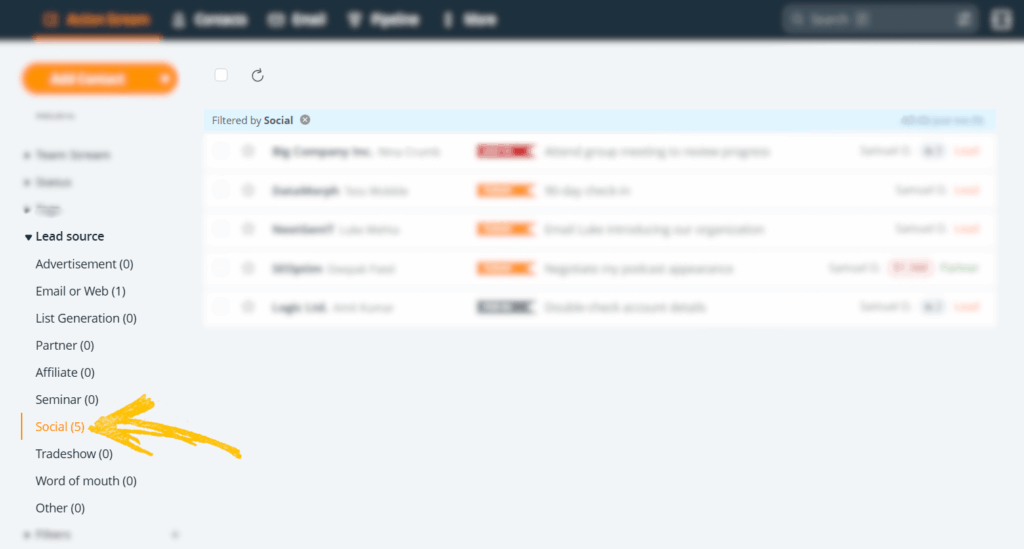
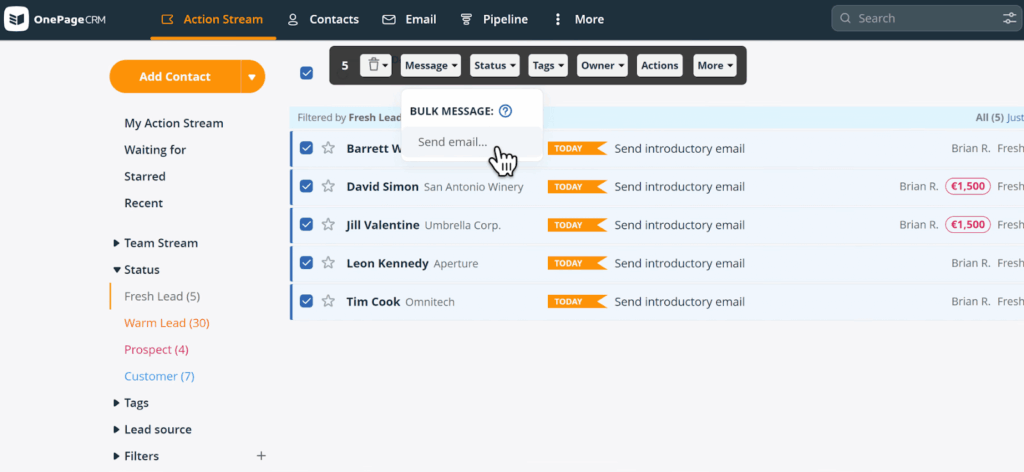
Then, select all the contacts that appear and send your bulk email.
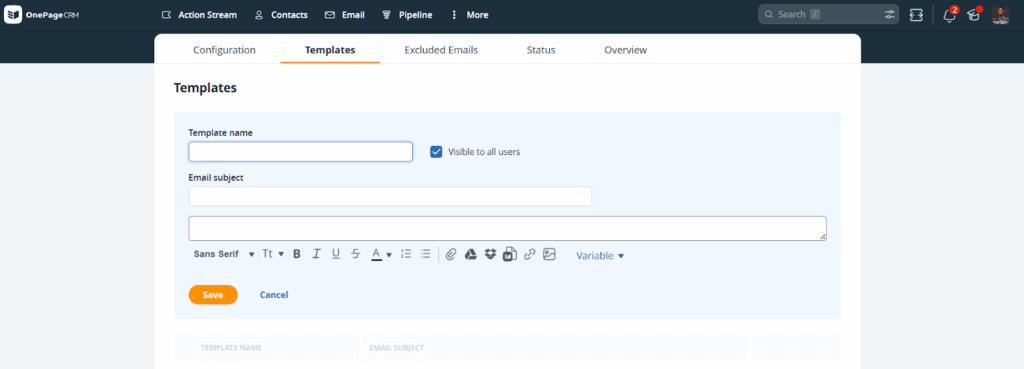
Email templates save time and keep your messaging consistent. That’s why a mass email sender should let you create, save, and reuse templates for common scenarios like follow-ups, introductions, promotional campaigns, and the like.
Email scheduling lets you write emails when it’s convenient for you, then have them sent at a later time.
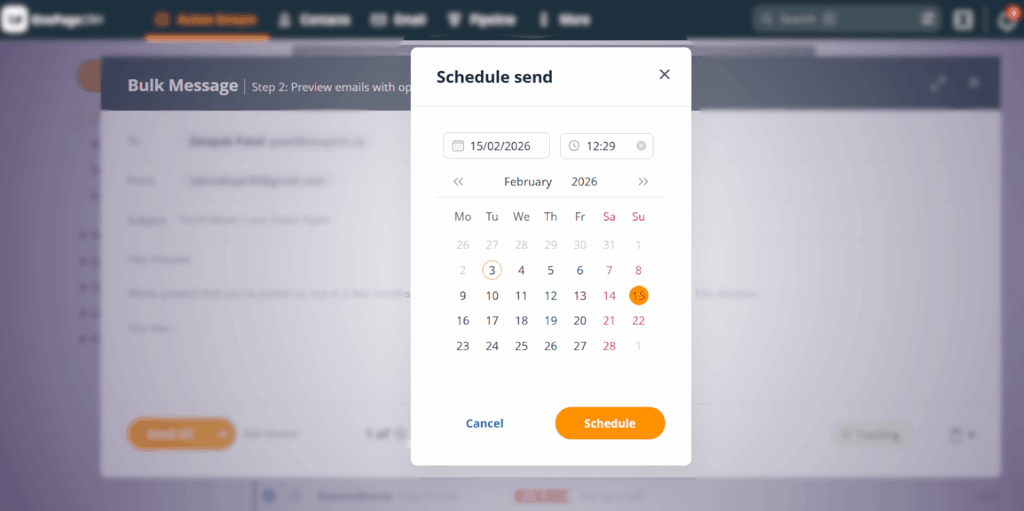
This is especially useful for follow-ups and check-ins, emails that need to land at a specific time, or when you’re reaching leads in different time zones.
Some of the best bulk email sender software also allow you to automate follow-ups depending on how recipients engage with your bulk emails.
“Engagement” here could be when they carry out actions like opening an email, clicking a link, not responding within a certain timeframe, and the like.
This keeps your outreach consistent without requiring you to manually follow up with those tens or hundreds of emails you sent out initially.
No matter how well-crafted, your emails won’t matter if they never reach the intended inbox. Deliverability features help ensure your bulk messages land in the primary inbox, not the spam folder or promotions tab.
For 100% deliverability, a proper mass email sender should send emails directly from your Gmail, Outlook, or other email account.
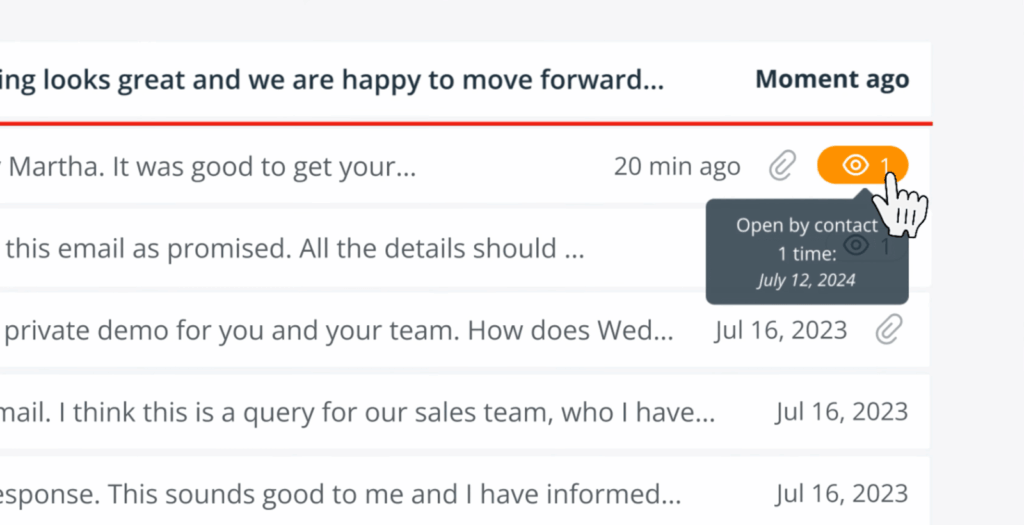
Tracking shows you what’s working and what’s not. A proper bulk email sender should track opens, clicks, and replies, then present that data in an easy-to-understand format.
This insight helps you measure how well your campaign is performing, identify engaged contacts, and adjust your strategy based on those results.
Some tools even show you how many times a lead opened your email, which allows you to gauge their interest level and find the best time to follow up.
If you’re using a CRM to manage contacts and deals, your bulk email sender should integrate with it. This keeps your data in sync when building your email lists.
With that said, the ideal setup is the type used by some of the best CRM software, where the mass email sender is built right into the CRM system, so there’s no need for external connections.
Below are six of the best bulk email software programs that you can use for personal sales outreach and full-scale marketing campaigns.
| Bulk Email Sender | Starting Price |
|---|---|
| OnePageCRM | $9.95 |
| Mailchimp | $13 |
| Instantly | $37 |
| ActiveCampaign | $15 |
| HubSpot | $15 |
| Zoho CRM | $14 |
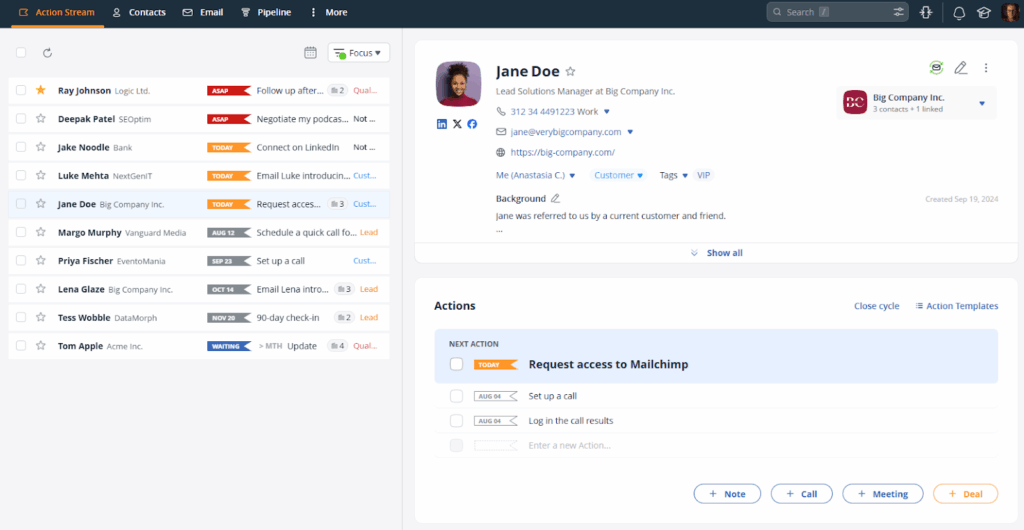
OnePageCRM is built for small businesses that rely on personal, one-to-one sales conversations. That’s why, in its bulk emailing capabilities, each email is sent individually, so it doesn’t look like a mass blast, and recipients see it coming from your actual email address.
To start, you select the contacts you want to email, choose an email template (or write a new message), and add merge tags to personalize each one with the recipient’s name, company, or other details.
Afterward, this bulk email sender prompts you to tweak individual messages before you send them. The idea is to make sure you add a personal touch to specific contacts’ messages.
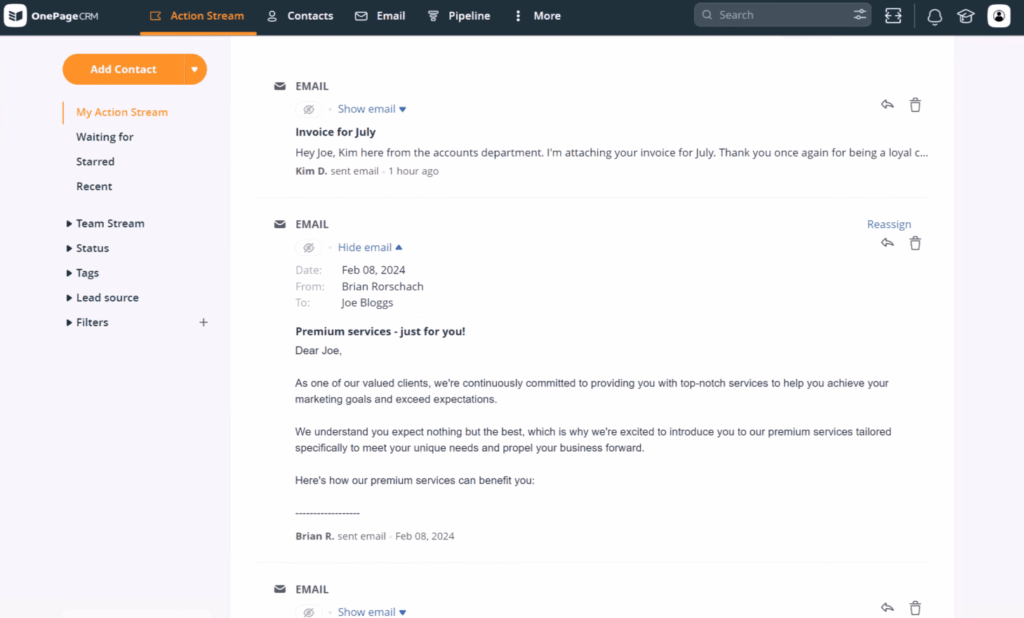
Despite how all the emails go out at once, OnePageCRM records each one as an individual message, logged within the profiles of the contacts they were sent to. You can also track when the contact opens your email, which helps you know if they’re interested and when to follow up.
Beyond sending bulk emails, OnePageCRM keeps you organized by showing you which contacts need your attention next. It does this by prompting you to add a follow-up activity to each contact, after which it arranges those follow-ups by urgency, so you always know who to email next.
That said, since OnePageCRM is only concerned with personal sales outreach, it does not include advanced large-scale marketing tools like landing pages or email design features. However, it integrates with Mailchimp to give you access to those and other CRM email marketing features.
Top Features:
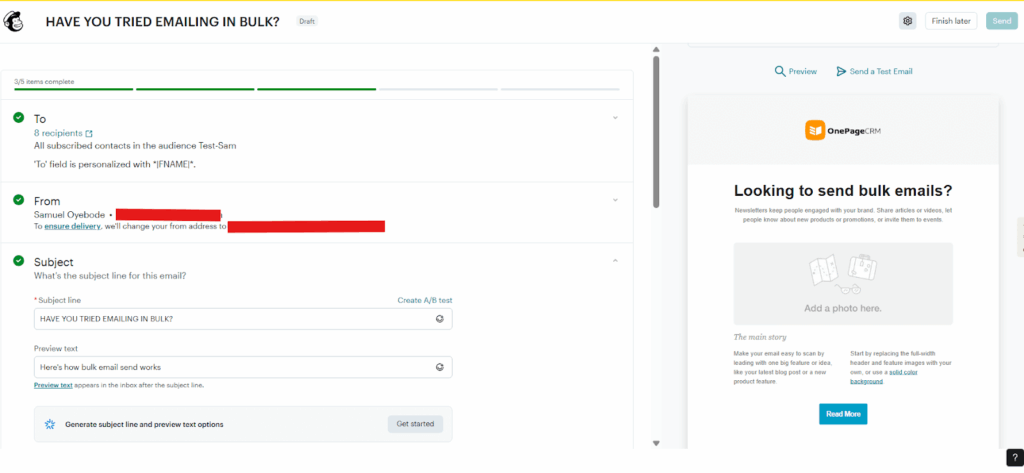
Unlike tools focused on sales outreach, Mailchimp is designed to help businesses create, send, and track large-scale campaigns like promotional emails and newsletters.
Mailchimp gives you a drag-and-drop email builder. You drag and drop text, images, buttons, and other elements into pre-built templates, customize the colors and fonts to match your brand, and send the finished email to your entire subscriber list or specific segments of it.
In Mailchimp, there are hundreds of templates and tools for creating branded newsletters, promotional emails, and automated campaigns. You can segment your audience by criteria such as location, past purchases, or engagement with your emails, then send targeted emails to each group.
That said, Mailchimp’s pricing can get expensive as your contact list grows. The free plan is limited to 500 contacts and 1,000 monthly sends, and several advanced features, such as more robust automation and segmentation capabilities, are locked behind higher-priced plans.
Top Features:
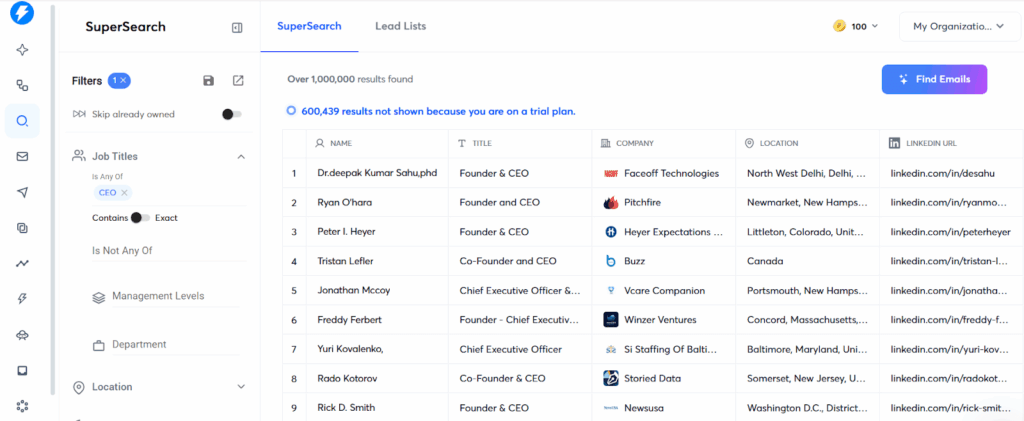
Instantly is designed for high-volume cold email outreach. It’s built for sales teams and agencies that need to send thousands of emails per month while maintaining a high level of inbox deliverability (so emails don’t end up in the spam folder).
One of Instantly’s standout features is the ability to connect with an unlimited number of email accounts. This means it spreads your sends across multiple accounts to keep each one within safe sending limits.
Instantly includes automated email warmup to gradually build the reputation of your new email accounts. Instead of blasting out your thousand emails at once, Instantly sends out and receives a few emails from other Instantly users at controlled intervals.
You can also create multi-step sequences that automatically send out mass emails over several days or weeks.
On the downside, Instantly’s pricing is split across multiple products. The base Outreach plan handles email sending, but if you want access to their lead database (called SuperSearch) or CRM features, those require separate add-on subscriptions.
Top Features:
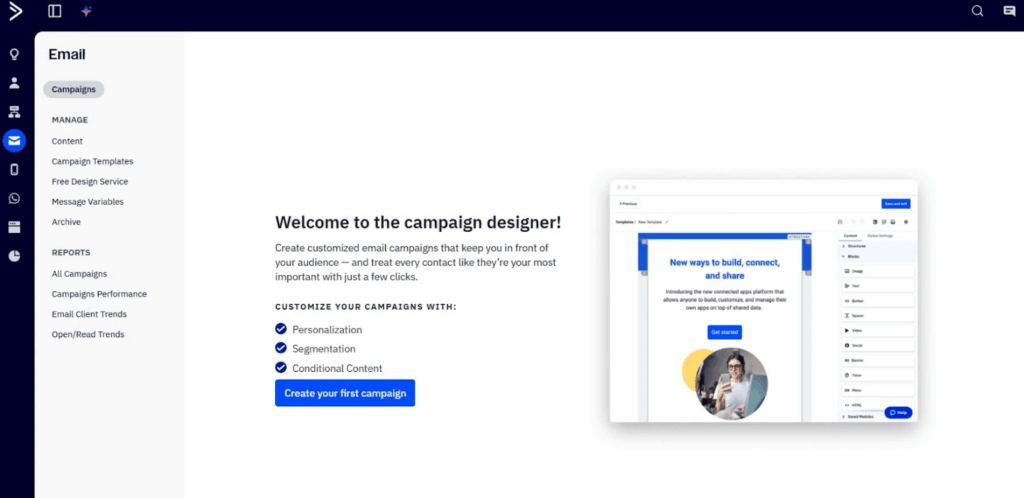
ActiveCampaign is where you go when you need to send emails in bulk and automate your outreach efforts.
As a bulk email sender, ActiveCampaign lets you send emails to your entire contact list or specific segments of it. You can personalize emails with merge tags, use pre-built templates, or create your own, and track who opens, clicks, and engages with your emails.
But where ActiveCampaign really stands out is in automation. You can create robust automation workflows that trigger based on user behavior.
The user behaviour in question can include opening an email, clicking a link, visiting a specific page, or making a purchase. And the workflows can trigger emails, SMS messages, WhatsApp messages, internal notifications, or updates to your contacts’ profiles.
However, even though ActiveCampaign lets you send 1:1 sales emails to contacts, you cannot send them in bulk.
Top Features:
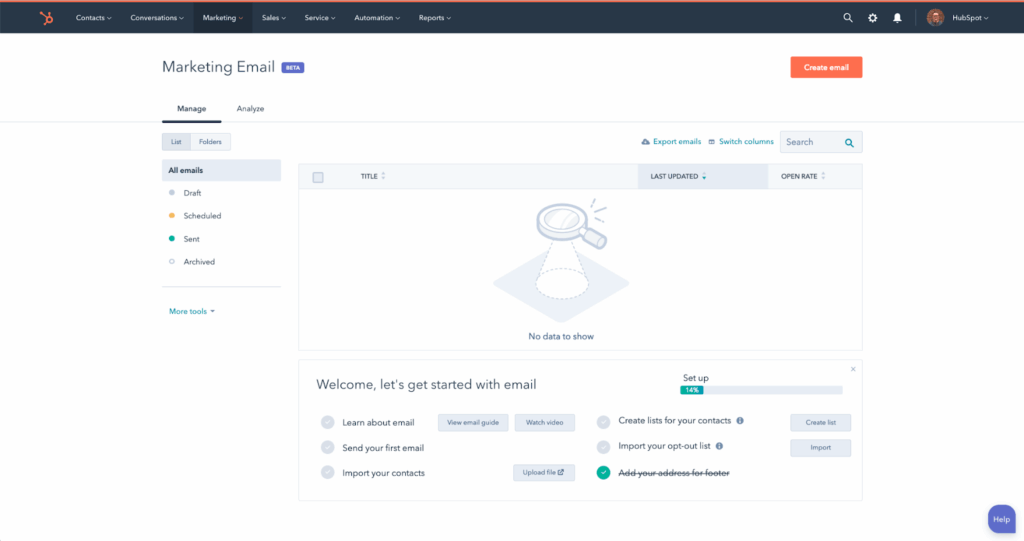
As an all-in-one platform, HubSpot includes a free CRM where you store contact information, log interactions, and track sales opportunities. From there, you can send bulk emails directly to contacts in your database.
For bulk emailing, HubSpot gives you a drag-and-drop builder to design marketing emails, the ability to segment your contact list based on criteria like industry or engagement level, and tools for personalizing emails (merge tags). You can also track opens, clicks, and replies to see how your emails perform.
On its paid plans, HubSpot adds marketing automation, which lets you set up workflows that send emails automatically based on triggers like form submissions, email opens, or the arrival of a specific date. You can also create email sequences for sales outreach, run A/B tests on subject lines and content, and access detailed reporting dashboards.
The downside with HubSpot is the complexity. The software’s interface can be overwhelming, and its functionalities can be tough to get the hang of.
Top Features:
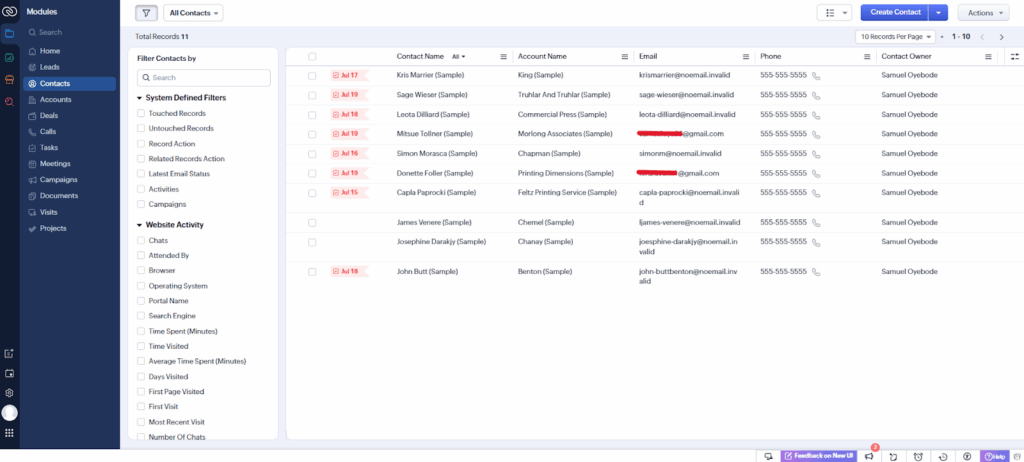
With Zoho CRM, you can send bulk emails, use email templates, and track opens and clicks. The platform also supports email sequences and automation through an integration with a separate tool called Zoho Campaigns.
Zoho Campaigns lets you set up drip sequences, run A/B tests, and send marketing newsletters to larger lists. However, this is a separate product that requires an additional subscription.
Zoho’s mass emailing feature also includes workflow automation, which automatically sends follow-up emails or schedules calls or meetings depending on how the recipient engages with your email.
However, while you can use merge tags to automatically add specific contact details to your messages, Zoho doesn’t allow you to tweak individual emails before broadcasting them en masse.
Top Features:
A bulk email sender software that works well for one business may not be the right fit for another. That’s because it depends on how you sell, who you’re emailing, and what you need the software to do.
In many cases, the smartest setup isn’t a single all-in-one platform. It’s a small stack of tools that work well together. This gives you the flexibility to pick the best bulk email sender for outreach, connect it to a CRM for managing contacts and deals, and add other tools only when you actually need them.
That’s why OnePageCRM is the right choice for many.
It comes with all the important bulk emailing features for sales outreach built in. And if you’re interested in sending bulk emails for marketing campaigns, it integrates with Mailchimp and ActiveCampaign.


More than just a writer, Samuel is a communications expert. He understands how confusing and overwhelming SaaS products can be. That's why he's spent 6+ years helping SaaS brands deliver simple, actionable content that makes their products easy to understand.