Simple deal management software
Close more sales, prioritize deals, and keep every opportunity in front of you.
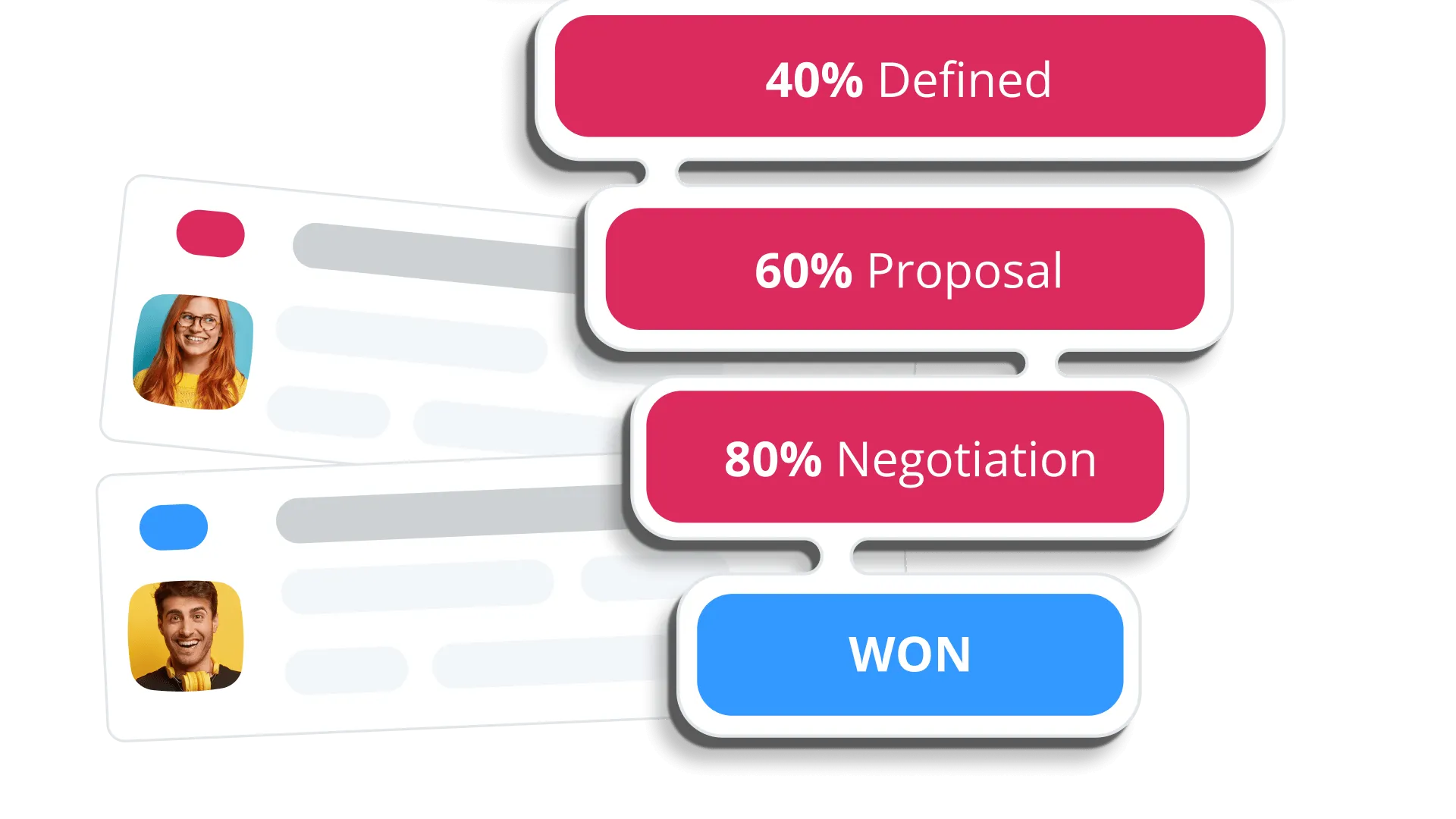

Track deals and close sales
Create new deals in a click
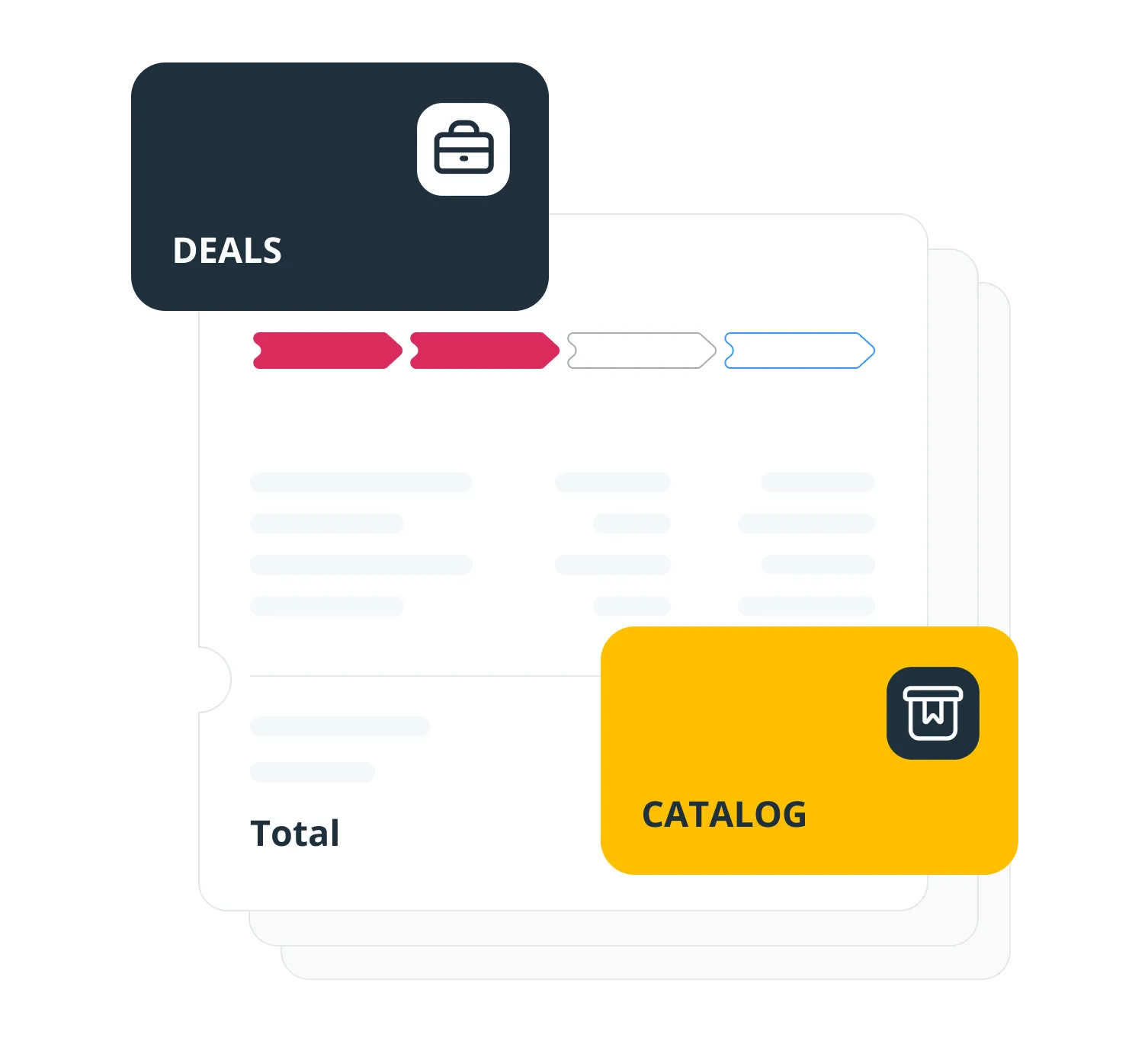
Save your products and services to a catalog, with a price and a cost next to each one.
Then build a deal by dropping the items in, or a whole bundle at once. OnePageCRM adds up the total for you.
Manage won deals as projects
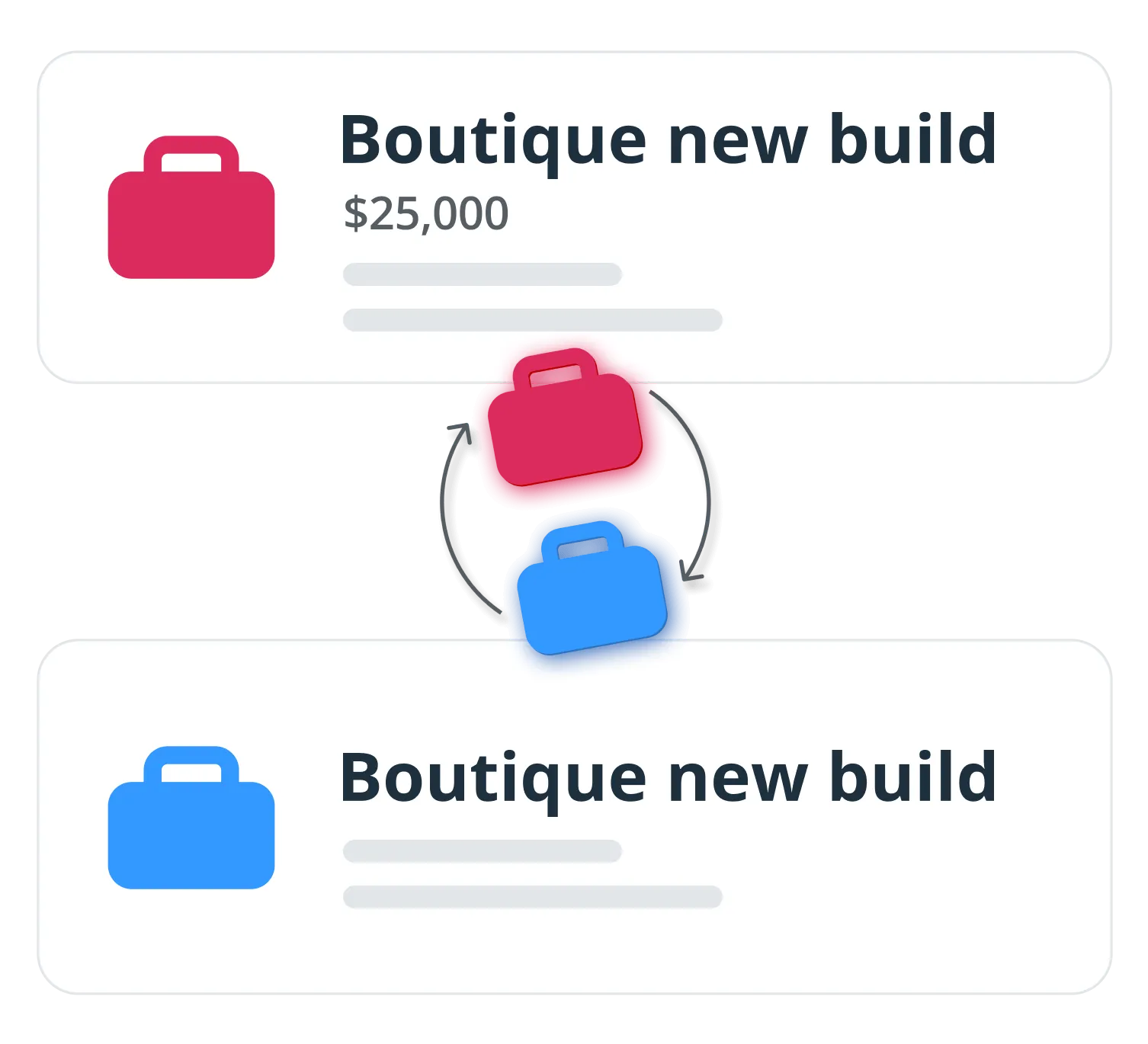
A closed sale is not the end of the work. Move a won deal into a Delivery Pipeline with its own stages.
It stays the same deal record, so its items, contact, and history come with it. Whoever does the work can see what was agreed.
Sales quotes
Generate a quote from a pending deal and send it as a ready-to-go email, priced from the catalog.
Deal custom fields
Add the fields your sales actually need, then filter and sort the Deal List on them.
Multi-month deals
Set a monthly amount and a number of months, and a recurring deal repeats itself across them.
Auto-calculations
Enter a cost and a commission, as a percentage or an amount, and the margins and totals work themselves out.
Deal stakeholders
Link everyone involved to the same deal, so a committee sale isn’t filed under one name.
Deal history
Every change to a deal is logged, newest first: amount, stage, owner, pipeline.
What others say

“OnePageCRM was so easy to use and get started. In the first two months of using it I found an increase in sales and bookings. This top CRM system gets the job done.”
Margo Crawford · Productivity Coach at Wave Productivity
“The program keeps me on track with my sales leads and communicating with my clients.”
 Roger PinedaGoogle review
“Probably the best CRM available for ease of use and, more importantly, ROI.”
 Steve ElliottOwner at Thrifty Sites
“The ability to complete, track, schedule and make sense of calls, emails and interactions makes thinking about selling more productive and profitable…”
 John KlymshynGoogle review
“…remarkable in its combination of power and simplicity.”
 Tom PressmanGoogle review
“It is clean, and easy to use. It seamlessly syncs across my laptop, tablet, and phone.”
 Justin FuglioGoogle review
“They’ve helped me keep myself organized and grow my little company into a thriving business…”
 Karen SuhakaGoogle review
“This CRM is super intuitive and exceptionally easy to use.”
 Joe LyonsGoogle review
“…this simple extremely effective CRM tool to get organized and free up your brain space.”
 Sally EltzerothGoogle review
“OnePageCRM had everything we needed, without all the bloat.”
 Jason KneppGoogle review
“This without doubt the easiest, most intuitive CRM I’ve ever used.”
 Mike ShivleyGoogle review
“It is probably the easiest CRM I’ve ever used.”
 Robert HeineyGoogle review
“OnePageCRM is just so trim and usable - it’s a breath of fresh air, without the feature bloat that plagues most programs.”
 Paul Johan StokstadGoogle review
“OnePageCRM’s uncluttered interface makes it easy to import and get started, use and update customer information.”
 Mark D.G2 review
“…everyone on our team can pick up where any of us left a conversation because of the ability to keep detailed notes in OnePageCRM.”
 Bret BicoyGoogle review
“It offers everything I was looking for to help organize my contacts and build a usable database…”
 Joseph CascianiGoogle review
The best simple CRM for deal management
21-day free trial • No credit card required • Simple setup
Frequent questions
Deal management is a set of features of any sales CRM software.
Deal management features help businesses visualize sales processes, track deals, and organize their work.
OnePageCRM offers several deal management features:
- Deal tracking through different stages.
- Drag-and-drop pipelines.
- Catalog for fast deal creation.
- Custom fields for deals.
- Forecast view for predicting sales.
- Team collaboration features.
- Integrations with other sales tools for easier deal management.
- Simple reporting with an interactive dashboard.
Using a CRM system can help you prioritize and track sales deals in a simple and intuitive interface.
In OnePageCRM, add your own fields to a deal and filter the Deal List on them, sort the Kanban board by amount, expected close date, or how long a deal has sat still, and set a follow-up reminder next to the contact so the deal keeps moving through its stages.
You can record a reason for losing a deal to win the next one. Use the dashboard to review the most common factors standing in the way of your sales success, so you can adjust your future strategy.
With OnePageCRM, you can quickly generate and send professionally looking proposals straight from your CRM.
We’ll calculate the totals and automatically insert the quote into a ready-to-send email.
A sales pipeline is a tool for visualizing your workflow. It's a Kanban board where you can map all of your deals at their current stages.
Deals are actual sales opportunities and records in your CRM software.
Yes, OnePageCRM can be used for deal tracking too.
Upload your leads and sales deals to this CRM system and manage these deals in interactive pipelines. You can customize deal stages, sort and filter deals according to prioritizes, auto-calculate deal commissions, and much more.
Sales and delivery pipelines are great for tracking deals both during the sales and post-sales processes.