Let AI do your CRM admin
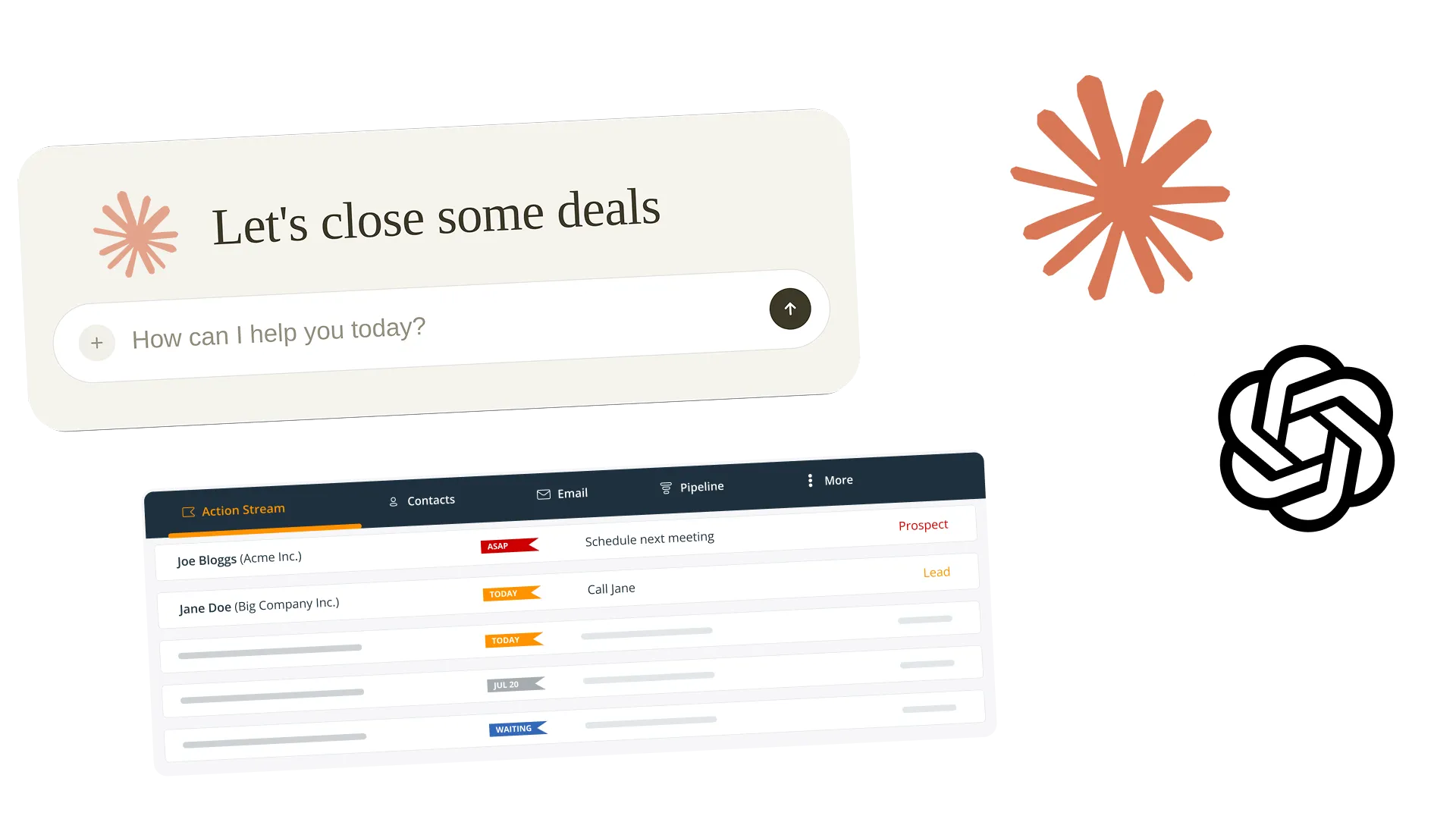
Connect OnePageCRM to ChatGPT, Claude, or whichever AI you already use, then ask it to do the typing.
 4.7 (265+ reviews)
 Google security assessed
What you can hand over to AI
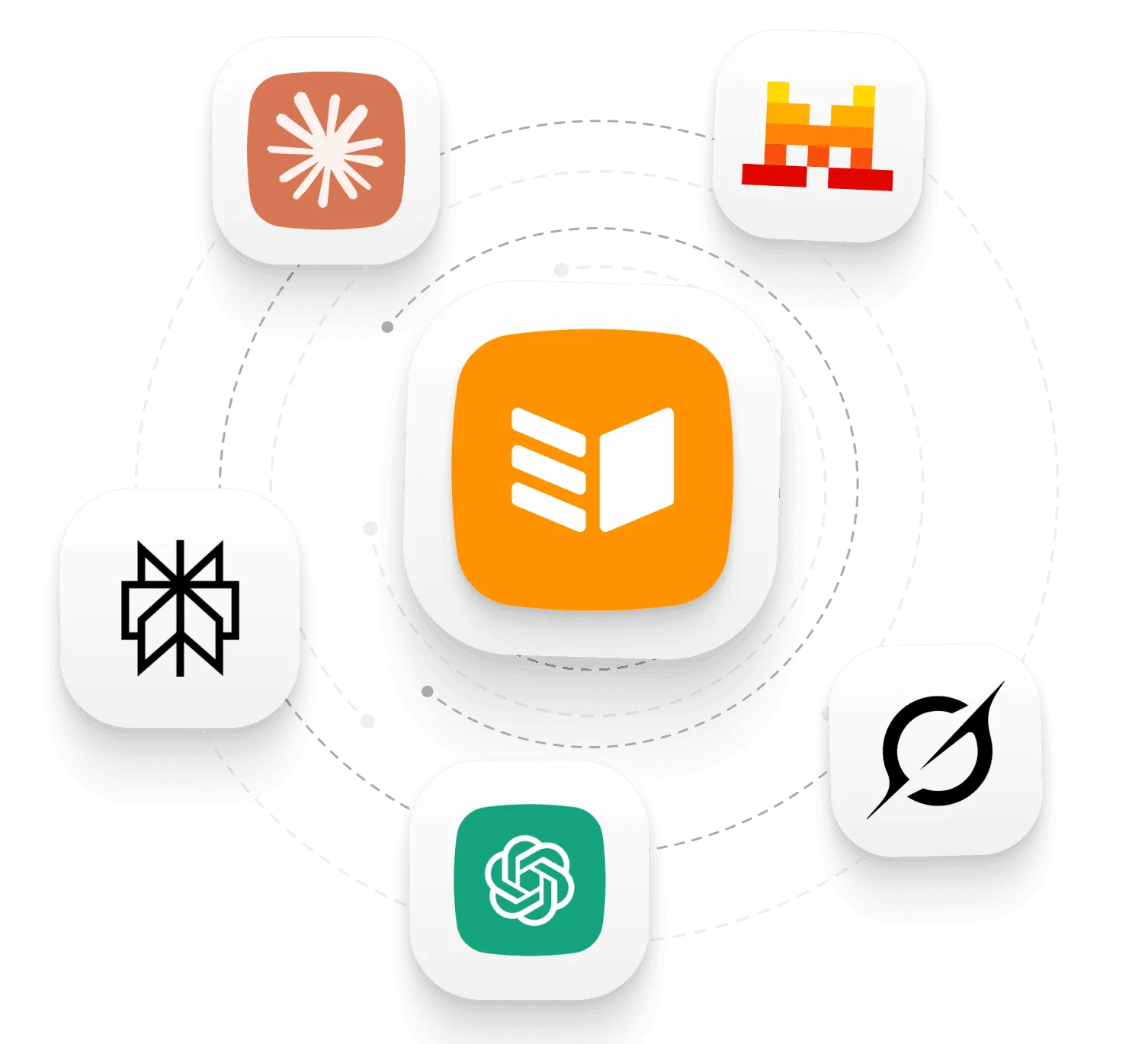
Bring your own AI
OnePageCRM connects to ChatGPT, Claude, Perplexity, Grok, and Mistral. It lets your AI read your contacts, deals, notes, and follow-ups, and update them when you ask.
Use the AI you already pay for, and switch to another later if you change your mind.
The TL;DR button
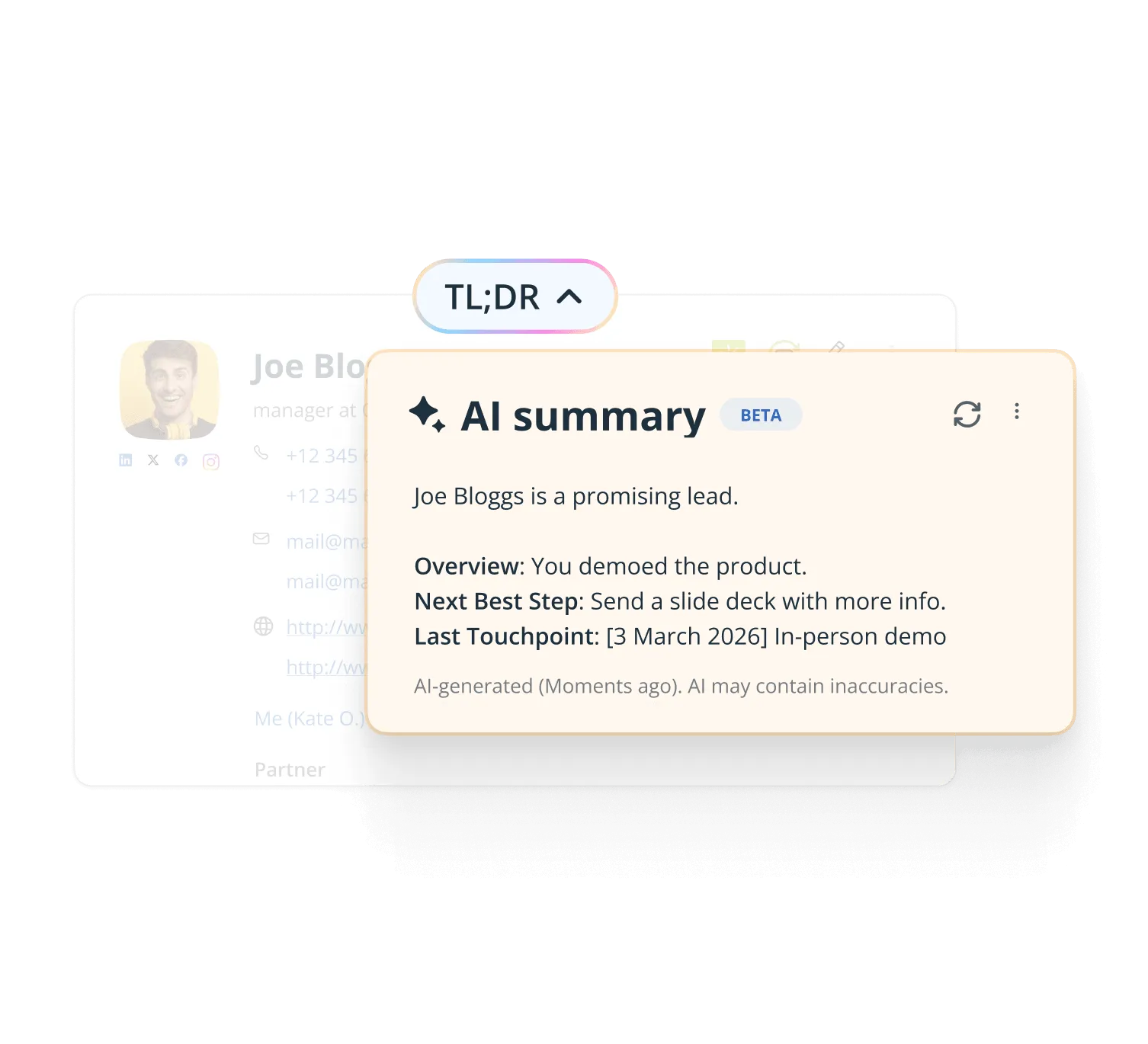
Open a contact and hit TL;DR. You get a short summary of the notes, emails, calls, and deals on that person, plus the next best step to take.
This one is built into OnePageCRM.
Call transcripts
Paste in the transcript and ask AI to pull out the action items and set them as Next Actions.
Email drafts
Give AI a few of your own emails to learn from, then ask for a follow-up that sounds like you.
Imports
Hand a messy trade show spreadsheet over to AI and ask it to tidy it up and create the contacts.
Research
Ask AI to find the decision makers at a company, add each one, and save what it learned as a note.
Call preps
Ask AI for a quick brief before you ring someone. Past notes, open deals, and anything new about them.
Zero data entry
Tell AI you had the call, and it logs the call, moves the deal, and sets your reminder for Friday.
What others say

“OnePageCRM’s orientation to focusing on the next step in the sales process is brilliant. It simplifies what we often over-complicate and lets me focus on what’s most important.”
Jeff Adelung · Senior Director at MJ Recruiting.net.
“…everyone on our team can pick up where any of us left a conversation because of the ability to keep detailed notes in OnePageCRM.”
 Bret BicoyGoogle review
“…If my team haven’t logged in a note or a call with a client, I consider it to not have happened…”
 Ciara CrossanFounder and CEO at Wedding Dates
“This without doubt the easiest, most intuitive CRM I’ve ever used.”
 Mike ShivleyGoogle review
“OnePageCRM stands above many others due to ease of use, value, short learning curve…”
 Bill GluthGoogle review
“They’ve helped me keep myself organized and grow my little company into a thriving business…”
 Karen SuhakaGoogle review
“…for its dedicated purpose, it’s perfect without a lot of bloat.”
 Melody JacksonGoogle review
“OnePageCRM was so easy to use and get started.”
 Margo CrawfordProductivity Coach at Wave Productivity
“It offers everything I was looking for to help organize my contacts and build a usable database…”
 Joseph CascianiGoogle review
“OnePageCRM is like having an assistant I don’t have that gets our sales on a priority list, reminds me of what I need to do daily…”
 Geoff FlynnCreative and Operations Director at Brand Blue
“It is probably the easiest CRM I’ve ever used.”
 Robert HeineyGoogle review
“…nothing can come close to its compact and client-centric way of data presentation!”
 Magiting MagatGoogle review
“This CRM is super intuitive and exceptionally easy to use.”
 Joe LyonsGoogle review
“…the best balance of cost and functionality goes to OnePageCRM.”
 Ross GolenGoogle review
“The ability to complete, track, schedule and make sense of calls, emails and interactions makes thinking about selling more productive and profitable…”
 John KlymshynGoogle review
“I particularly like the full Outlook email integration, especially the open tracking feature.”
 Phil KGoogle review
Frequent questions
MCP stands for Model Context Protocol, and it's a secure way to let an AI tool work with another app. OnePageCRM runs one, so an AI agent can look things up in your CRM and make changes when you ask it to.
You set it up once, in your AI tool. After that you just talk to the AI as normal.
ChatGPT, Claude, Perplexity, Grok, and Mistral, plus anything else that supports MCP.
In ChatGPT and Claude, OnePageCRM is listed in the connector directory, so you turn it on there.
No. This works on every OnePageCRM plan, and on the free trial.
That is your choice when you connect. You can give it read-only access, or let it read and update.
Whatever you pick, you can see what it did. Changes show up on your contacts and deals like any other edit, so you can check them.
It sits at the top of a contact and gives you a short summary of everything on that person. Notes, emails, calls, deals, and what to do next.
It is part of OnePageCRM rather than something you connect, and it's available on every plan.