Marketplace

Lead Clipper

Lead Clipper is OnePageCRM's own browser extension, free with every account. It runs in Chrome and Microsoft Edge.

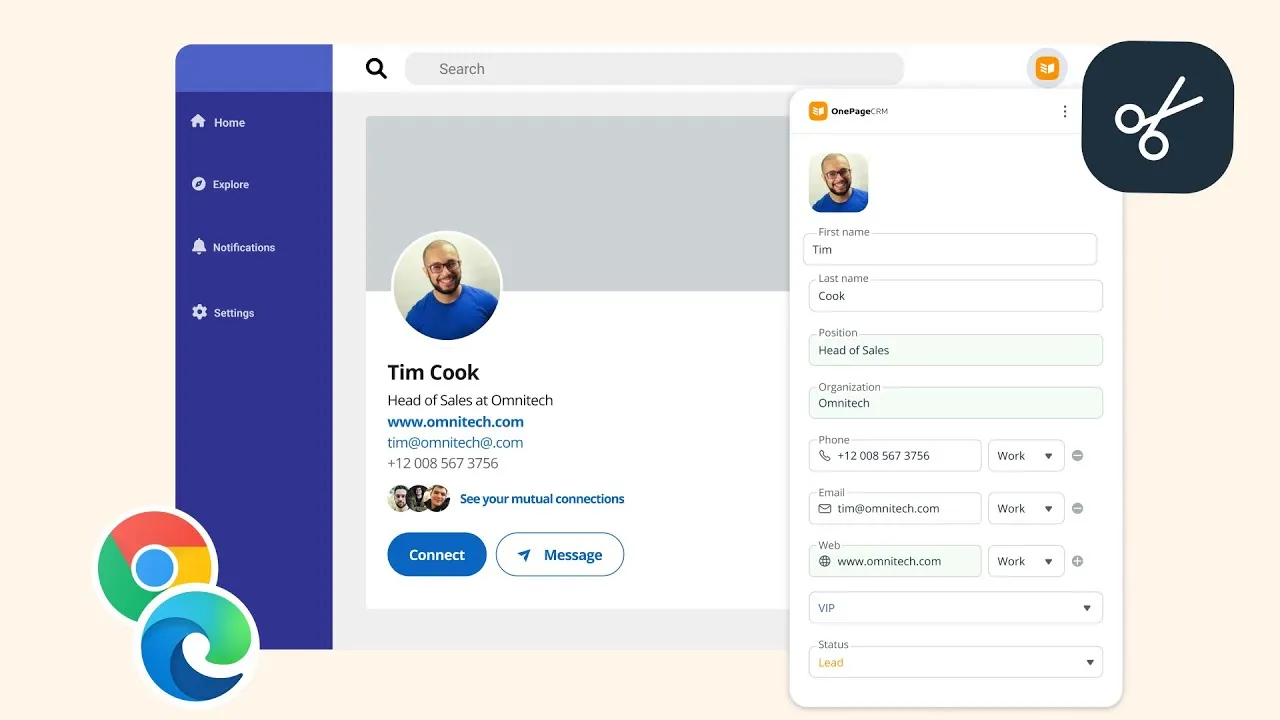
Click it on a web page, and it captures the contact details in front of you and creates a contact in your CRM. A lead you found online is in OnePageCRM in a few seconds.

Need to set it up? See our Help Docs.

Capture leads from any webpage

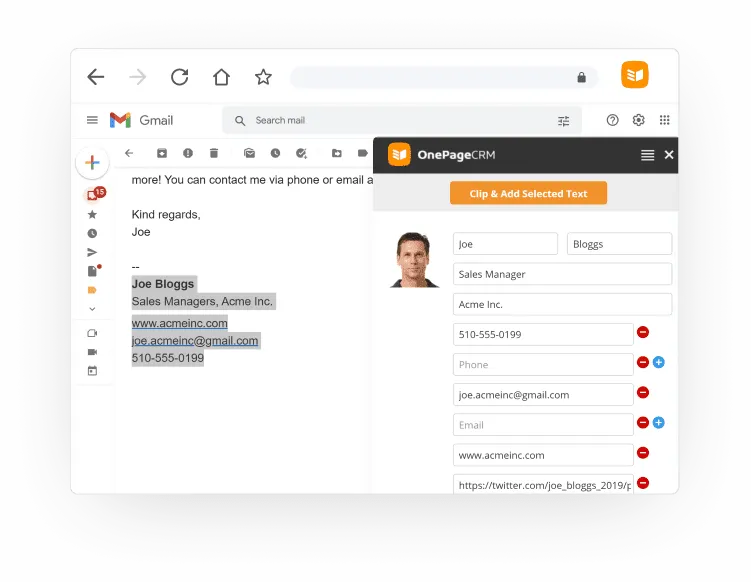
On a social media profile, click the extension and it reads the contact's details into your CRM. On any other page, select the text with the details and Lead Clipper does the rest.

Whatever is public gets captured:

  • Name, job title, and organization
  • Phone numbers and email addresses
  • Profile picture
  • Social media links and website URLs
The Lead Clipper panel in a browser, capturing a contact’s details from an email signature.

Always know your next step

Before you save a clipped contact, set a Next Action for them right in the extension, so every new lead arrives with a follow-up.

You can use it on existing contacts too. Click the extension while viewing someone who's in your CRM, and you'll see their details and your Next Action for them. And when a timed Next Action comes due, Lead Clipper sends you a desktop notification.

More on Next Actions

Watch video overview

CRM Lead Capture: How to Clip Leads from LinkedIn, Email, and Web Pages2:07

Questions

Yes. It comes free with every OnePageCRM account, on every plan and the trial.

Chrome and Microsoft Edge. You install it from the Chrome Web Store or from Microsoft Edge Add-ons, and both versions work the same way.

Lead Clipper enriches a new contact with publicly available data, through the FullContact integration. If a detail is out there, like a job title or a company website, it gets added for you.

Yes, but you need to create a OnePageCRM password first, since the extension signs in with one. The setup guide links to how.