How to Use Notion as a CRM (+Free Notion CRM Template)
Samuel Oyebode
January 22, 2026
17 min read



Are you feeling overwhelmed with the sheer number of names on your contact list?
You need a proper contacts app. And no, I’m not talking about that glorified phonebook that all our mobile devices naturally come equipped with.
I’m referring to a contact manager, which not only houses your contacts but also organizes them and helps you build relationships with them.
I tested 12 contact apps and singled out the 6 best ones for managing personal and business contacts.
A contacts app or a contact manager does exactly what the name suggests. It is an app that helps you store, organize, and manage contacts.
The most basic contacts apps function like a digital address book. They let you store info like names, contact numbers, emails, and other details.
The best contacts apps (like OnePageCRM), though, offer more than that.
They let you log notes from conversations, set reminders to follow up, track your communication history, and organize your contacts into groups. These features are especially useful for networking or building relationships with business contacts.
One of OnePageCRM’s main functionalities is its contact manager.
The mobile app is available on both Android and iOS, and it allows you access to a host of relationship-building perks.
The biggest problem with having too many contacts is that you’ll often forget to follow up with them. This doesn’t happen with OnePageCRM, though.
OnePageCRM’s contact manager allows you to add a follow-up task—whether that’s a call, email, meeting, etc—to your contacts.
It also lets you add due dates for each task and arranges the contacts in a color-coded list:
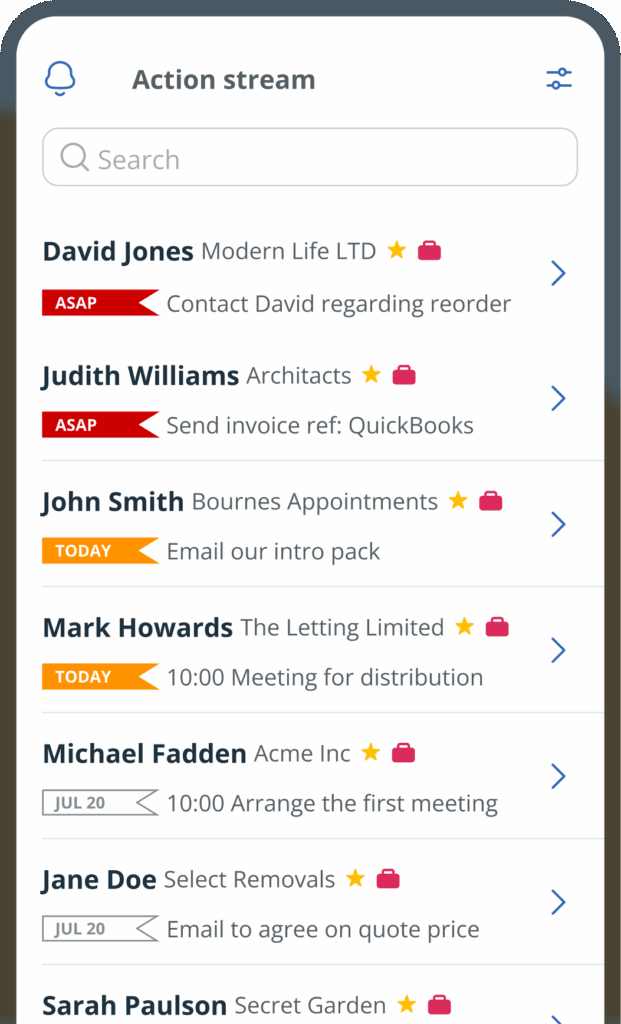
And after completing a follow-up activity, the contact manager further prompts you to set the next action.
Staying in touch with contacts is simple with OnePageCRM.
From any contact’s profile, you can send an SMS with a single click. Your default messaging app opens automatically, ready for you to type and send the message.
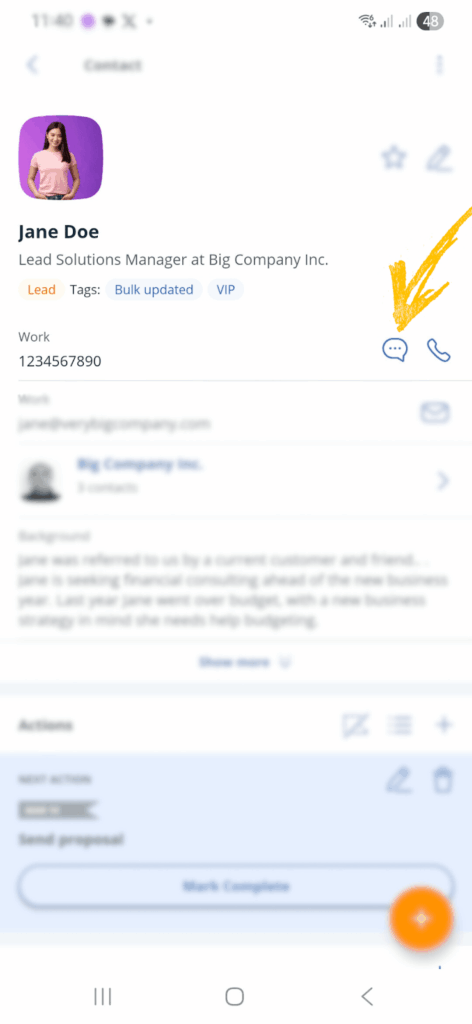
Calling contacts is just as easy as sending a text in OnePageCRM. You can start a call directly from the app with a single click, and the number is automatically placed into your dialer.
After the call, OnePageCRM prompts you to add a call note with the outcome.
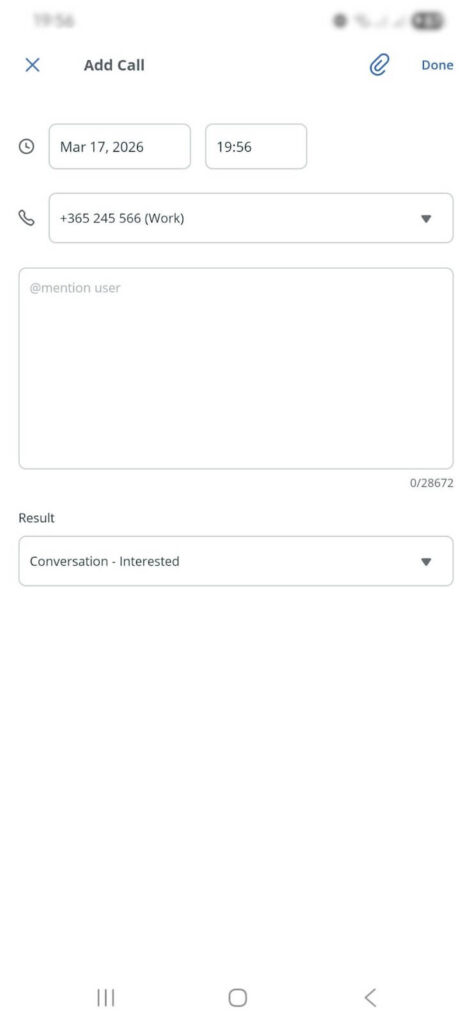
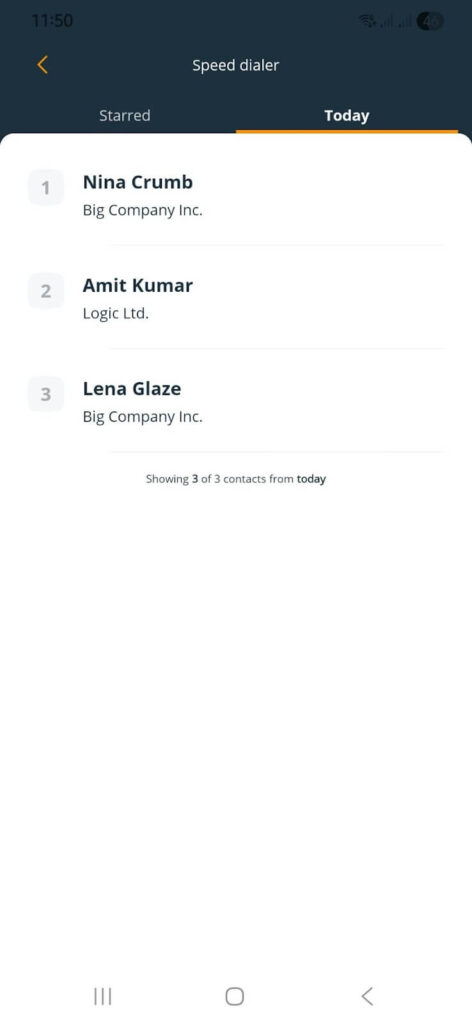
OnePageCRM also includes a sales dialer (or power dialer) that speeds up calling.
Following up works best when you remember what was said last time and can build on it. That’s where taking notes comes in.
OnePageCRM makes this super convenient by letting you record a voice-to-text note.
Most business communication requires documents. These could be proposals, presentations, contracts, or even random documents.
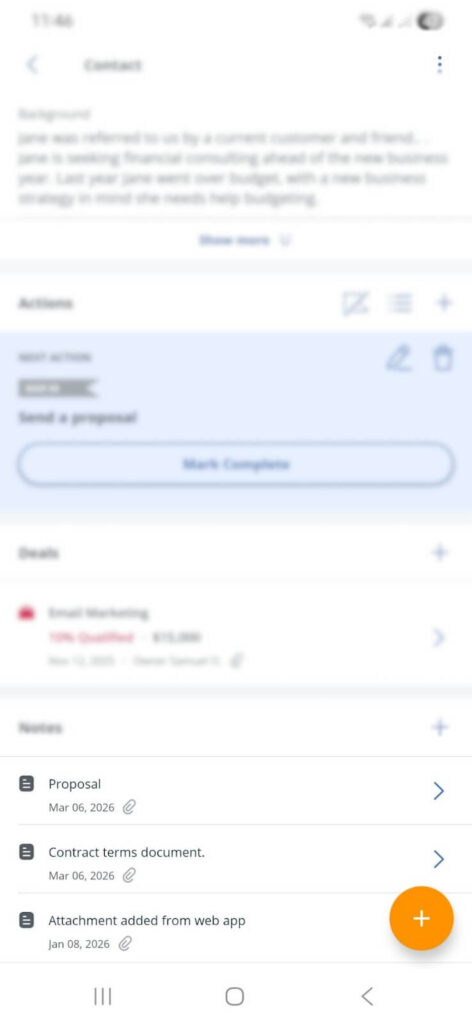
OnePageCRM lets you attach these files directly to contacts’ profiles, so they’re in one place.
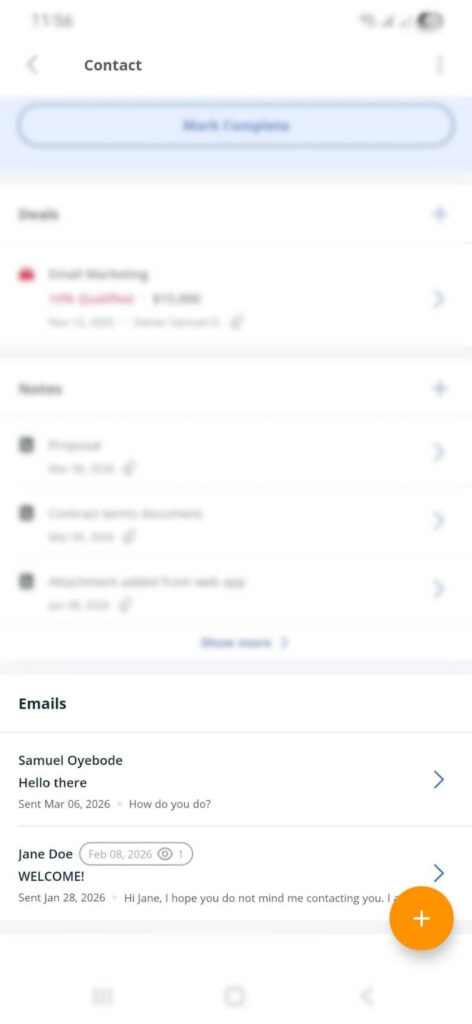
More than a contacts app, OnePageCRM doubles as your emailing tool. It connects to your email account, allowing you to send and receive emails.
Moreover, every email is recorded in the appropriate contact’s profile.
OnePageCRM covers all the essentials you’d expect from a solid contact manager app. You can edit contact details, merge duplicates, update statuses, and segment contacts.
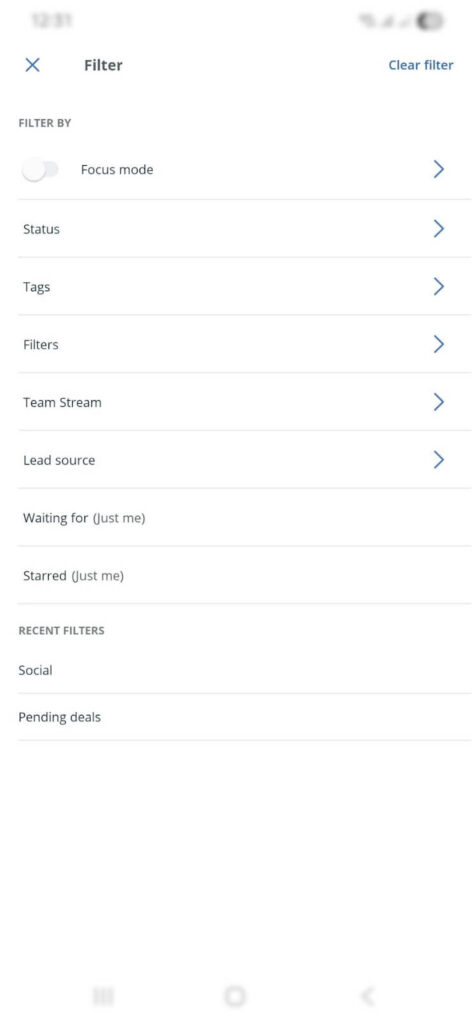
Staying on top of important dates can make a big difference in how you manage relationships. Birthdays, contract renewals, client anniversaries, and other yearly milestones are easy to forget when you have work to do and bills to pay.
OnePageCRM lets you set up annual events for your contacts and sends you email reminders on those days.
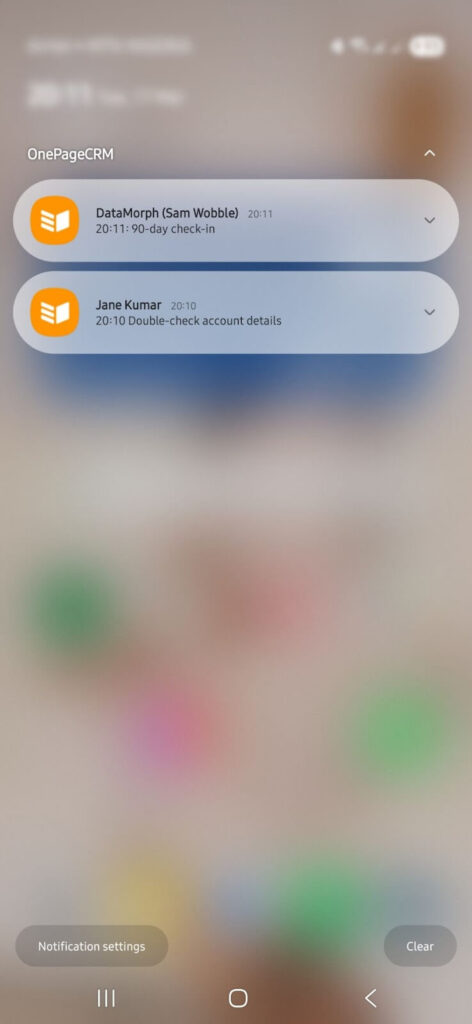
Part of OnePageCRM’s follow-up system is its daily push notifications. Each day, the app sends a reminder to your device, showing which follow-up tasks are due, and prompting you to take action.
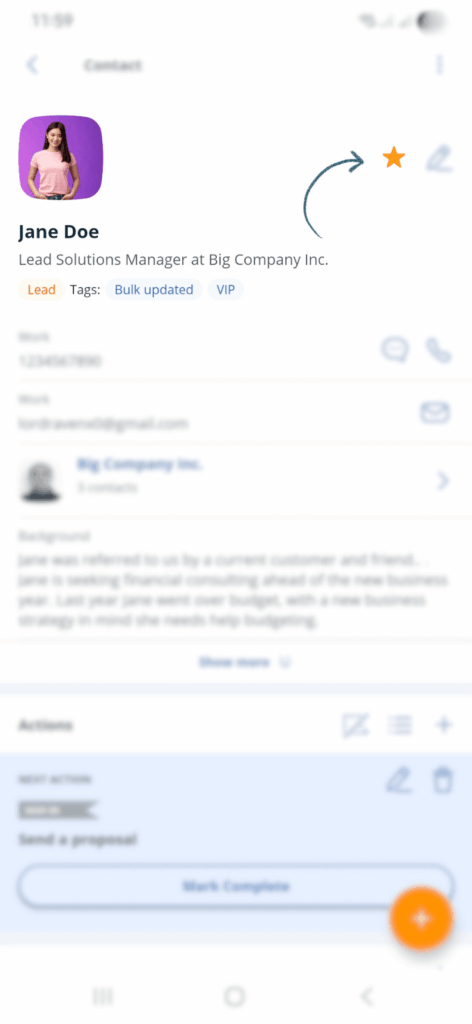
OnePageCRM lets you star important contacts so you can find them quickly and keep them top of mind.
Whether it’s key clients, hot leads, or long-term partners, starring a contact makes them easier to spot and access.
If you already have contacts stored in your Android Contacts app, Apple Contacts, or Google Contacts, OnePageCRM makes it easy to import them.
That way, you won’t have to build your contact list from scratch and use OnePageCRM to turn those contacts into real sales opportunities.
Using OnePageCRM as your contacts app or contact manager allows you to enjoy a number of perks. These benefits are explained below.
If you have a long list of contacts, finding the right person at the right time can be a headache.
OnePageCRM solves this problem through segmentation.
Want to see all contacts in a specific industry? Filter by tag. Need to pull up everyone you brought in from social media? There’s a filter for that, too. And if needed, you can build custom ones.
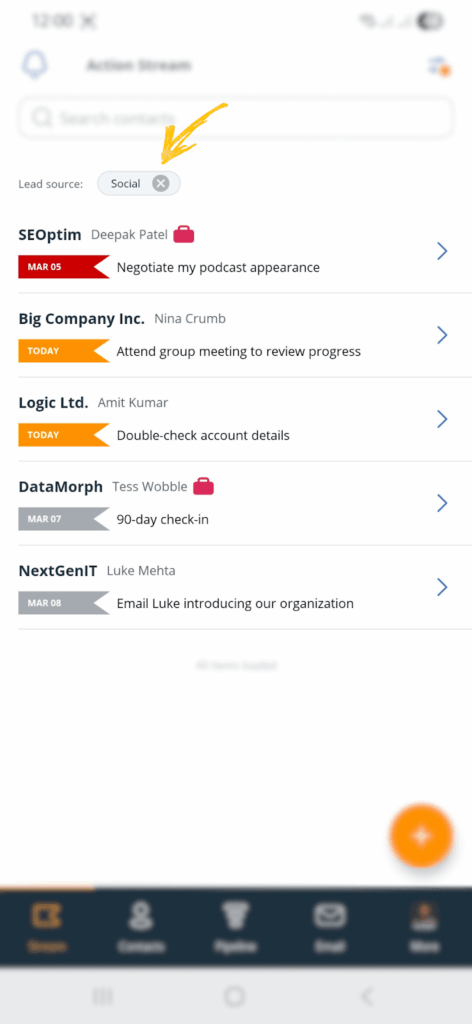
Most contact apps arrange your contacts alphabetically. The problem is, an alphabetical contact list isn’t particularly helpful when you’re trying to figure out who needs your attention.
OnePageCRM lists your contacts according to how urgently you need to interact with each one.
OnePageCRM stores all your contacts on the cloud.
You’ll never have to worry about contact loss. Your contact data is always up to date across all your connected devices (your phone, tablet, and desktop).
For instance, if you update a contact on your laptop, the changes reflect on your phone, and vice versa.
Here are some of the best contact manager apps you’ll find on the market today.
| Contact app | Starting price |
|---|---|
| OnePageCRM | $9.95 |
| Google Contacts | Free |
| Apple Contacts | Free |
| Contacts+ | Free → $9.99 |
| Covve | Free → $9.99 |
Let’s get right into it.
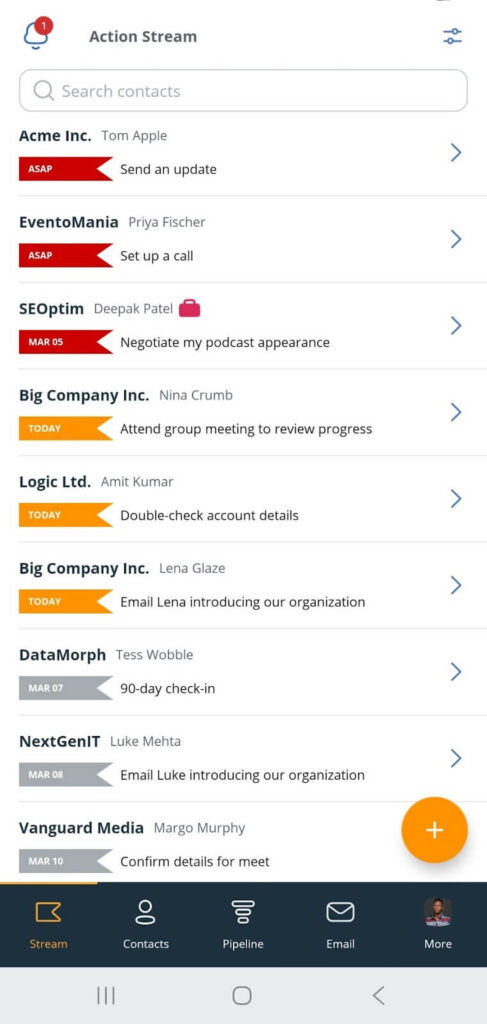
OnePageCRM’s goal is to help small businesses and professionals build relationships with their contacts.
The app prompts you to interact with said contacts. It reminds you to add a follow-up task to every contact, whether it’s a call, email, meeting, or other activity.
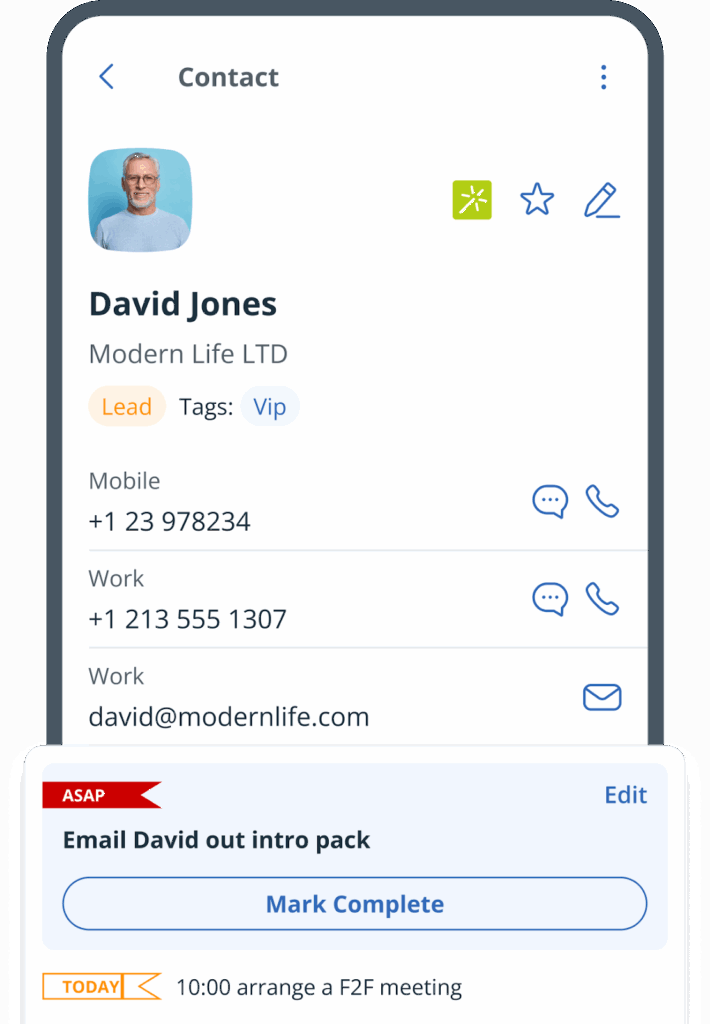
Afterward, the app arranges your contacts according to how urgent their follow-ups are. And to make sure you follow through, it automatically color-codes and brings due tasks to the top of your contact list, so you couldn’t possibly miss them. It even sends reminders to your email inbox.
Beyond that, you can send emails, send texts, make calls, record voice notes, attach files, and log every interaction you make with a contact.
What’s more? OnePageCRM integrates with Covve to let you pull contact data from business cards, and FullContact to help you fill in missing contact details.
And since it’s available on both Android and iOS, your contact manager goes wherever your business does and syncs across your devices automatically.
Top Features:
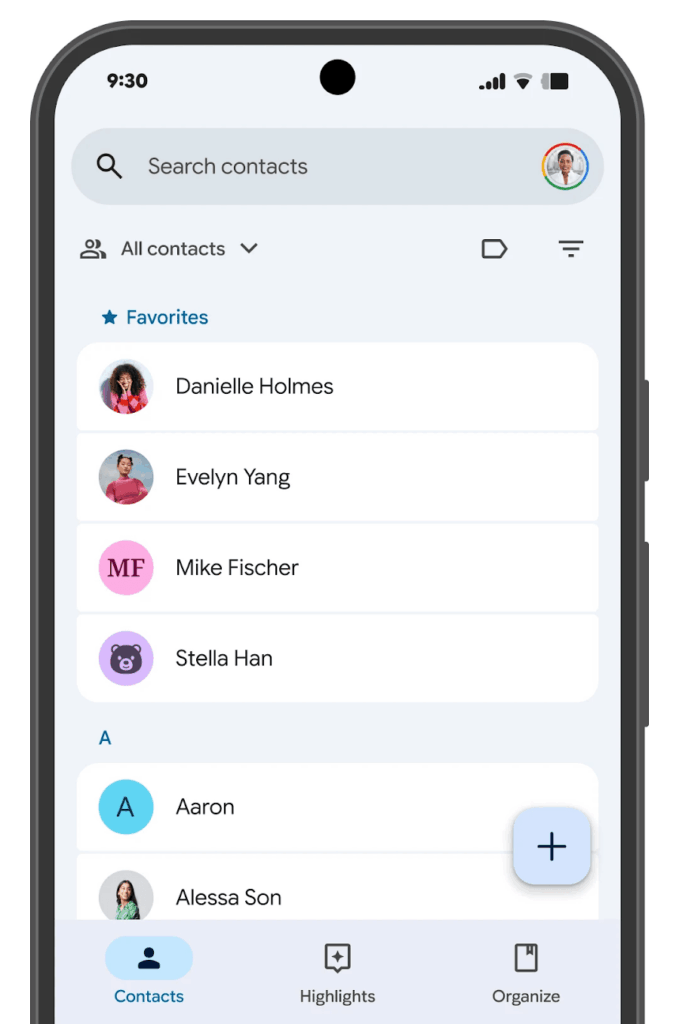
Bundled with your Google account, Google Contacts stores everyone you’ve ever emailed and then makes their details available when you need them.
As a contacts app, Google Contacts lets you store names, numbers, email addresses, and notes. You can also label contacts to group them together, search quickly, and merge duplicates.
It syncs with Gmail, Google Calendar, and other Google tools, making it convenient for day-to-day use, especially if you’re already working in that ecosystem.
That said, Google Contacts is still fundamentally an address book. So, although it holds contact information, it doesn’t help you do anything with it. It doesn’t automatically prompt you to reach out. Neither does it have a system to tell you who you haven’t spoken to in a while.
This is fine for personal contacts, but for managing business relationships, you’ll likely find yourself wanting a better contact manager really quickly.
Top Features:
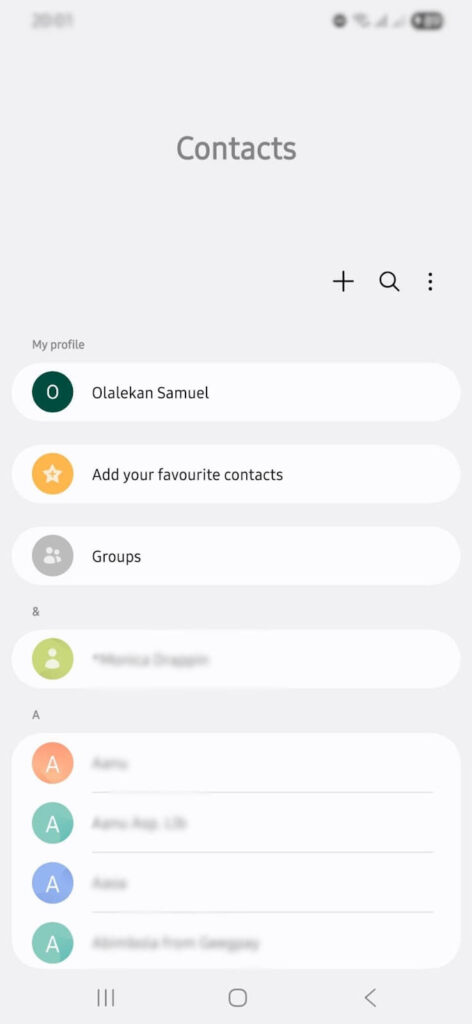
The default Contacts app on Android is a digital phonebook. It comes pre-installed, syncs with your Google account, and makes it easy to store and find the people you call and text most.
As a contacts app, it covers the basics quite well. It lets you store names, numbers, emails, photos, and notes. It even lets you link contacts to their websites and merge duplicate records.
But just like Google Contacts, it’s a mere contact storage tool.
It’s often all most people need for personal use, but not for business.
Top Features:
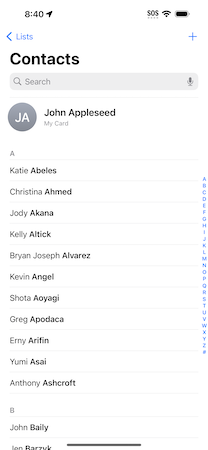
Apple Contacts comes built into every iPhone, iPad, and Mac. It syncs across all your Apple devices via iCloud and integrates with other Apple apps like FaceTime, Messages, and Mail.
Apple Contacts handles basic contact management well. You can store contact details, add notes, set birthdays, and group contacts into lists. And if your hands are busy, you can ask Siri, the built-in assistant, to make calls or update contacts on your behalf.
That said, Apple Contacts is not ideal for managing business contacts. It does not compel you to keep relationships warm. Neither does it keep a log of your past interactions with the contacts.
Top Features:
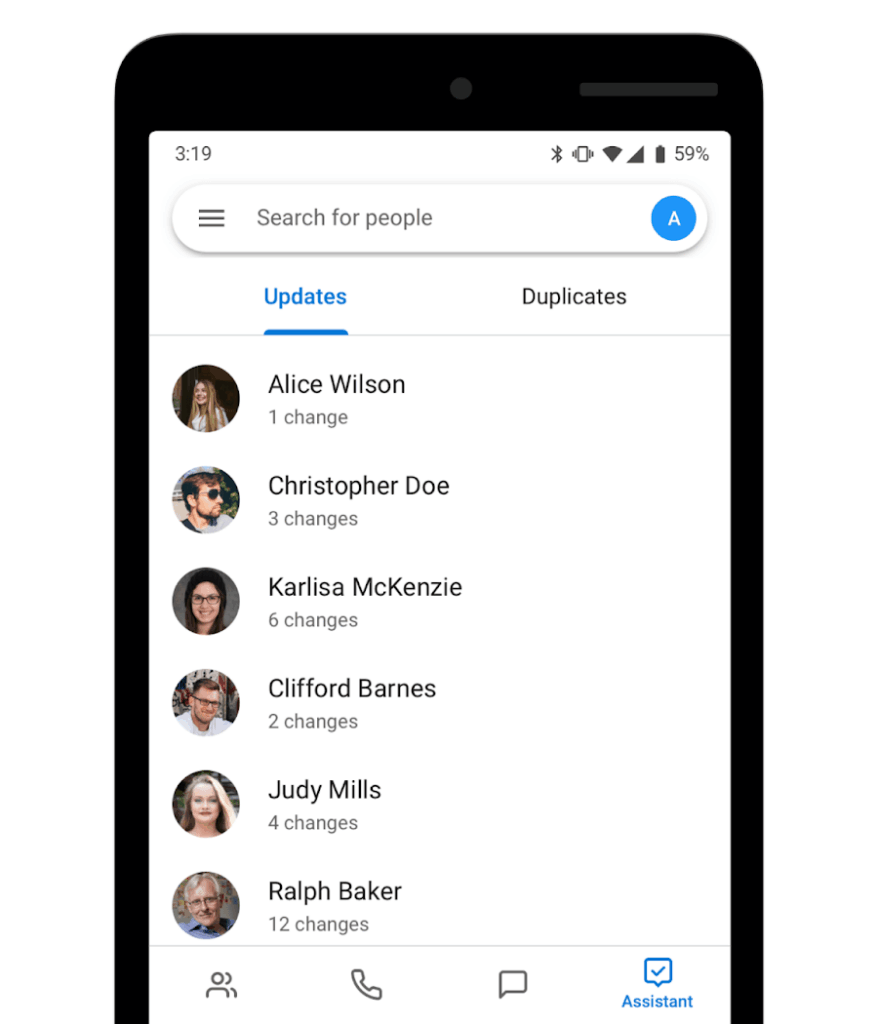
Contacts+ is designed for folks who have contacts scattered in various places. This app syncs contacts from your phone, your Google account, iCloud, and other platforms into a single unified list.
If there are duplicates, Contacts+ removes or merges them. And if you need more data for a contact, this app offers enrichment in the form of pictures, social media, email address, and even company info.
Contacts+ is more like a tool for contact hygiene.
But if you need help managing your business relationships or following up with people, Contacts+ is not the way.
Top Features:
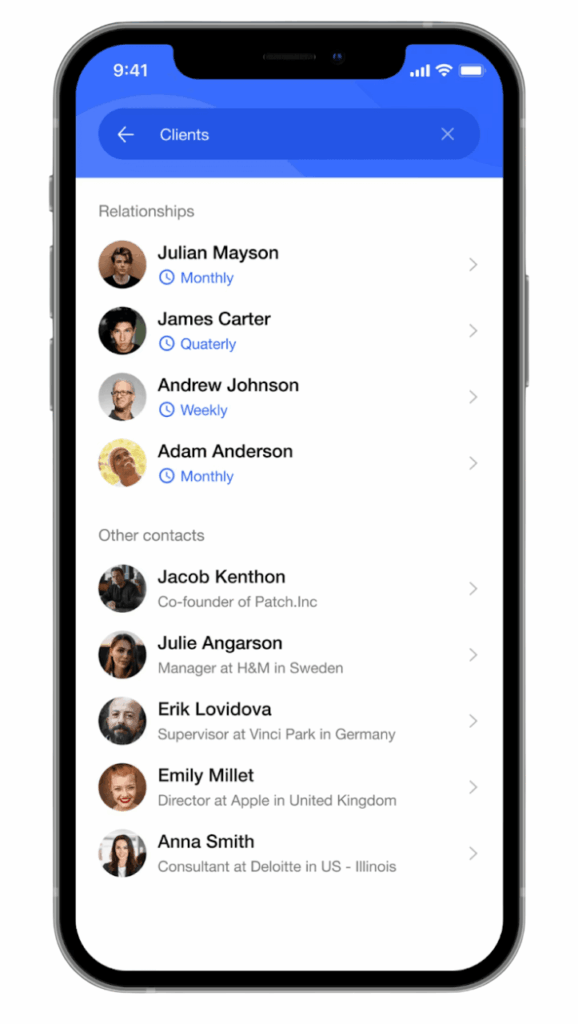
Covve is built for people who do a lot of networking. Its signature feature is a business card scanner that turns a physical card into a digital contact.
Covve also lets you add notes and tags to your contacts. You can also set relationship reminders and even get news alerts about your contacts’ companies. That way, you always have something relevant to say when you reach out to them.
Despite its business-related applications, Covve isn’t exactly suited for managing sales.
That’s why it works with tools like OnePageCRM (for no extra charge). Scan a card in Covve, and it shows up in your OnePageCRM account, ready for you to kick-start the sales process.
Top Features:
Each tool on this list has its place.
Google Contacts and Apple Contacts are good when it comes to storing personal contacts. They’re free and come pre-installed on your phone.
Covve is great for networking and collecting business cards, while Contacts+ helps to keep scattered contacts in sync.
But if interacting and building relationships with contacts is what you’re looking for, OnePageCRM is the right tool.
You can try it free of charge for 21 days (no credit card required).


More than just a writer, Samuel is a communications expert. He understands how confusing and overwhelming SaaS products can be. That's why he's spent 6+ years helping SaaS brands deliver simple, actionable content that makes their products easy to understand.