Free AI Business Card Scanner
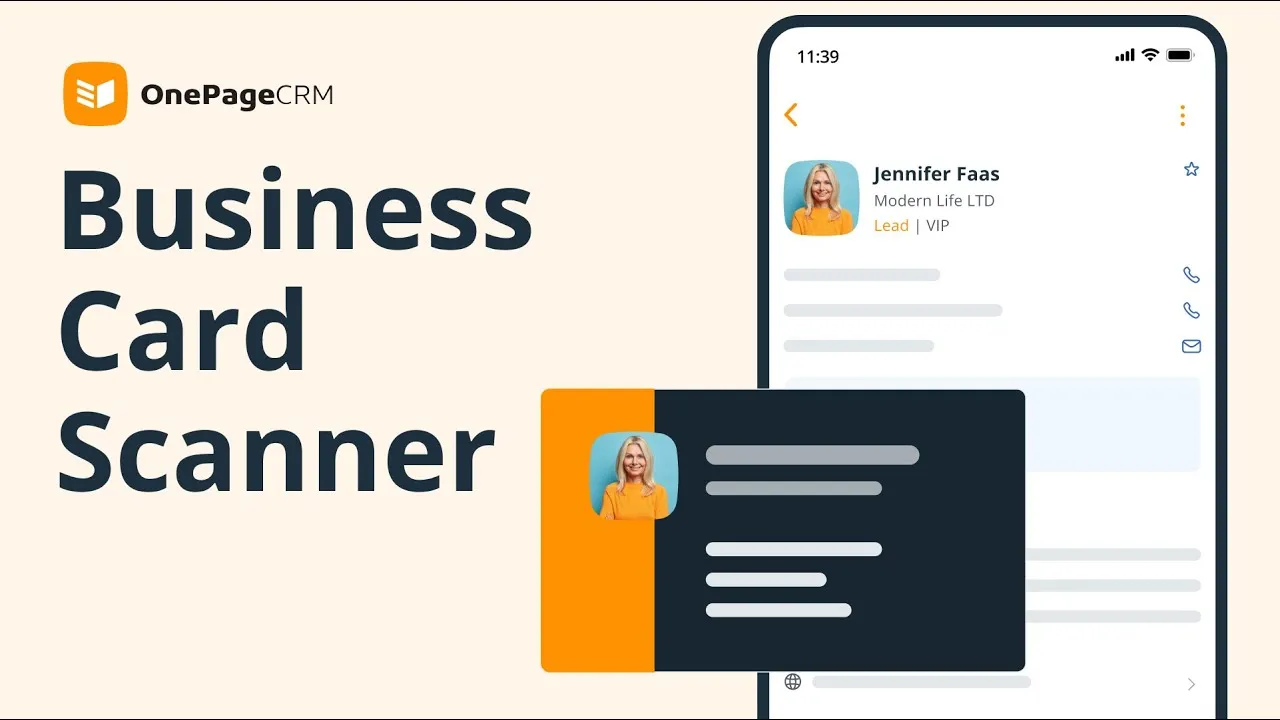
Use this free AI-powered Business Card Scanner to digitize physical business cards and automatically turn them into CRM contacts with follow-up reminders.
 4.7 (265+ reviews)
 Google security assessed
Scan business cards into CRM contacts
Create new CRM contacts instantly
Digitize your physical business cards and auto-create contacts in your CRM.
The free Business Card Scanner is a built-in free feature in OnePageCRM's mobile app. It is free for users on all plans (no extra charges involved) and is powered by AI.
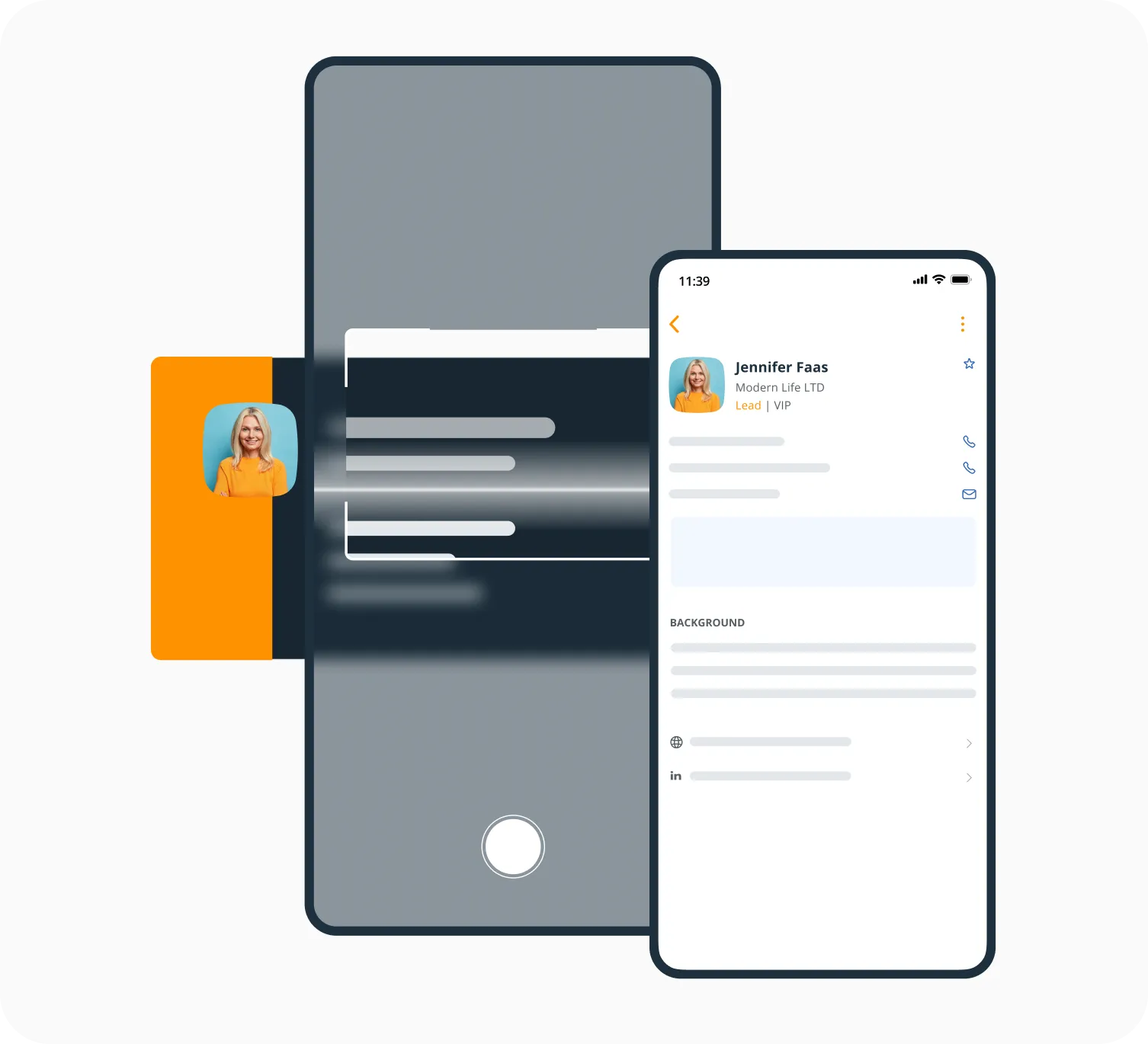
The Scanner parses the data on business cards and maps it to the standard contact fields in your CRM.


Add follow-up reminders
Business cards are not meant to be piled up. If you want to grow your business, you need to take action with every business card.
Once you scan a business card and a new contact is created, it won't sit idle in your CRM.
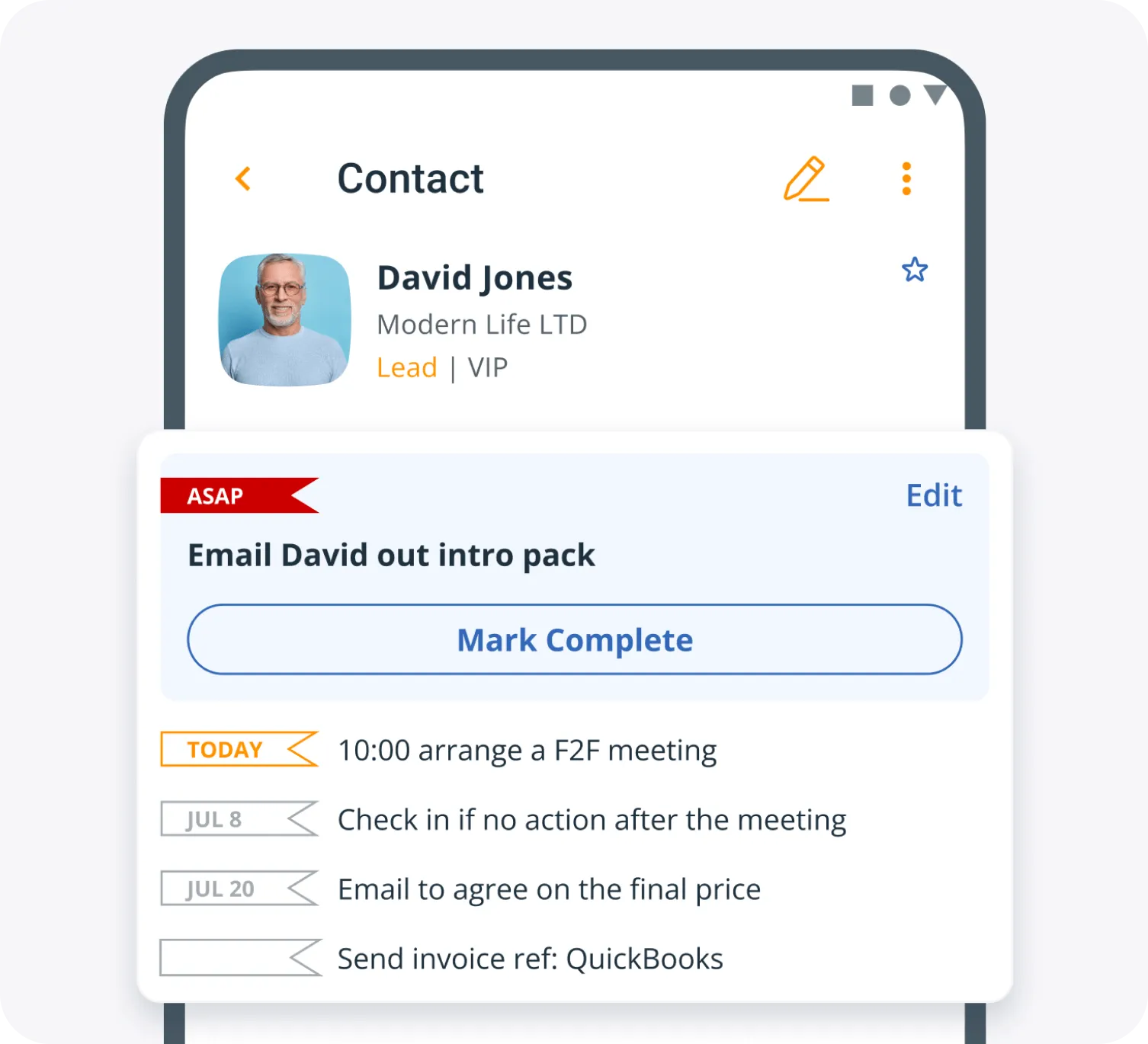
In OnePageCRM, you can add follow-up reminders to any contact—and we'll automatically remind you when it's time to get in touch with them.
iOS and Android
You can use the Business Card Scanner (and the mobile CRM) on both Android as well as iOS.
Digital cards
With OnePageCRM's Business Card Scanner, you can scan digital cards too.
Saved card photos
The photo of the business card that you took is safely stored inside your mobile CRM app.
Full contact record
Notes, emails, call logs—they are all now stored and accessible in your mobile CRM.
Sales deals
Add sales deals and opportunities to newly created contacts and start moving them through your sales pipeline.
Up to 1,000 scans
100 cards a month on Professional, 500 on Business, and 1,000 on Max.
What others say

“…Easy to set up (actually that’s a lie – there is no set up, just add contacts and you’re off), easy to use regardless of the level of IT capability of the users, and the mobile app rocks…”
Ken Muir · Principal Consultant at Junos Direct
“The program keeps me on track with my sales leads and communicating with my clients.”
 Roger PinedaGoogle review
“Probably the best CRM available for ease of use and, more importantly, ROI.”
 Steve ElliottOwner at Thrifty Sites
“OnePageCRM was so easy to use and get started.”
 Margo CrawfordProductivity Coach at Wave Productivity
“The ability to complete, track, schedule and make sense of calls, emails and interactions makes thinking about selling more productive and profitable…”
 John KlymshynGoogle review
“…remarkable in its combination of power and simplicity.”
 Tom PressmanGoogle review
“It is clean, and easy to use. It seamlessly syncs across my laptop, tablet, and phone.”
 Justin FuglioGoogle review
“They’ve helped me keep myself organized and grow my little company into a thriving business…”
 Karen SuhakaGoogle review
“This CRM is super intuitive and exceptionally easy to use.”
 Joe LyonsGoogle review
“…this simple extremely effective CRM tool to get organized and free up your brain space.”
 Sally EltzerothGoogle review
“OnePageCRM had everything we needed, without all the bloat.”
 Jason KneppGoogle review
“This without doubt the easiest, most intuitive CRM I’ve ever used.”
 Mike ShivleyGoogle review
“It is probably the easiest CRM I’ve ever used.”
 Robert HeineyGoogle review
“OnePageCRM is just so trim and usable - it’s a breath of fresh air, without the feature bloat that plagues most programs.”
 Paul Johan StokstadGoogle review
“OnePageCRM’s uncluttered interface makes it easy to import and get started, use and update customer information.”
 Mark D.G2 review
“…everyone on our team can pick up where any of us left a conversation because of the ability to keep detailed notes in OnePageCRM.”
 Bret BicoyGoogle review
The best CRM with a free Business Card Scanner
21-day free trial • No credit card required • Simple setup
Frequent questions
A business card scanner is a tool that parses the information on a physical business card into digital format.
With a business card scanner app, you first need to take a picture of the card. It then saves the details like names, phone numbers, and addresses to your contact list (or a CRM).
This saves you time as you don't need to manually type everything out.
OnePageCRM's Business Card Scanner feature is available inside our mobile CRM app. You can use it both on iOS and Android.
To scan a business card, you first need to have an active OnePageCRM account, log into your mobile CRM, and then add a new contact by clicking on Scan Card button.
OnePageCRM's Business Card Scanner is one of the features of our mobile CRM app.
It is free for all OnePageCRM users. If you want to use it, you need to have an active OnePageCRM account first. We have a 21-day free trial.
There is no extra charge on any plan, and there is a monthly scan allowance: 100 cards on Professional, 500 on Business, and 1,000 on Max.
Scanned business cards won’t end up lost in your database. You can bring newly created contacts straight into the sales cycle by setting up follow-up reminders there and then.
This will ensure a timely follow-up and skyrocket the likelihood of a successful sale.
Yes, with OnePageCRM's Business Card Scanner, you can scan digital cards too!
Salespeople collect a ton of business cards. Be it from a tradeshow, a big meeting, or just a lucky sales opportunity. How often do these cards end up collecting dust on your desk waiting to be processed or are simply accidentally forgotten at the hotel?
At OnePageCRM, we believe in actioning every generated lead.
So now, the moment you get that business card, you can take a quick photo and add the lead straight to your CRM. And no wasting time on entering those contact details either—we’ll automatically recognize them and populate the fields.
Say, a new prospect just gave you their business card and asked you to send them a quote when you get a chance.
You can instantly scan their business card with OnePageCRM's free Business Card Scanner, set up a sales deal in just a couple of clicks, and assign yourself a follow-up reminder for sending the quote the moment you’re back at your desk.
This way, all you need to do once you’re back in the office is hit Email Quote.