Are we a match? Are we a match

Best CRM for account management

OnePageCRM helps businesses manage their customer's account information in a simple and intuitive CRM. Efficient account management goes hand in hand with sales and business growth.

crm for account management

Why choose OnePageCRM for account management

follow up reminders
Bullet-proof follow-up
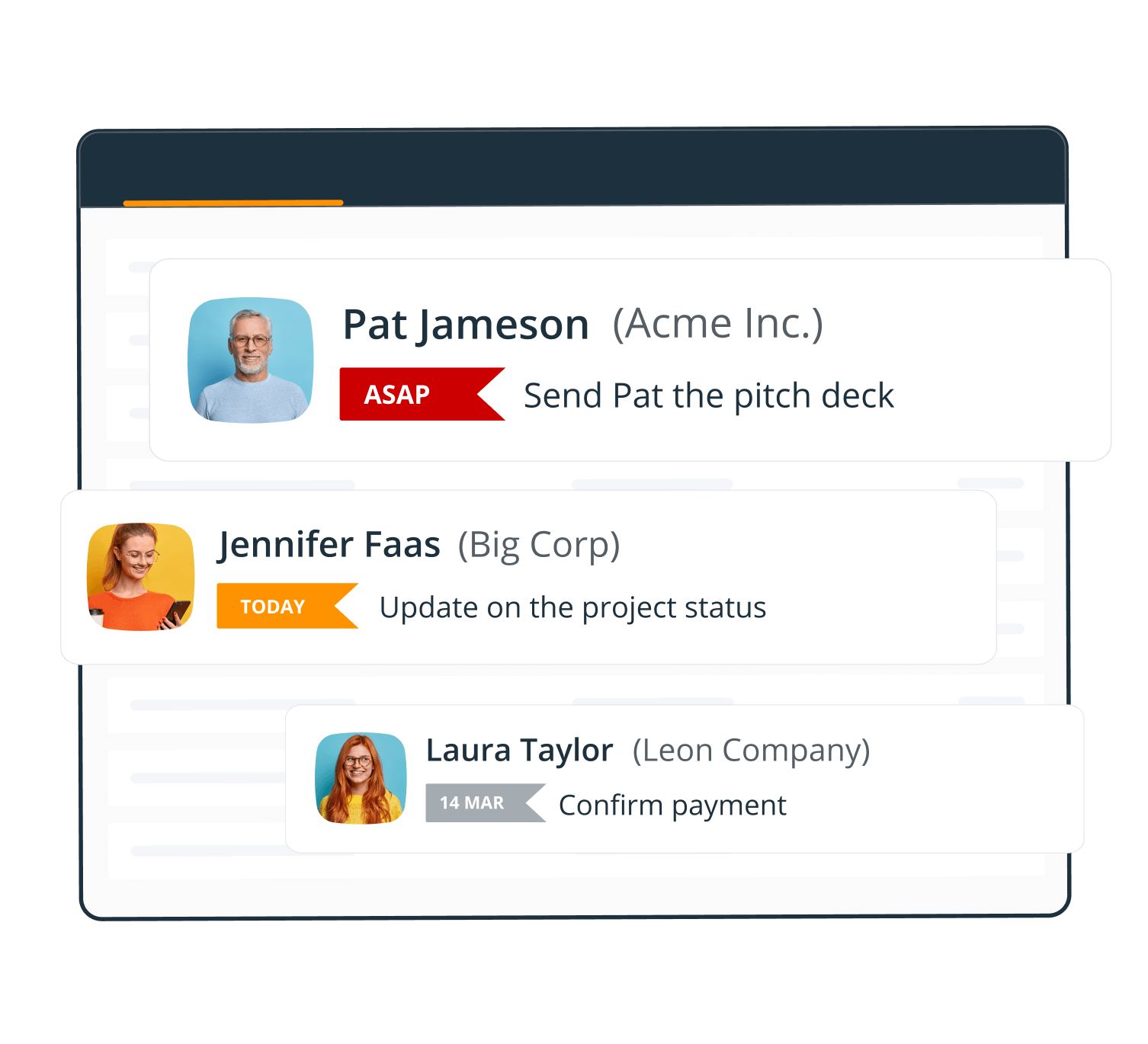
Use our bullet-proof follow-up system to add reminders with due dates to your accounts and sort them by urgency.
simple crm
Simplicity & zero admin
Prioritize tasks, tune down the noise, and automate workflows with our straight-forward features and clutter-free CRM.
task management
Proactive approach
Put your account management strategy into action, make the best of every opportunity, and nurturing client relationships.

How account management works with OnePageCRM

OnePageCRM lets you easily manage accounts, identify new sales opportunities, and build long-term relationships with any account.
account management

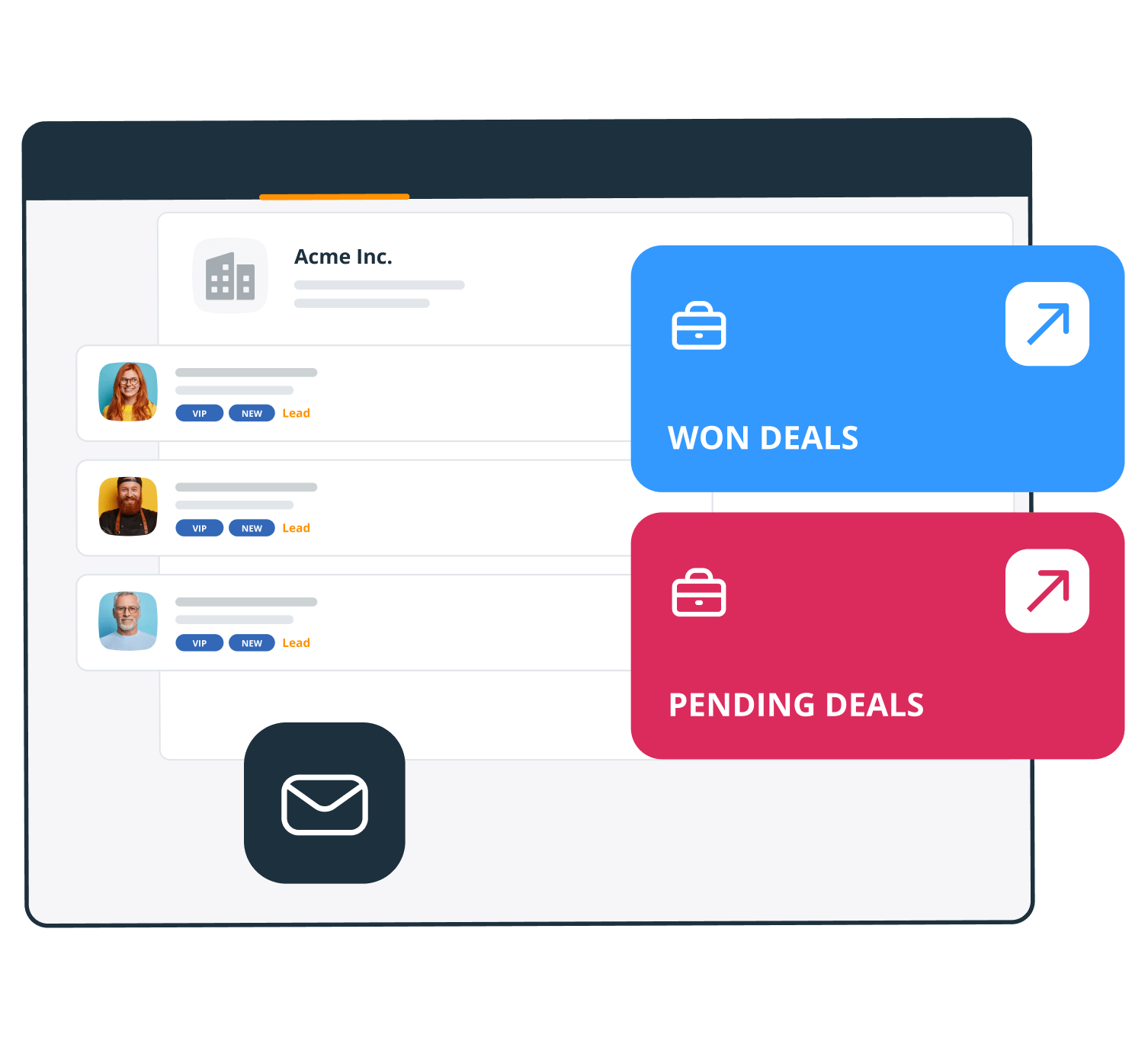
Get a complete view of every account

View all account information from a single page, including upcoming tasks, contacts associated with the account, previous email conversations, pending and closed deals, associated contacts, and much more.
Learn more more
crm account management
client relationships
relationship management

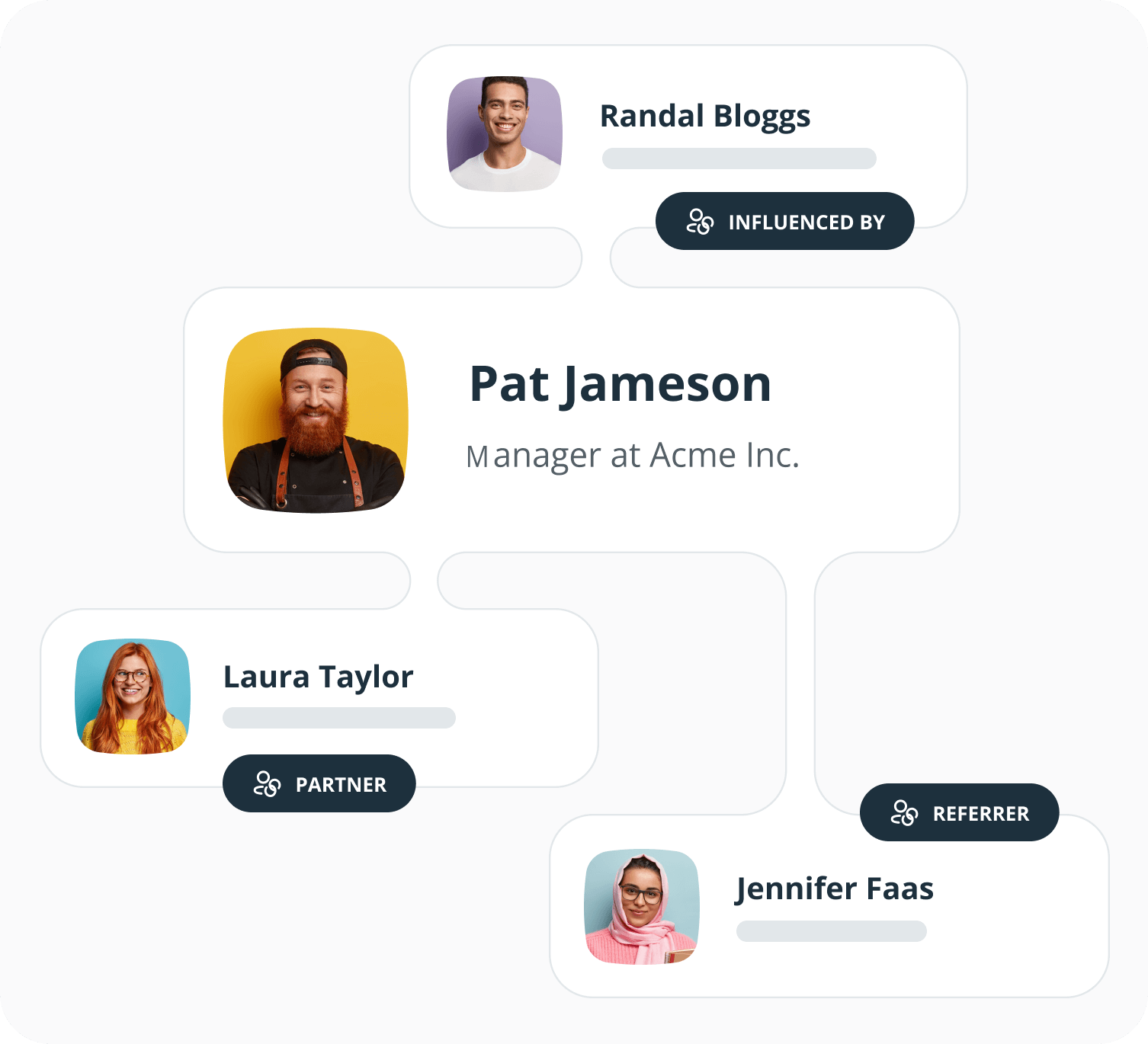
Define relationships between contacts

Account managers often have to build relationships with different individuals across one account. That's why it's important to understand the relationships between contacts inside your CRM. OnePageCRM helps you do that.
Learn more more
task management

Follow up and check in with every account

Not all accounts are created equal.

While some of your clients are VIP and require regular check-ins, you also have smaller accounts that might not need the same attention. With OnePageCRM's Next Action feature, you can make sure that no one is left behind.
Learn more more
prioritized list of tasks

What our users say about OnePageCRM

pipeline stages in CRM
increased sales revenue

Improve your upselling and cross-selling

Account managers work hard on retaining clients and nurturing existing relationships.

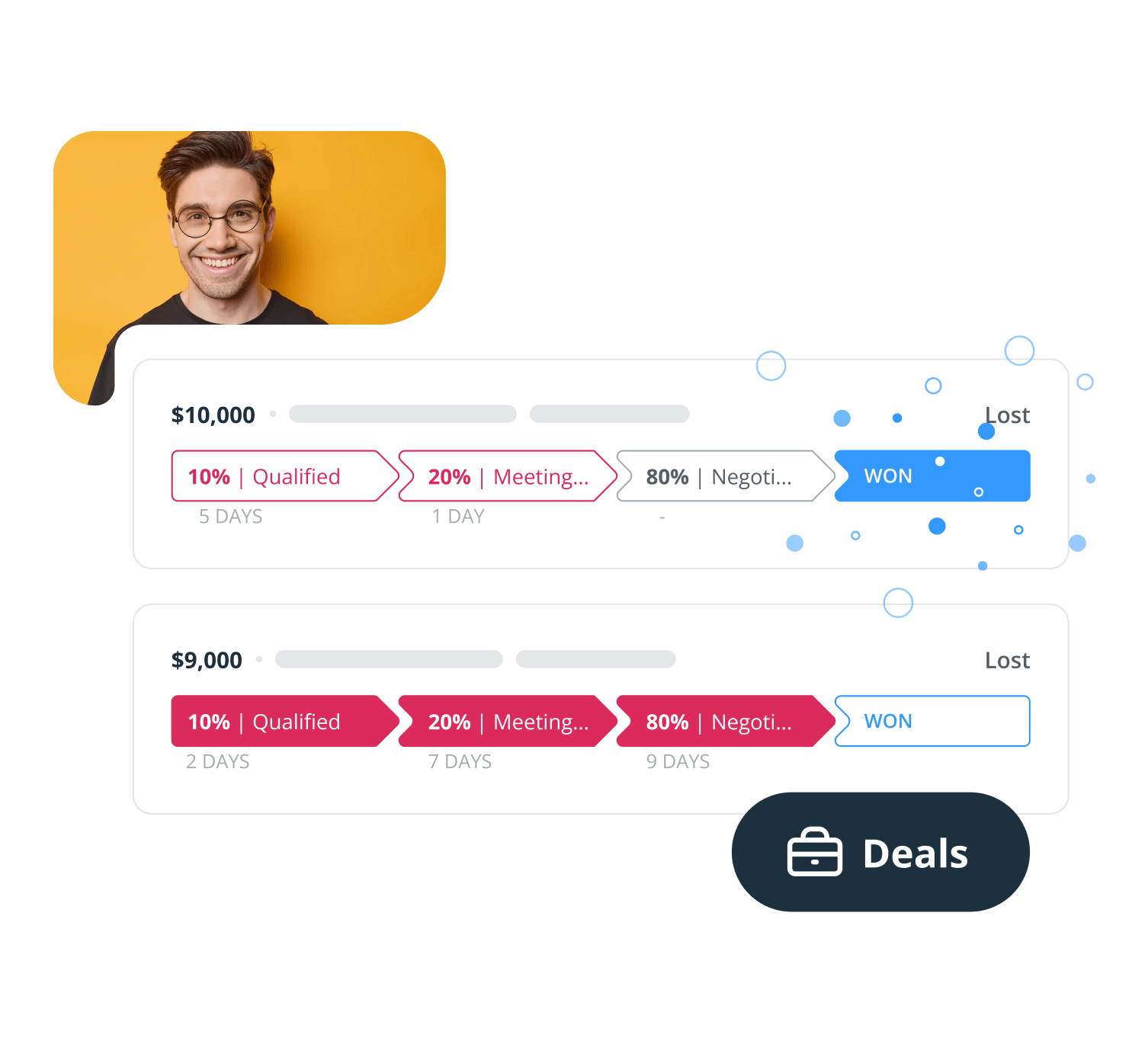
This requires a rigorous routine and deliberate action. With its sales and pipeline features, OnePageCRM helps you stay focused and make sure that you're on track with your goals.
Learn more more
crm automation

Automate repetitive tasks

... and focus on nurturing relationships with your accounts instead.

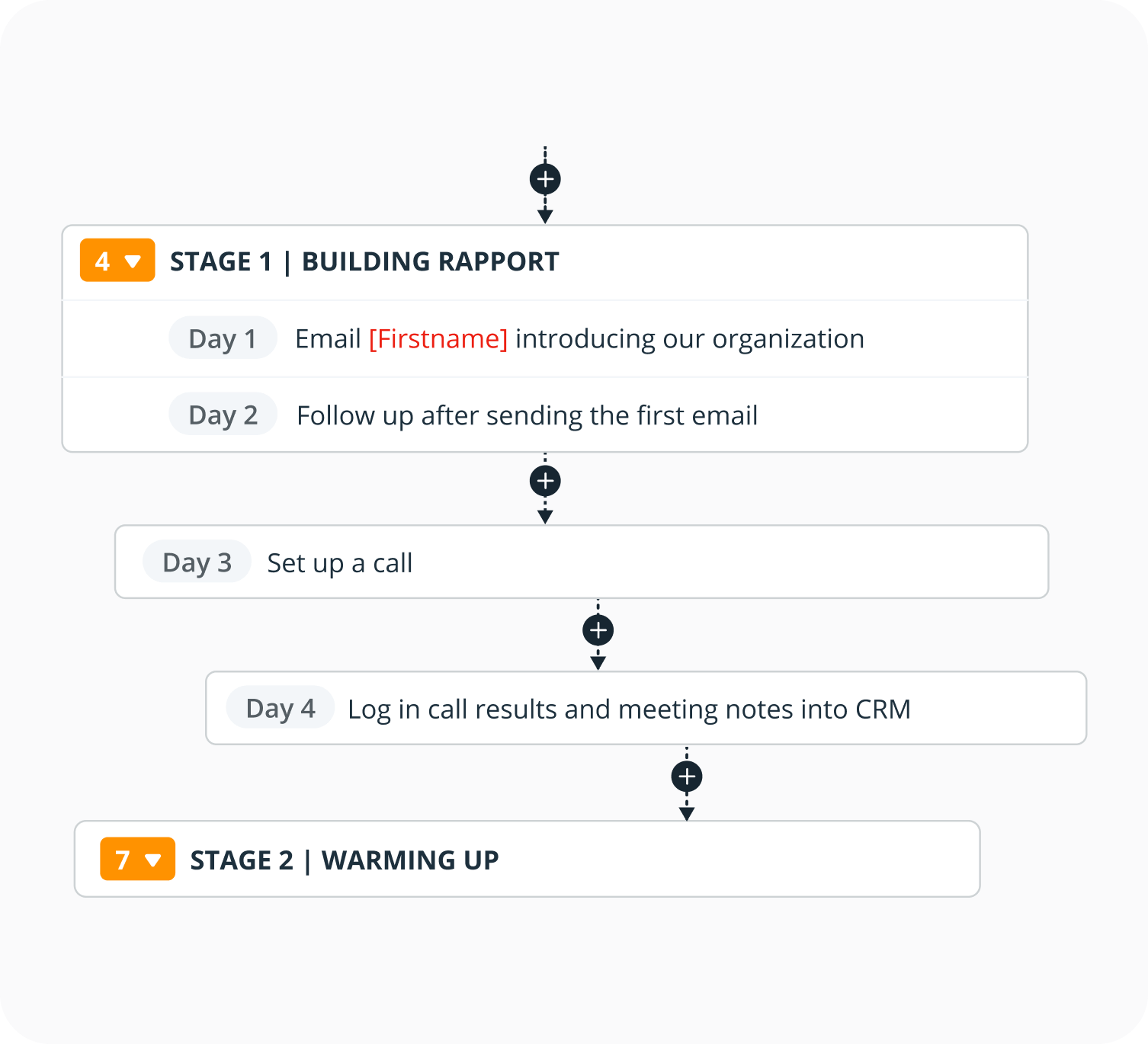
Do you have a step-by-step process that you follow? Add these workflows to your accounts in just one click.

You can also trigger automatic emails to contacts after you make some changes in their accounts.
Learn more more
presaved tasks

Mobile CRM for account management

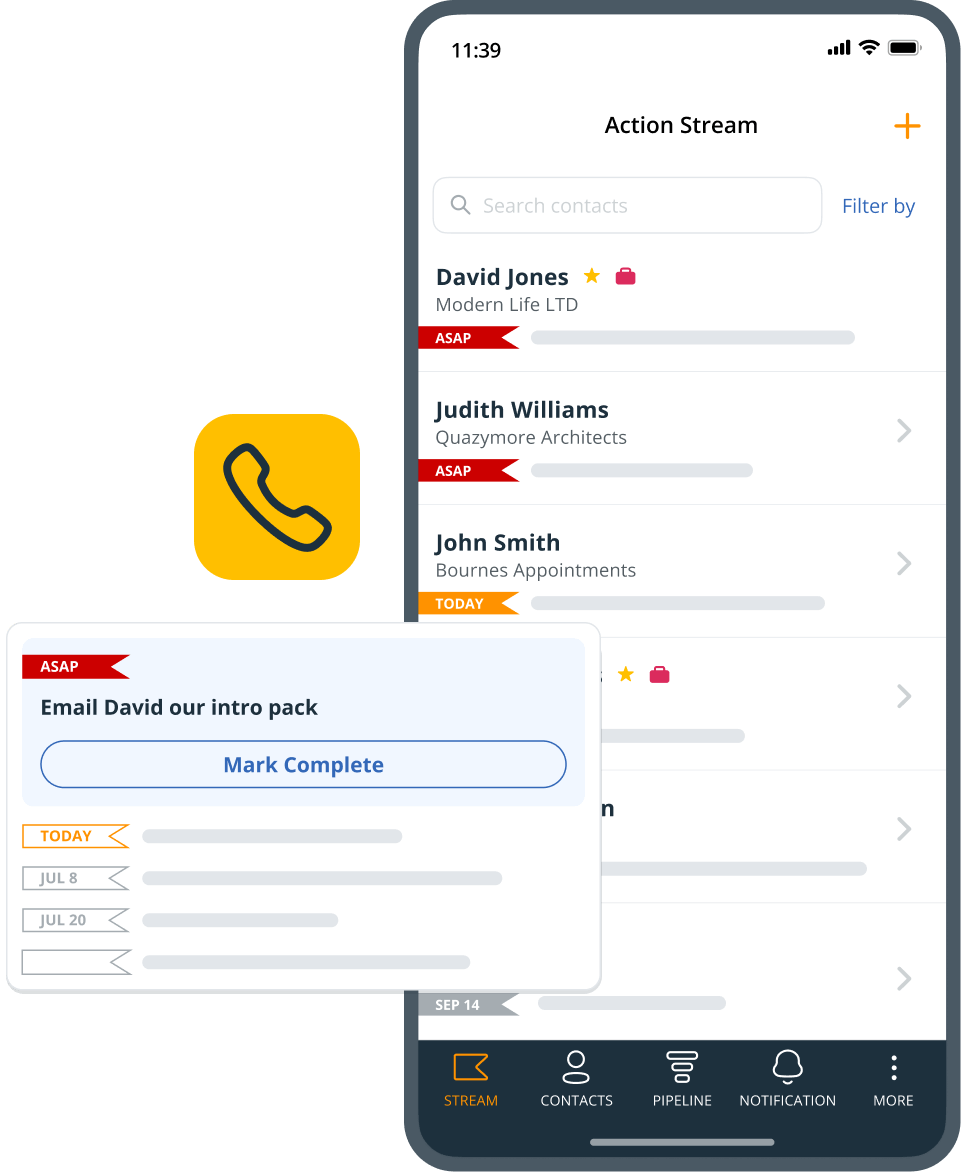
OnePageCRM works on any platform and any device.
mobile crm
email
Emails
Send and log emails directly from your mobile CRM.
notes
Notes
Use voice-to-text notes to save notes in your CRM.
speed dialer
Speed Dialer
Keep top leads at your fingertips with our Speed Dialer.

priority
Starred Contacts
Star your VIP contacts to easily call them straight from your CRM.
crm dashboard
account analytics

Get analytics across different accounts

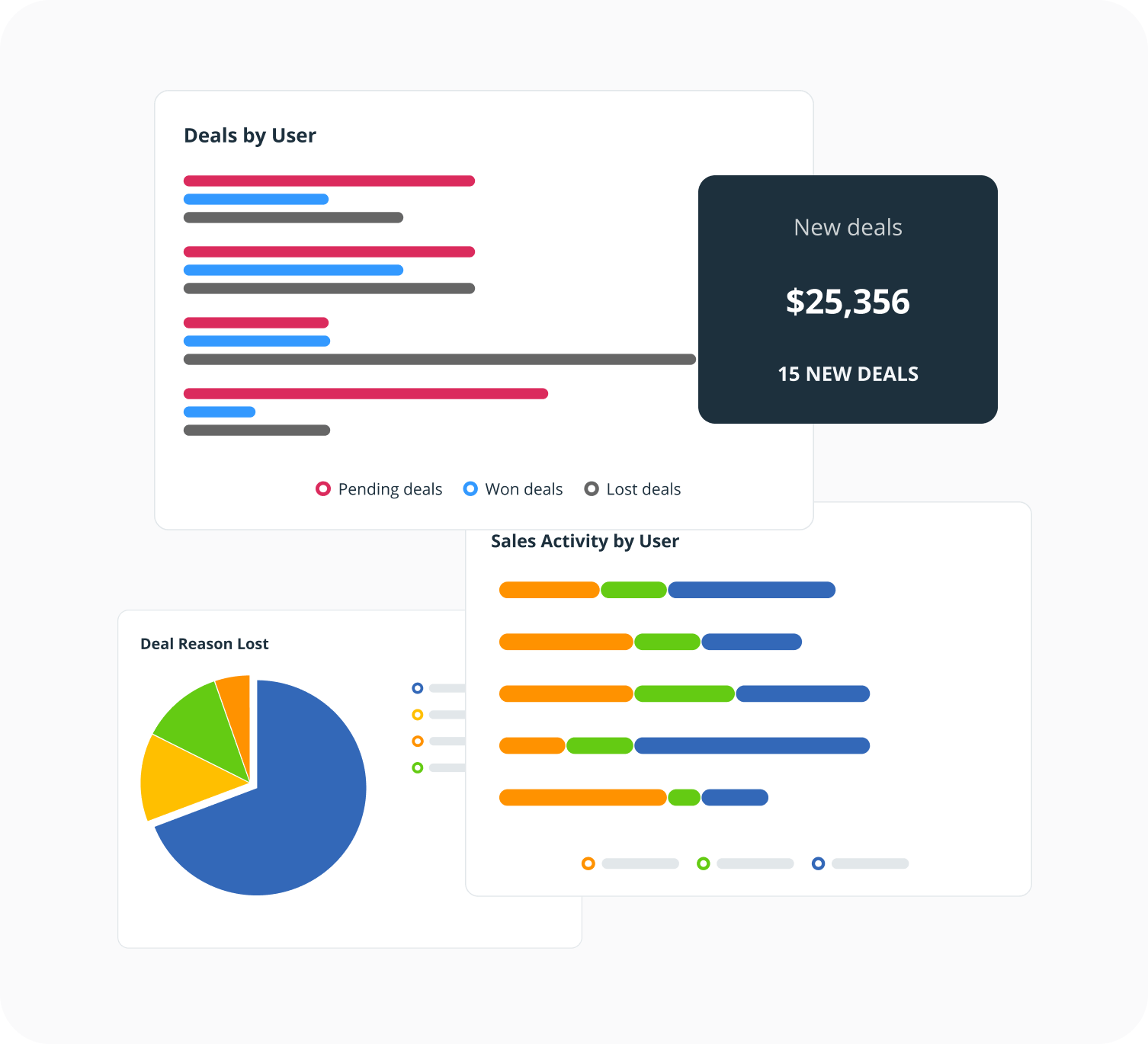
With OnePageCRM, you can also dig deeper into your accounts. Build interactive dashboard to understand what's working and what can be improved.
Learn more more

Connect OnePageCRM to your favorite apps

Perfect for account management, this CRM integrates with several apps to make sure that you have everything you need to help your business grow.
connect_list
    connect_list
See all integrations more

OnePageCRM is the top-rated CRM for nurturing relationships

L&J Tax is a team of experienced tax advisors to entrepreneurs, their businesses, and their families. L&J Tax supports their clients by providing practical solutions to complex issues and end-to-end project implementation.

L&J Tax is one of those companies that put their clients at the heart of everything they do. For them, it’s important to empathize with clients, understand where they are coming from, and find the best solution to their problems.

"We have regular check-ins with our clients. If I finish a project — for example, if we implement a structure for a client — I set a Next Action for myself to get in touch with them in 6 months to find out how it’s working for them and if anything could be done better or needs adjustment.”

Laura Lynch
Laura Lynch

Partner at L&J Tax

Key features of OnePageCRM

crm with tasks and reminders
Follow-up reminders
Actively manage business relationships and stay focused on your goals.
contact profile
Simple interface
We keep it simple. No need to pay for hundreds of features you’ll never need.
mobile crm
Multiple mobile apps
Use OnePageCRM’s mobile apps to tap into more growth opportunities.
customer support
Top customer support
We are here to support your business growth and help you make the most of your CRM.
free trial
21-day free trial
No rush or pressure! Enjoy a 21-day free trial without entering your credit card details.
crm integrations
CRM integrations
Connect OnePageCRM with your favorite apps to boost your efforts and grow faster.
See all features
Left

The CRM you’ve been looking for

This account management CRM makes your follow-up process easy and helps you build long-term relationships. Simple and action-focused.
Try Free
No credit card required • 21-day free trial
industry_art

FAQ about Account Management CRM

  • Is OnePageCRM suitable for account management?

    Yes, OnePageCRM works great for account management.

    With the Account or Organization View, you can focus on the company first, with a separate description and company-wide custom fields.

    With the ‘Linked Contacts’ feature, you can link external contacts to a company in the CRM; ideal when you have multiple parties involved in the decision-making process for a deal.
  • What features does OnePageCRM have for account management?

    Company description field: Specific information on the company, not just the individual contacts.

    Company-wide fields and custom fields: Custom fields can be applied to companies. Company-wide custom fields appear beside the contacts-custom fields under the ‘More’ button. These can be configured in Settings and go beyond individual contacts. Examples include the company’s industry or number of employees.

    Linking contacts: Link contacts to the account view that are related to the sale but not part of the prospect company.

    Contact / Company switcher: Switch quickly between the Account view and your individual contacts within the company.

    Bulk updates: Apply bulk updates to companies, not just contacts.

    Status Sync: The Status of contacts within an account is not in sync by default, you can enable this feature if you wish.

    Company preview: Selecting the new company preview icon beside the contact’s details gives you quick access to company-related information in a popup and a list of all contacts working for the same company. Clone, Link, Split, and Edit contacts from the preview in one click.

    Contact/company activity: For companies with multiple contacts, quickly switch between Activity timeline for the contact or the company as a whole.

    Deals: On the company page, you can see a total of all Pending / Won Deals for the company across all contacts.
  • How to add new accounts to the CRM?

    When creating a new record in your CRM, you’ll see two options: there are separate tabs for “Contact info” and “Organization info”.

    It allows you to create an organization initially, even when you don’t have any of the contact’s personal details. This happens in many cases as you set out to sell to a particular organization without knowing who to make a connection with.

    This makes lead generation and management much simpler when there are multiple contacts in an organization. This is particularly useful when you only discover new leads or decision-makers during the sales process.
  • How to sync Status across all contacts in the same company?

    In 98% of cases, you will have only one deal with a company at a given time, regardless of whether you have one or ten contacts from that company in your CRM.

    With multiple contacts, it’s important to keep their Statuses in sync so that you have a clear picture of where that company stands in your sales process.

    For example, if you’re selling windows to a construction company, their architect may be the person leading this deal but other contacts, such as the purchasing department or management, may get involved at different stages. Once their Statuses are synced, you can view and update the Status for all contacts in the company as required.

    Note: Status Sync is enabled by default on your account. Should you wish to set individual Status’ for contacts in a specific company, you can choose to disable Status Sync.
  • How to sync Tags across all contacts in the same company?

    You can now also choose to keep Tags in sync across all contacts in a company, or leave them independent.

    Since Tags are a great way to segment and filter through contacts, they do not sync by default.

    To Sync Tags across all contacts in a specific company, simply click the checkbox on the Edit Company page.
close