


When we started building OnePageCRM, we put one solid stake in the ground, our product mission:
This CRM has to be as easy to use as email and approach zero admin.
Our product mission precedes any other mission within the business, bar a close second of having world-class customer service. But that’s for another day, another blog post.
Today, we’ll show why OnePageCRM is considered the simplest CRM among small businesses in more than 80 countries.
It’s as easy to use as email
“To be as easy to use as email”…
How would you reach that goal?
This was very important because we were breaking the rules of what a CRM was, so we needed to ensure our software felt familiar in some other way.
We didn’t break the rules for the sake of it, as a teenager needs to do to strike their own identity in the world. We broke the rules because we wanted to make an effective and useful application.
You can run your business from one page
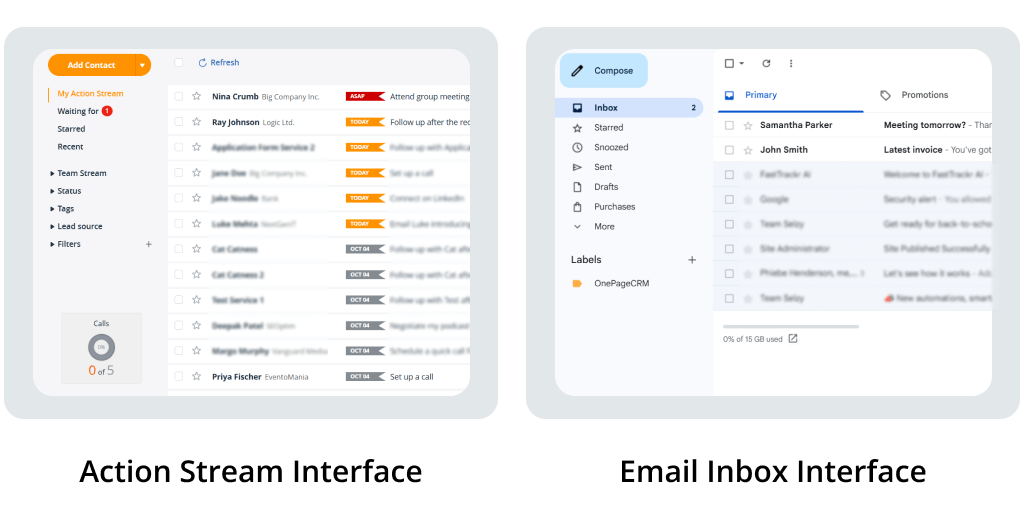
The world’s email clients have not changed much in concept over the decades. Yes, they got slicker, quicker, and more intelligent (swipes, snoozes, and social filters), but the core concept is still the same:
There’s a flow or list of emails that appear on the screen, and you click on emails to read them.
This is the essence of a one-page application.
And that’s where the OnePage name came from.
We went down this route as far as we could, as far as it made sense in the context of our CRM.
Notably, we kept all the filters on the left. We pushed for just one “Add button” in the interface, (in our case“Add Contact”, a mirror of your email client’s “Compose” button).
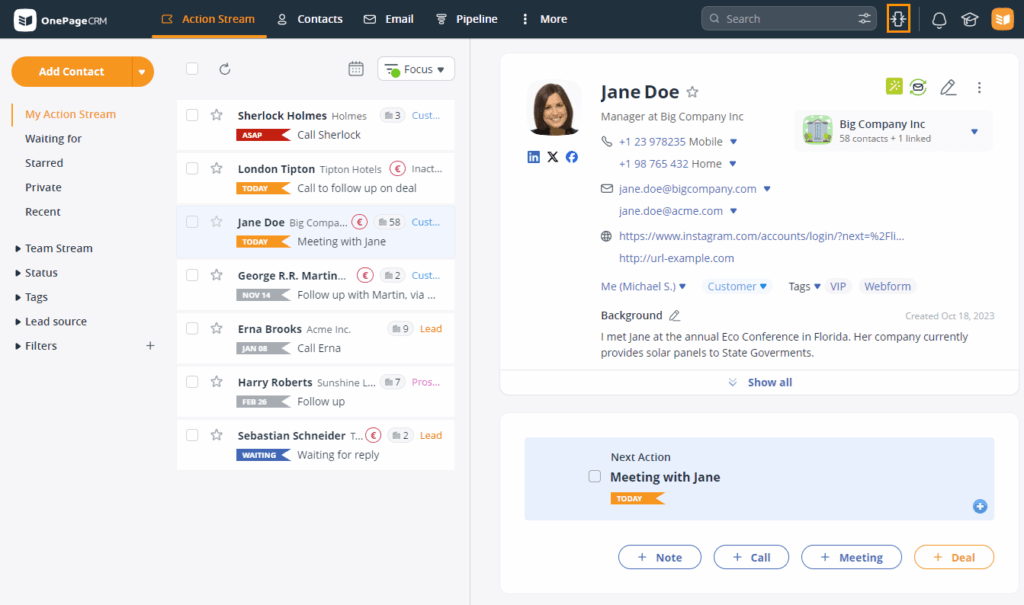
We kept all the related data on the contact, its organization, and its actions, deals, notes, etc., available in one click, in one easy scrollable view.
The split-pane view was made famous by Outlook and adopted by Gmail. So it’s a well and truly alive concept: click on the left, read on the right.
It keeps you focused
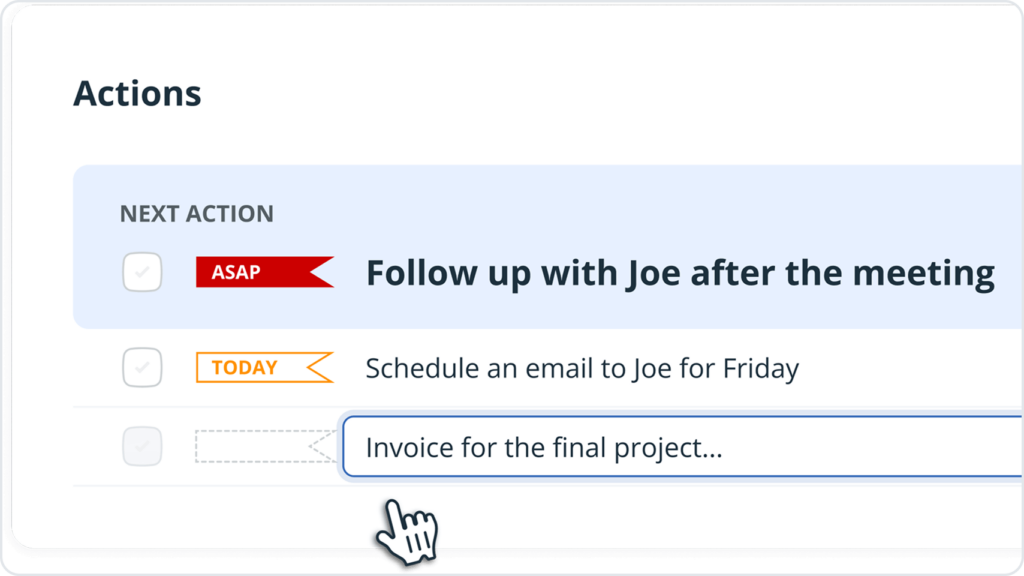
OnePageCRM’s DNA comes from mixing the familiar interface of an email client with the Twitter-like stream of 140 characters that float to the top, with the all-important Next Action for each client.
It turned out to be more powerful than we expected.
DNA that was honed from the need for utter focus on taking action, and not the cop-outs for procrastination, sloppiness, or misfocus.
It serves your business
The general mistake some people make is thinking of a brand as a logo, a name, or a color.
For us, the brand we try to create stands for honesty, support, and caring, especially in a world (of software) that too often puts these values on the verge. Feedback suggests we go above and beyond in our customer service.




Split pane is really useful. Maybe you should open up other hidden functionality and let the user decide how they want to use it. I’d really like the option add some colour to differentiate between calls and other activities on the action stream. Having this at a glance colour feature would be very useful especially when you have a very busy day, time is running short and you have to choose what to omit.
Thanks for your feedback Stephen, we don’t have any other hidden features, this one was in the woodwork for some time. However I’m pleased to let you know we do have some great beta features – Focused User and email sync and coming soon is multi-pipelines. Drop us an email if you’d like to join.
Thanks for your suggestion on colour coding in Activity, I’ll be sure to pass it over to our Dev team. I agree, the days can sometimes fly by!
Keep in touch!
Carmel
Thank you
You’re very welcome Eugenia! 🙂
In ONE word – BRILLIANT. And so logical. Well done that man!
Alastair Chater
Great to hear you like it Alastair. 🙂