-
What is pipeline management software?
Pipeline management software helps businesses track their sales deals from first contact to close. Instead of relying on memory, sticky notes, or busy spreadsheets, you get a clear visual picture of where every opportunity stands and what needs to happen next.
A good pipeline tool answers three questions at a glance:
1. Which deals are moving forward?
2. Which ones are stuck? And where?
3. How much revenue can you realistically expect this month?
For small businesses, the right pipeline management software doesn't need to be complicated. It just needs to show you what matters, remind you to follow up, and stay out of your way.
-
What should I look for in pipeline management software?
Here are a few features in pipeline management software for small businesses:
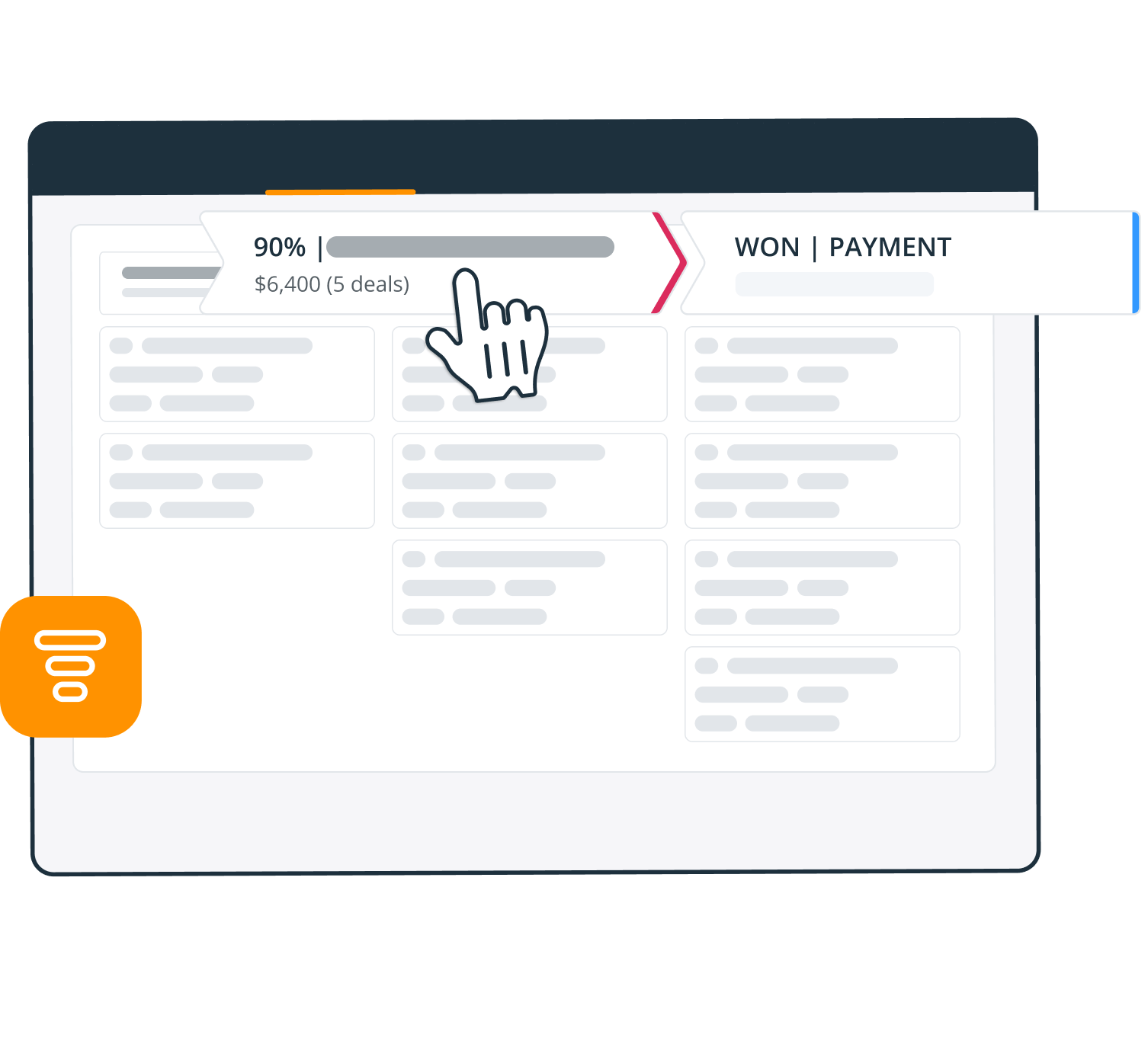
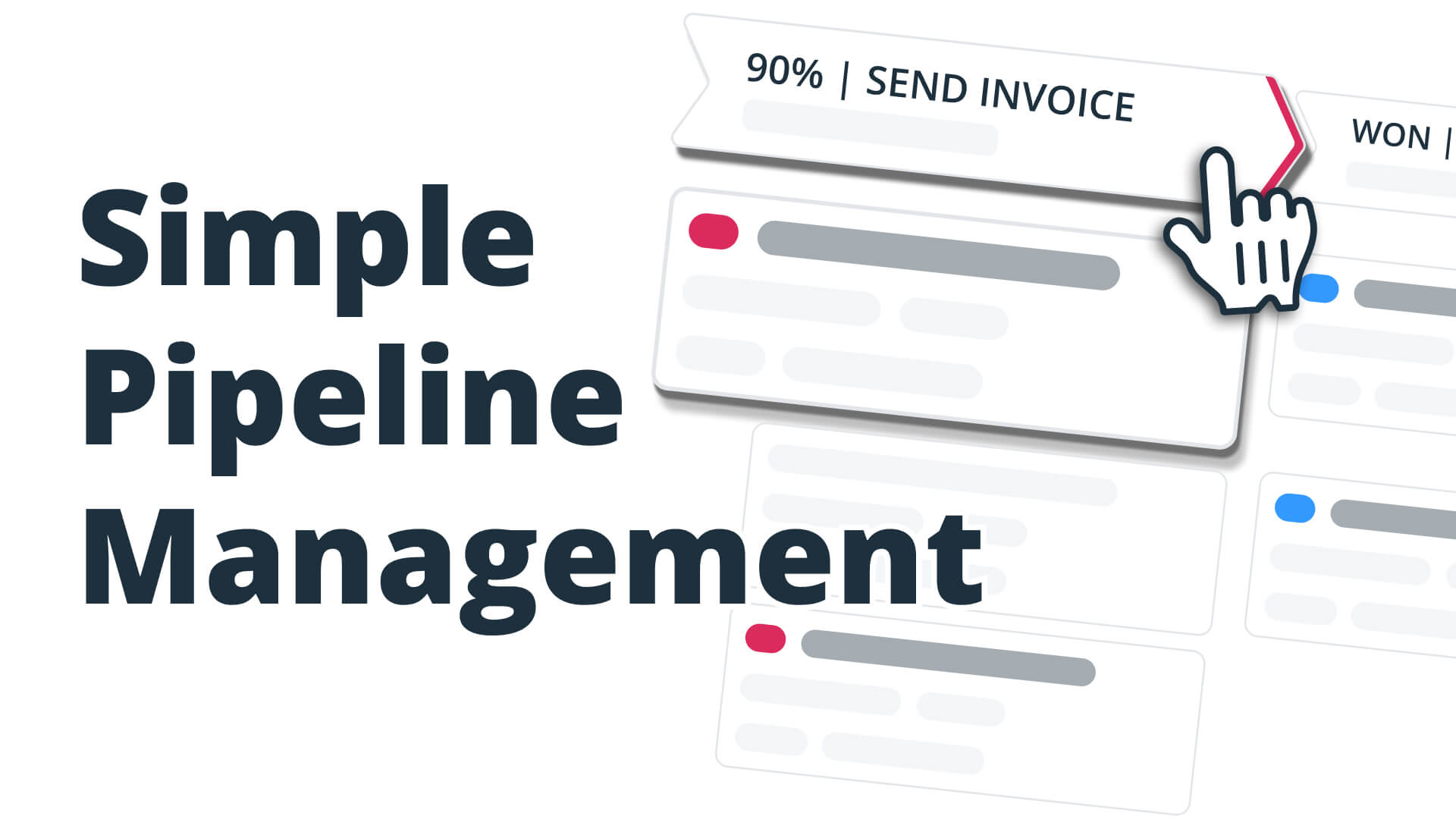
1. Visual Kanban board. See all deals in one place, grouped by stage, and move them with a simple drag and drop.
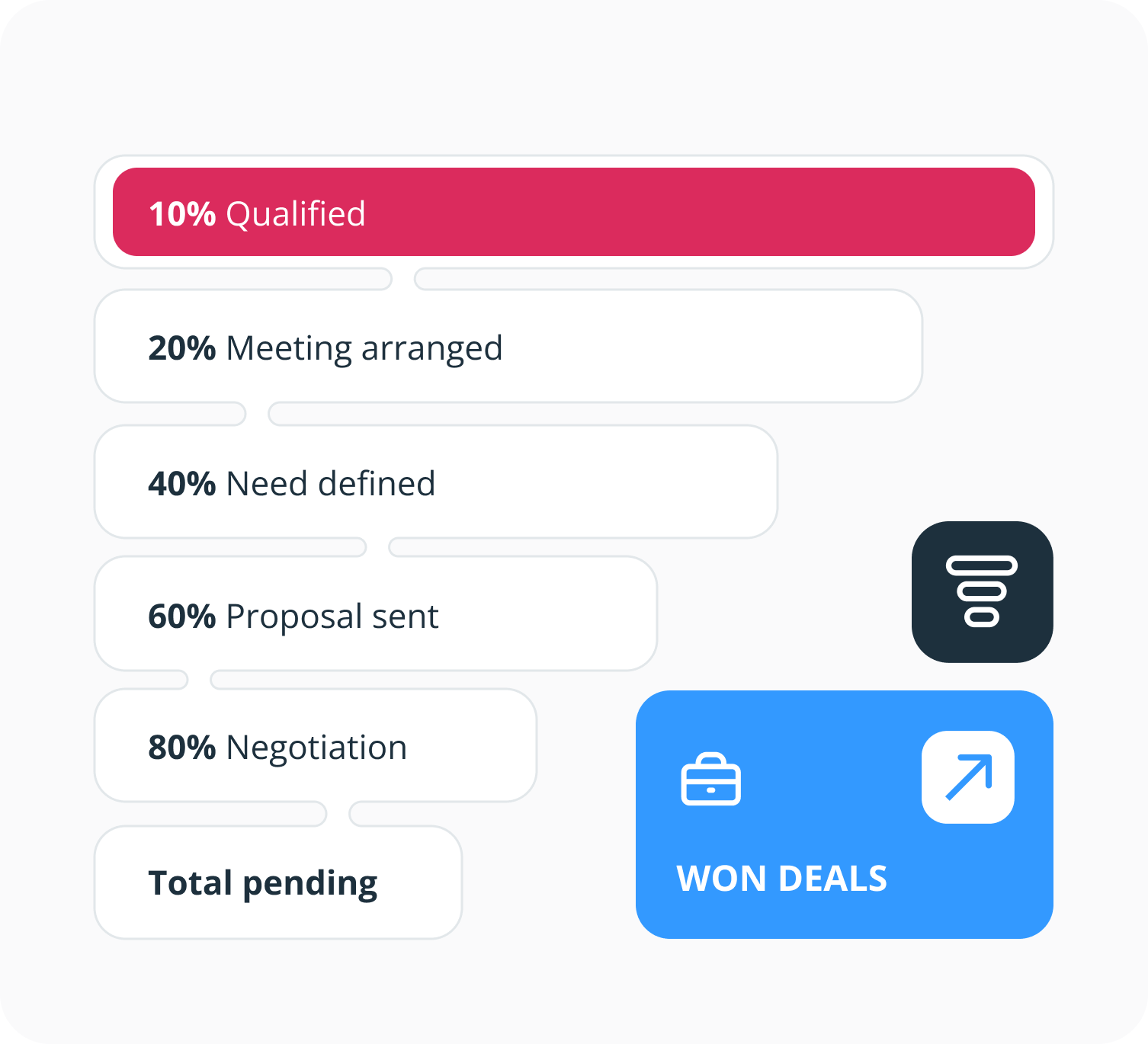
2. Sales forecasting. Keep an eye on the total value of your pipeline to plan ahead and spot revenue gaps.
3. Follow-up reminders. A deal in a pipeline without a next step is a deal going cold. The best pipeline management software lets you schedule and manage follow-up reminders.
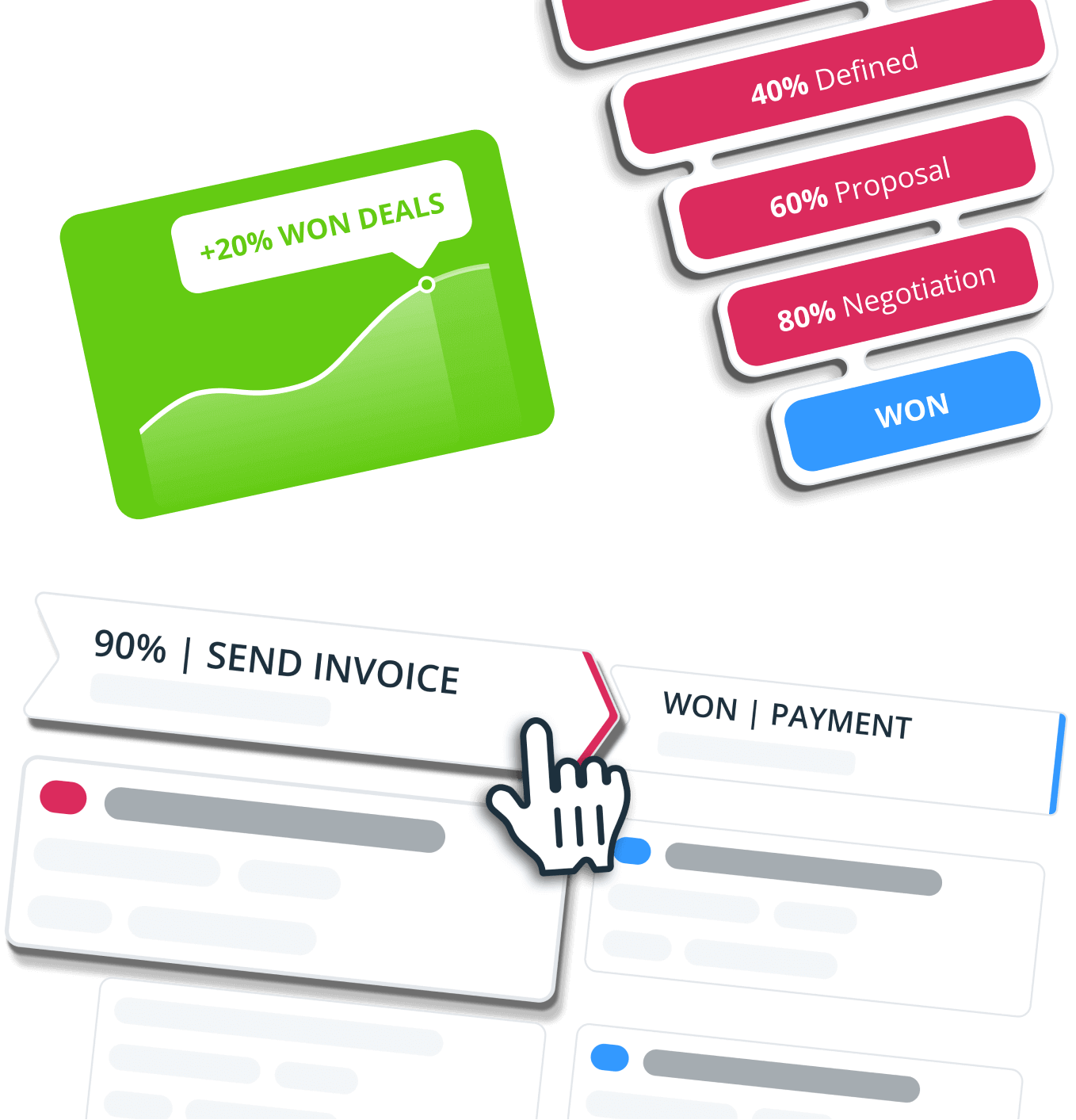
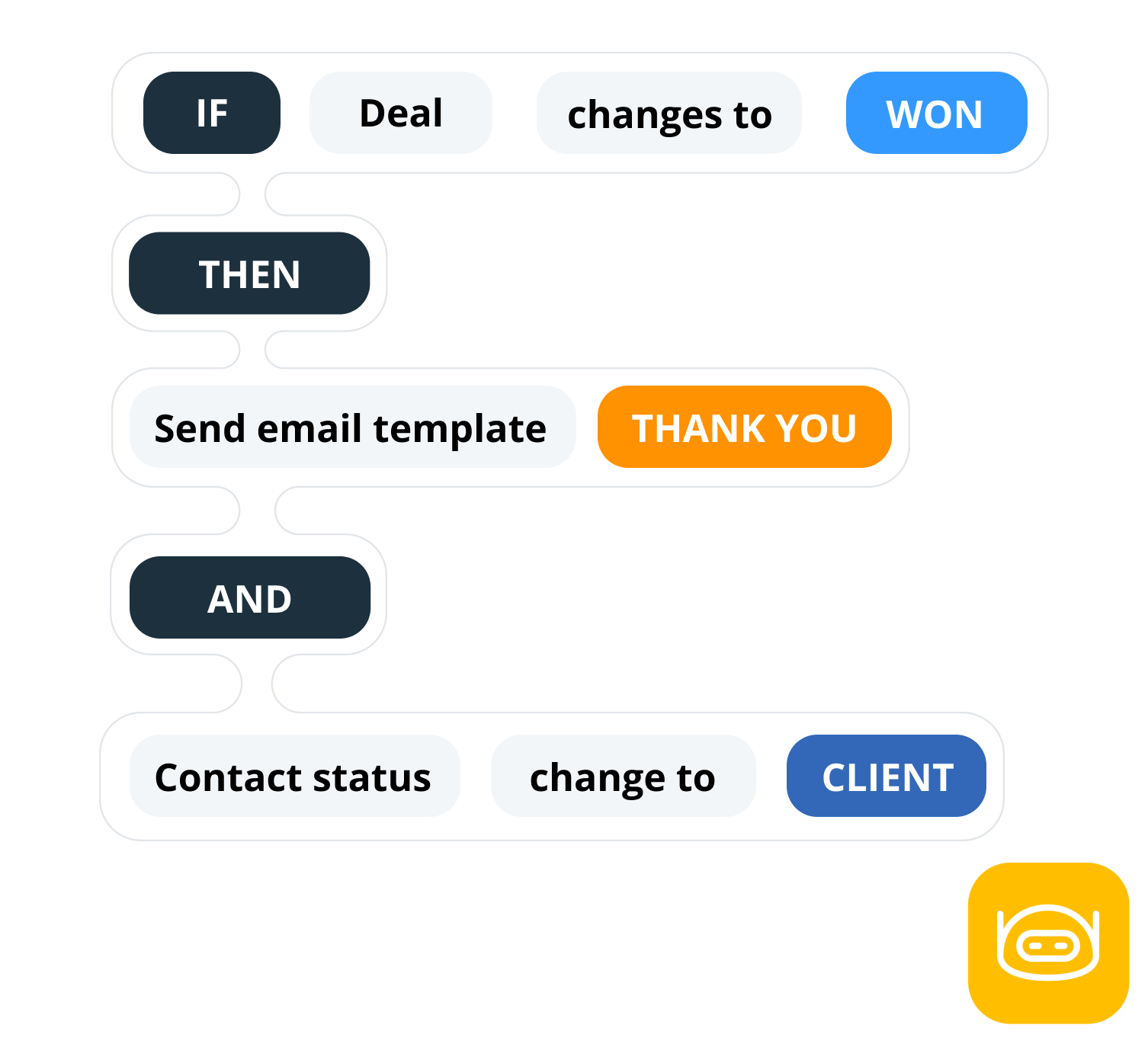
4. Pipeline automation. Move a deal to 'Won' and trigger a welcome email, a contact's status update, or a new follow-up reminder.
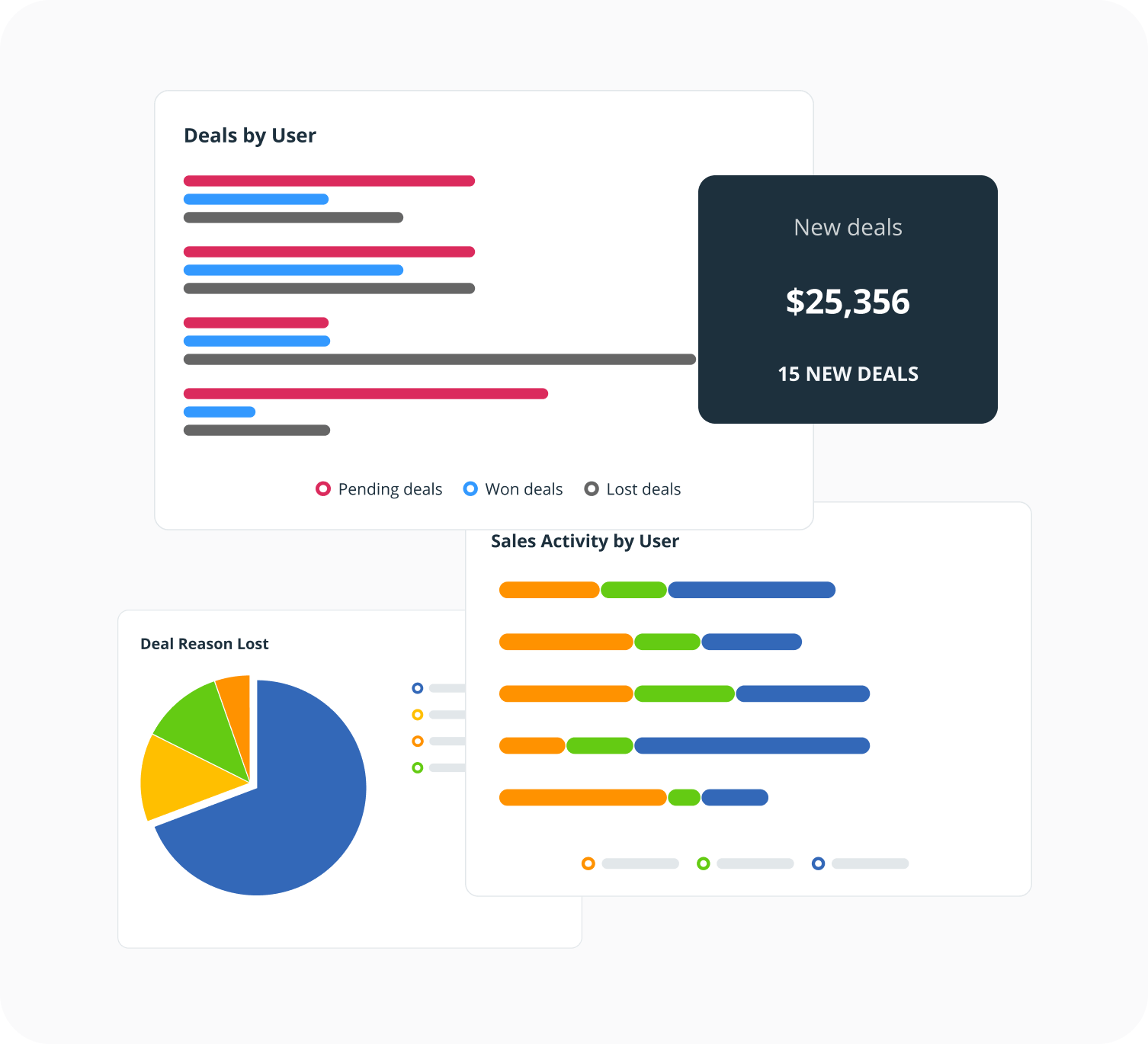
5. Reporting. No need in complex reports. A clear dashboard showing deals won, deals lost, and progress toward targets is what most small businesses actually need.
6. Integrations. Your pipeline doesn't exist in isolation. Look for pipeline management software that connects with your email, accounting tool, and calendar without a complicated setup.
-
How OnePageCRM's pipeline management software is different?
OnePageCRM is built for small businesses, not enterprises.
Most pipeline tools were designed for large sales teams with a team of CRM admins and IT support. For a founder, a consultant, or a small sales team, that complexity often means the CRM doesn't get used at all.
In OnePageCRM, the pipeline is visual and straightforward. Every deal has a next step (a follow-up reminder). No setup needed. No training sessions. You can be up and running in minutes.
-
What is a pipeline tool?
A pipeline is a digital tool that helps businesses organize, visualize, and manage their sales and post-sales processes.
The Kanban view helps easily move deals through different stages and get a quick overview of the pipeline overall status.
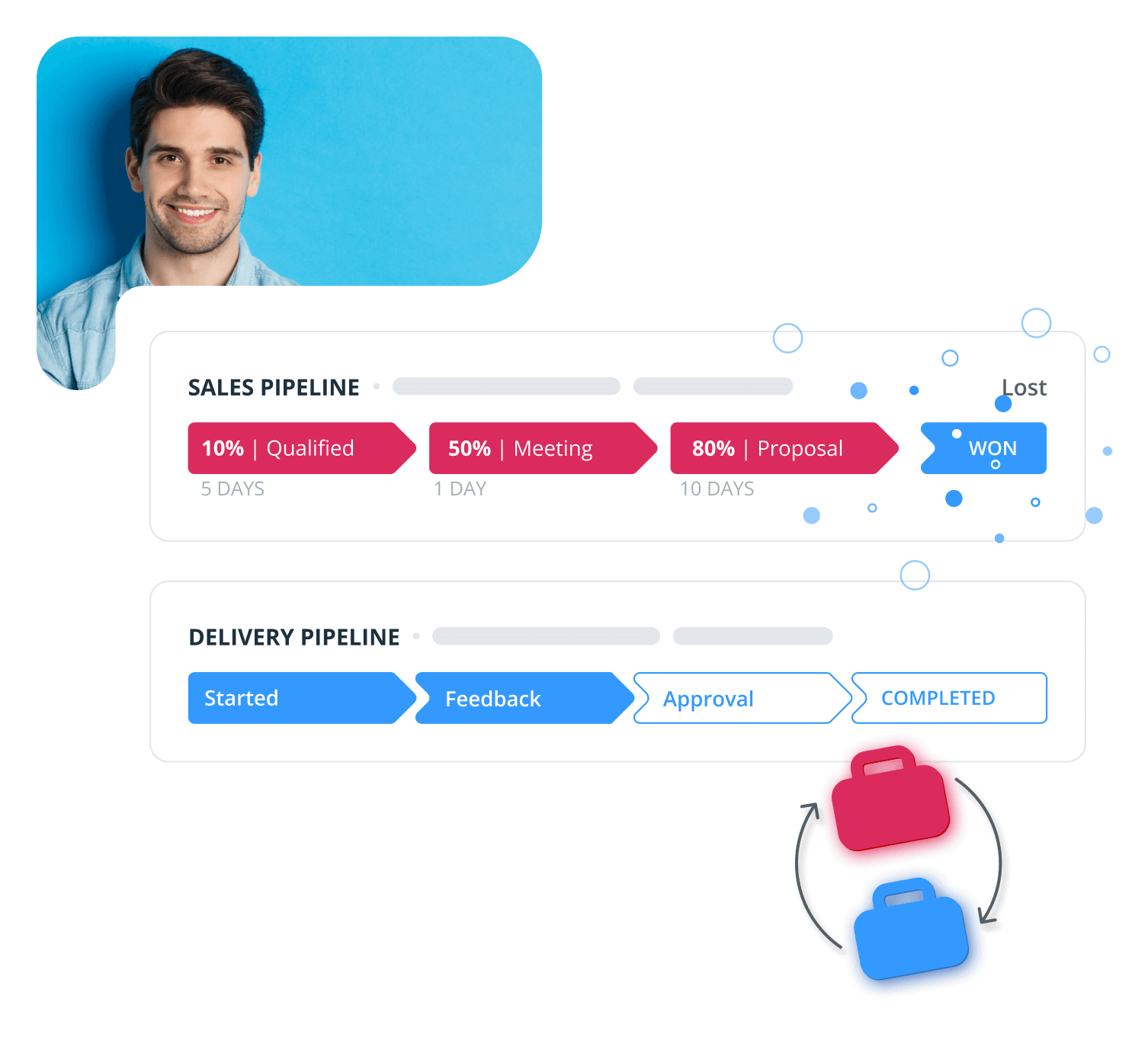
Most CRM systems are usually equipped with sales pipeline tools. For example, OnePageCRM has both a Kanban and Forecast view for sales pipelines and a Kanban view for delivery pipelines, which you can use as a light project management tool for won deals.
You can switch between them with a click.
-
What is the Kanban view in pipeline management software?
The Kanban view helps you get a quick overview of your deals’ progress and a glimpse into your sales cycle.
With the Kanban view, businesses can quickly understand if there are any bottlenecks or if their sales process needs any improvements.
-
What is the Forecast view in pipeline management software?
Use the Forecast view to predict your revenue and monitor your team’s performance against the set KPIs.
The Forecast view in your sales pipeline is a simple way of monitoring your progress and seeing whether you're still on track.
-
Can I customize deal stages in my pipeline management software?
Yes, and it's very simple.
You can customize deal stages to fit your sales process and drag and drop the deals to advance them through the sales pipeline.
-
Why businesses use OnePageCRM for pipeline management?
With OnePageCRM, you can build sales deals in a couple of clicks.
Fill in the deal’s name, add a note, and tick a box to add a commission or a multi-month format. We’ll do all the calculations for you.
This CRM has one of the most intuitive sales pipeline functionalities.
-
What are the ways to fill my pipeline?
OnePageCRM has free Web Forms.
It takes just a few clicks to build a simple web form and embed it into your website.
We’ll be collecting new leads and automatically adding them to your CRM with a follow-up reminder next to them.
-
Can I create multiple pipelines?
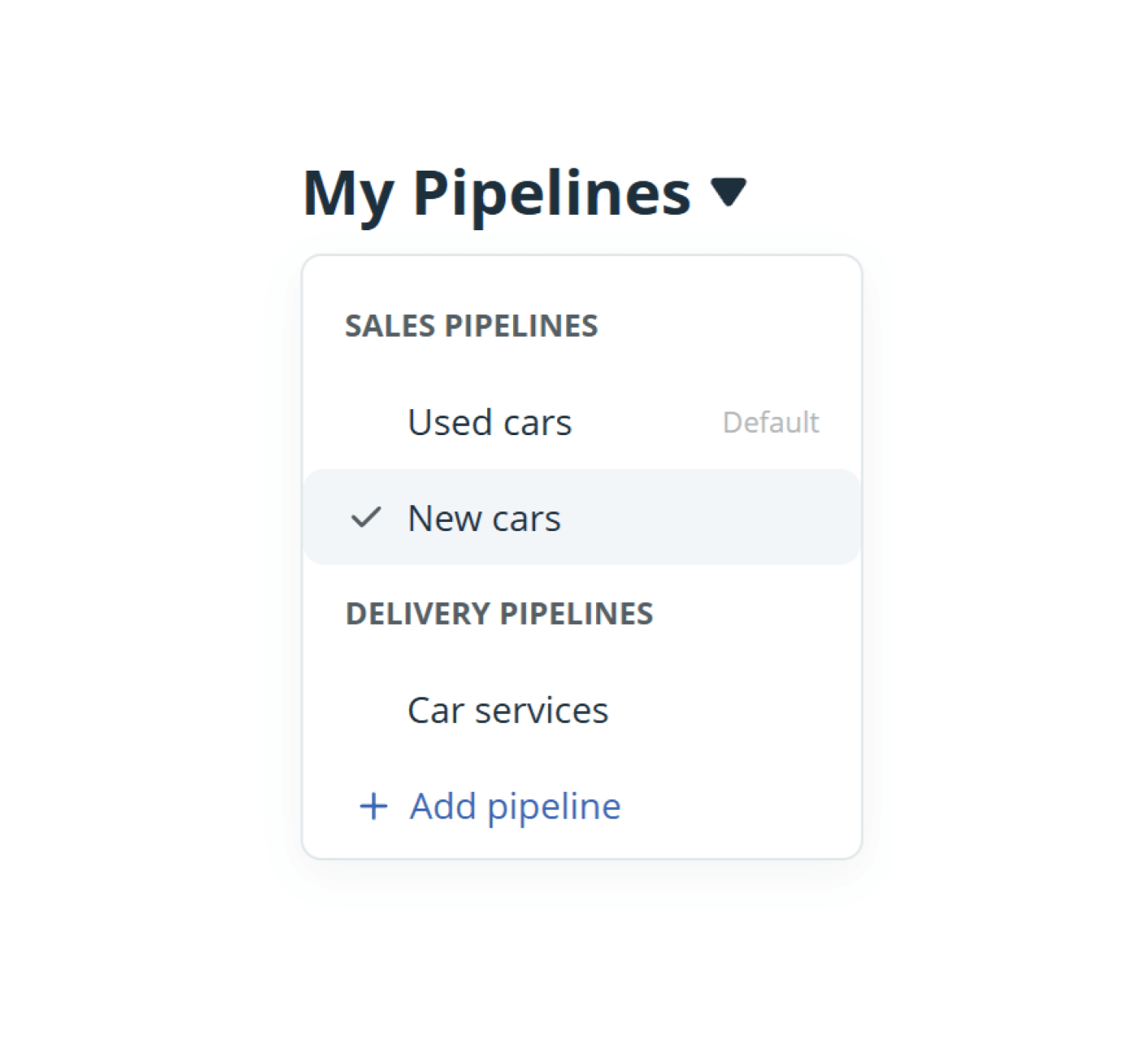
You can create and manage multiple sales pipelines if you have several products or services that require different sales processes.
-
How can I spot bottlenecks in my sales pipeline?
In OnePageCRM, you can use deal velocity to easily identify and manage bottlenecks in your sales pipeline by viewing the time spent on each deal stage, as well as sorting your Kanban to display the deals that cause the biggest delay.
-
How can I keep my pipeline healthy?
OnePageCRM is not just a sales CRM, it is also a productivity tool. It helps you stay organized and motivated.
For example, you can automate many repetitive sales tasks in OnePageCRM. On top of that, you can enable the Target Widget to motivate yourself and get closer to your goal every day.