- Product
- Track leads
- Action Stream Manage leads from a central workspace.
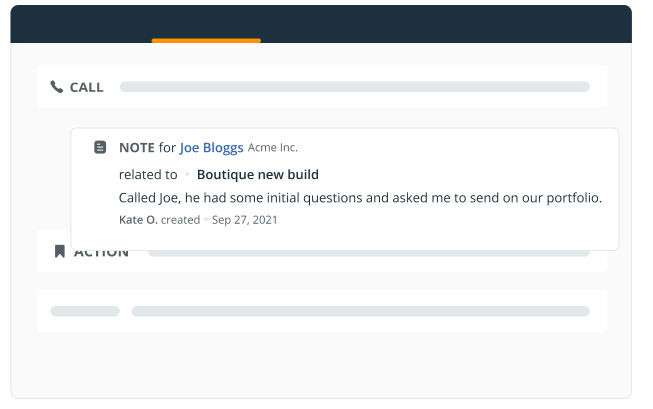
- Calls and meetings Make calls, speed dial, and log notes.
- Deal tracking Move deals between stages on a Kanban board.
- Sales process Build pipelines, create forecasts, and manage sales.
- Organize contacts
- Unlimited contacts Store unlimited contacts, fields, notes, and more.
- Instant lead capture Create contacts from social profiles in one click.
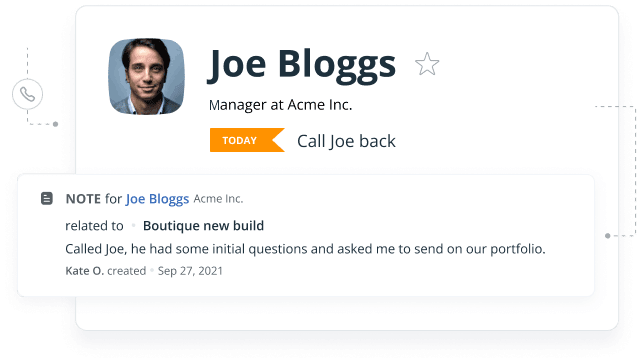
- Follow-up reminders Prioritize interactions in a color-coded list.
- Account management Manage B2B sales and define relationships.
- Grow revenue
- Shared inbox Sync and schedule emails, track email opens.
- Project delivery Manage won sales deals on Delivery pipeline.
- Products and services Keep a catalog of your services and products.
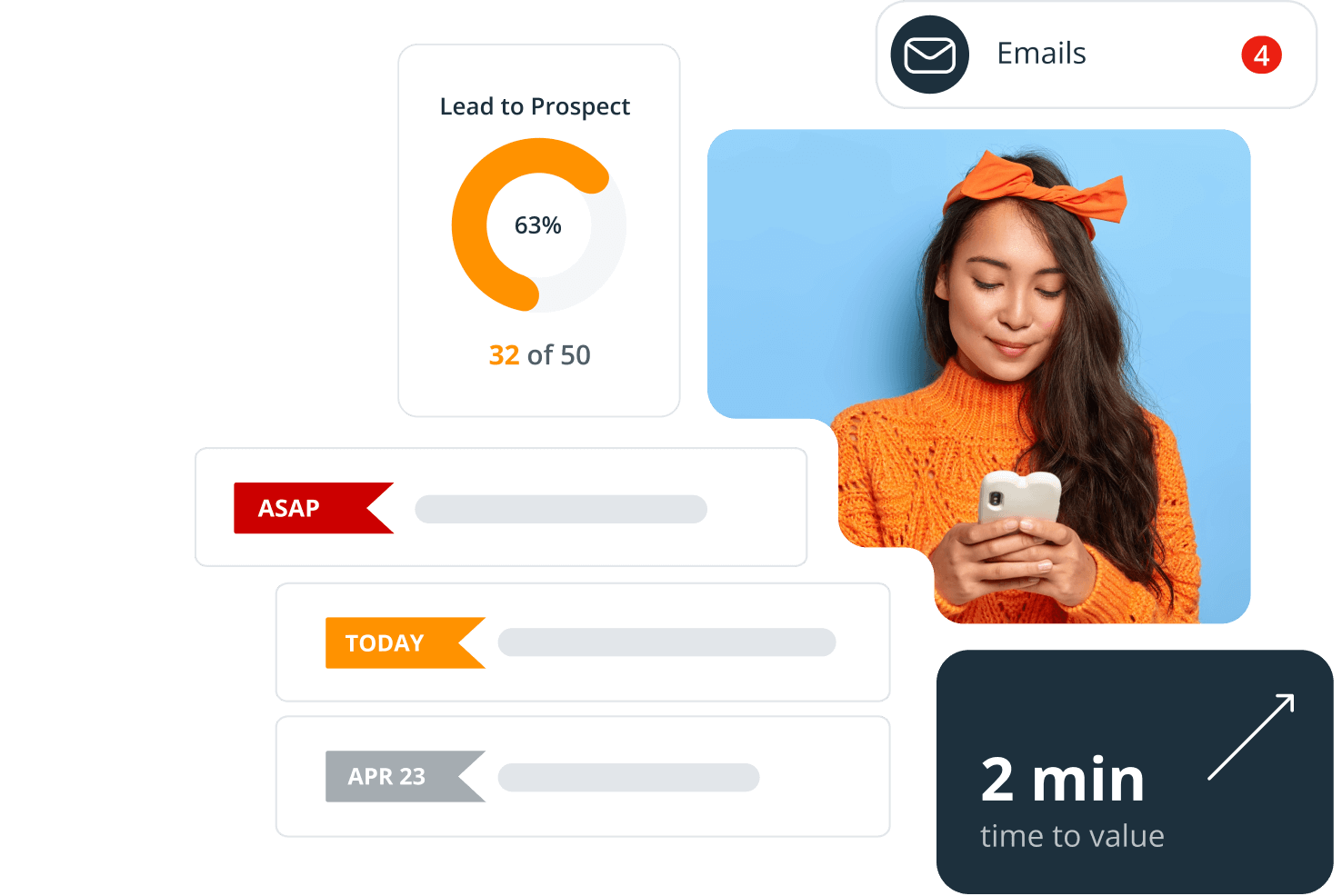
- Reporting Get insights from Dashboard and custom reports.
- Scale business
- Automation Build workflows and enrich contacts in one click.
- Email sequences Trigger a series of automated email for outreach.
- Web forms Create online forms synced with your CRM.
- Mobile apps Download a mobile CRM and AI Route Planner.
- Pricing
- Testimonials
- Marketplace
- What’s new
- Product
- Track leads
- Action Stream Manage leads from a central workspace.
- Calls and meetings Make calls, speed dial, and log notes.
- Deal tracking Move deals between stages on a Kanban board.
- Sales process Build pipelines, create forecasts, and manage sales.
- Organize contacts
- Unlimited contacts Store unlimited contacts, fields, notes, and more.
- Instant lead capture Create contacts from social profiles in one click.
- Follow-up reminders Prioritize interactions in a color-coded list.
- Account management Manage B2B sales and define relationships.
- Grow revenue
- Shared inbox Sync and schedule emails, track email opens.
- Project delivery Manage won sales deals on Delivery pipeline.
- Products and services Keep a catalog of your services and products.
- Reporting Get insights from Dashboard and custom reports.
- Scale business
- Automation Build workflows and enrich contacts in one click.
- Email sequences Trigger a series of automated email for outreach.
- Web forms Create online forms synced with your CRM.
- Mobile apps Download a mobile CRM and AI Route Planner.
- Pricing
- Testimonials
- Marketplace
- What’s new
Track leads
- Action Stream Manage leads from a central workspace.
- Calls and meetings Make calls, speed dial, and log notes.
- Deal tracking Move deals between stages on a Kanban board.
- Sales process Build pipelines, create forecasts, and manage sales.
Organize contacts
- Unlimited contacts Store unlimited contacts, fields, notes, and more.
- Instant lead capture Create contacts from social profiles in one click.
- Follow-up reminders Prioritize interactions in a color-coded list.
- Account management Manage B2B sales and define relationships.
Grow revenue
- Shared inbox Sync and schedule emails, track email opens.
- Project delivery Manage won sales deals on Delivery pipeline.
- Products and services Keep a catalog of your services and products.
- Reporting Get insights from Dashboard and custom reports.
Scale business
- Automation Build workflows and enrich contacts in one click.
- Email sequences Trigger a series of automated email for outreach.
- Web forms Create online forms synced with your CRM.
- Mobile apps Download a mobile CRM and AI Route Planner.


 by OnePageCRM