Simple pipeline management software
See where every deal stands, know what to do next, and track sales without the spreadsheet chaos.

Pipeline management software
Manage sales and client projects
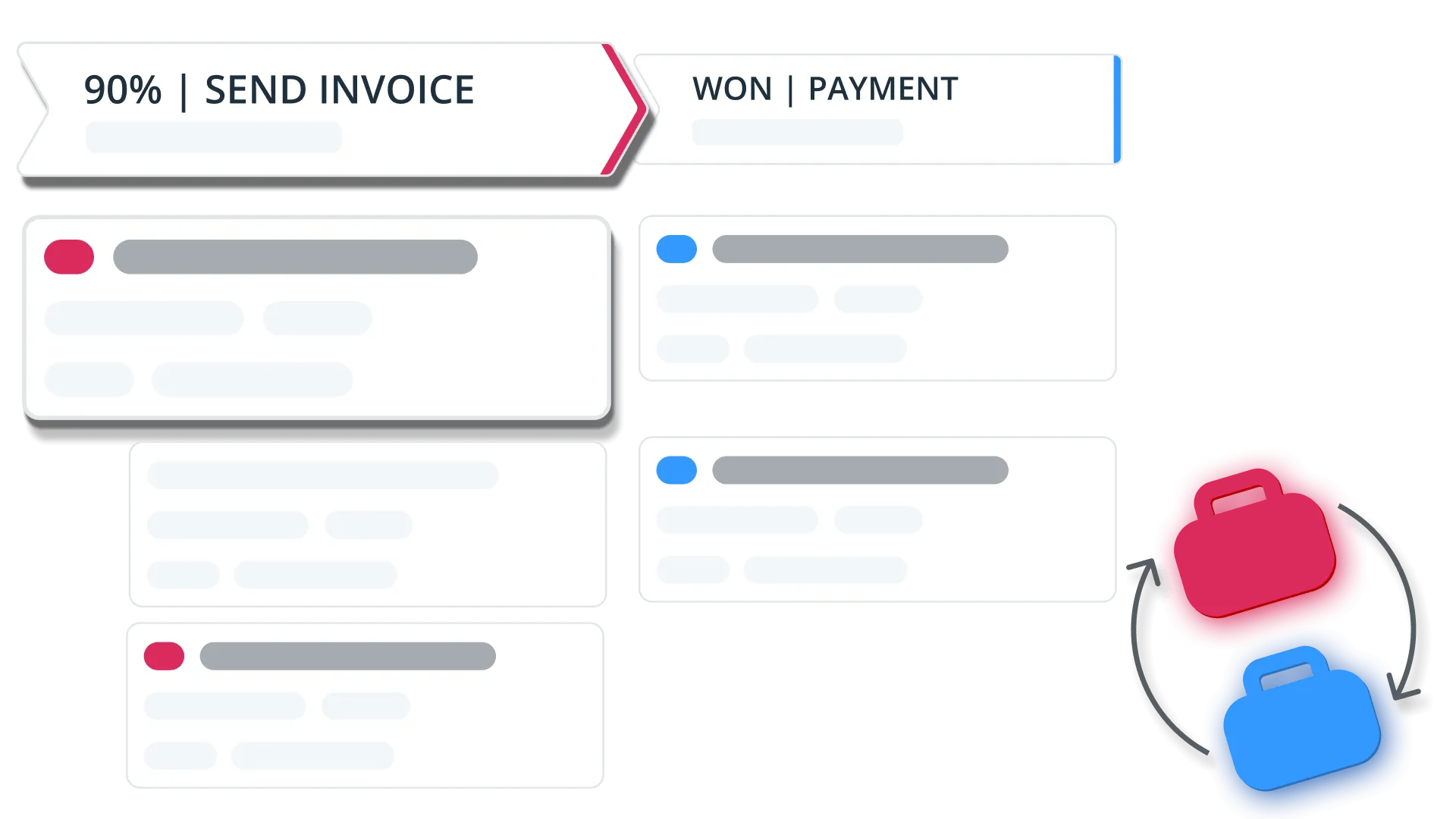
Use a Sales Pipeline to run your sales process, from the first conversation to a closed deal.
Then move won deals into a Delivery Pipeline and track the work you just sold. Light project management, in the same place as the sale.
Customize your pipeline
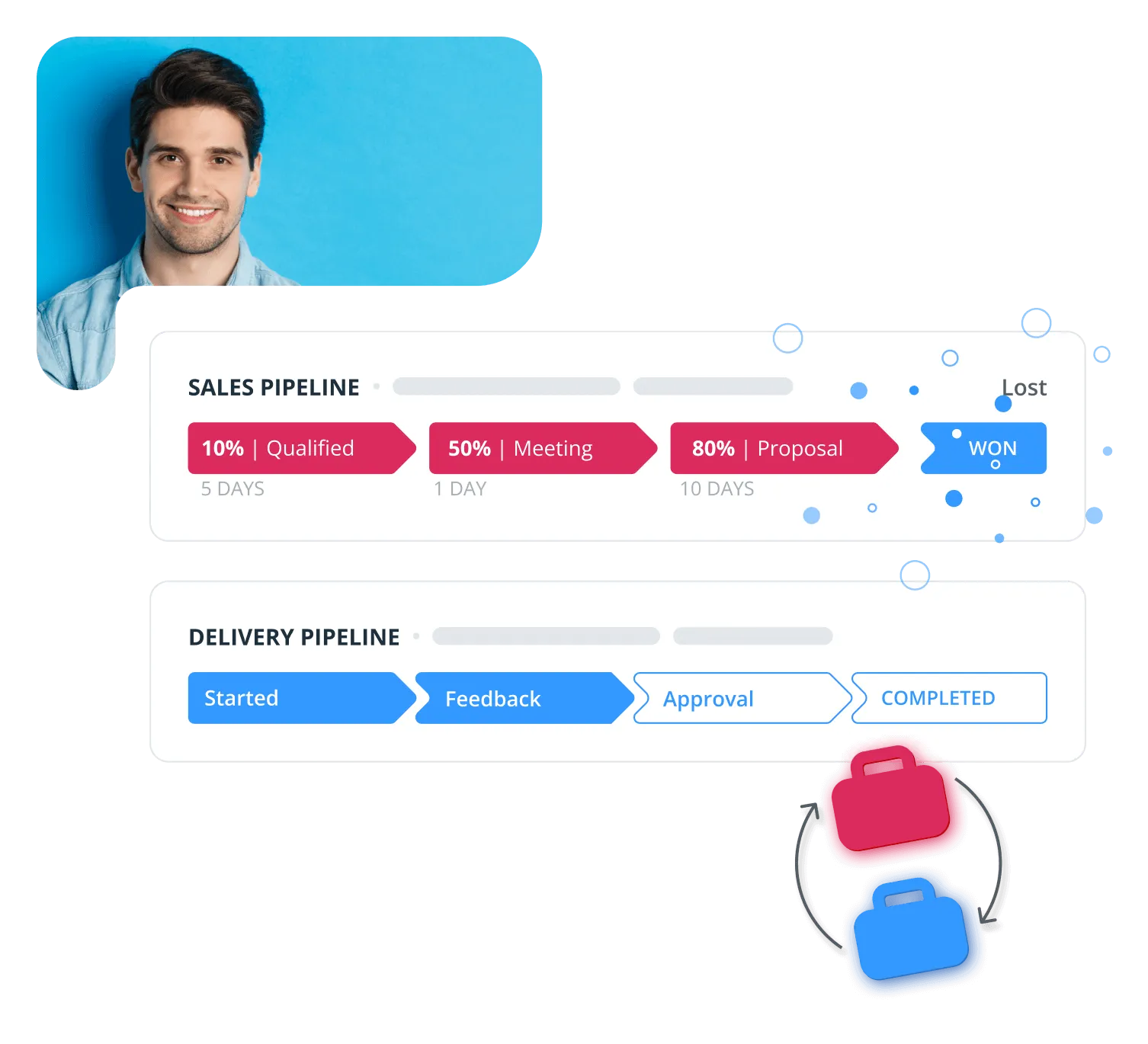
Add the stages you need and delete the ones you don't, until the board matches how you actually sell. Drag a deal from one stage to the next.
Give each stage a probability, then sort and filter the board so the deals that matter sit at the front.
Multiple pipelines
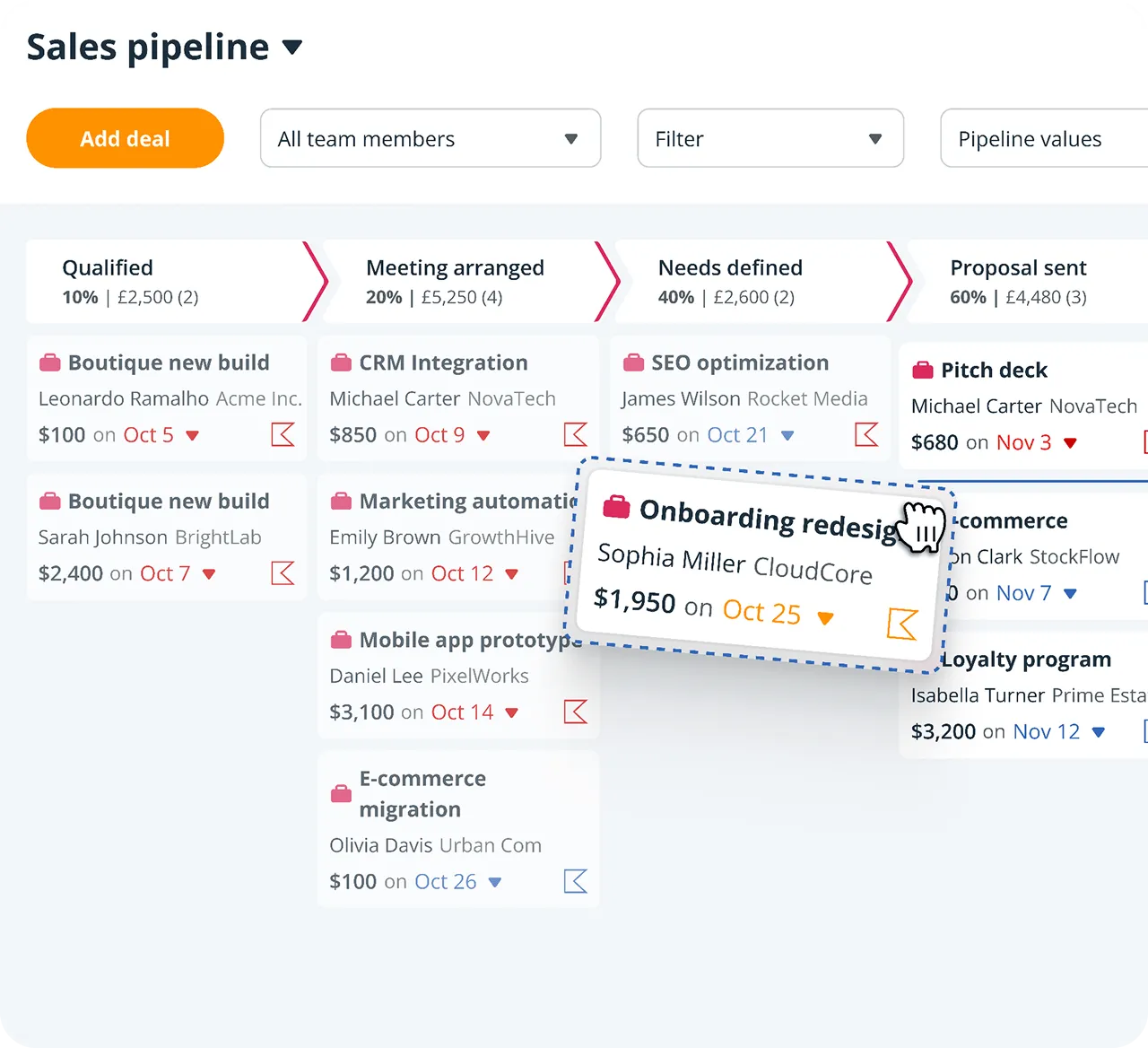
Build a separate pipeline for each product, service, or team, with its own set of stages.
Forecast view
Predict revenue by month, quarter, or year, and see won deals against weighted pending ones.
Deal velocity
See how long a deal has sat at its stage, then sort the board by what has gone quiet.
Pipeline automation
Autoflow watches for a deal changing stage, then sends the email or sets the follow-up for you.
Dashboard
Won deals against target, deals by person, and average velocity, in one printable view.
Deal loss reasons
Mark a deal lost and pick a Reason Lost from your own list, then report on what keeps coming up.
What others say

“…Since using it I’ve increased my conversion rate by 50%. It’s kept the deals in front of me and helped me with my sales process. I follow up when I’m supposed to and never drop the ball…”
Richard Smith · Senior VP at Perimeter Commercial Real Estate
“…remarkable in its combination of power and simplicity.”
 Tom PressmanGoogle review
“It is clean, and easy to use. It seamlessly syncs across my laptop, tablet, and phone.”
 Justin FuglioGoogle review
“They’ve helped me keep myself organized and grow my little company into a thriving business…”
 Karen SuhakaGoogle review
“This CRM is super intuitive and exceptionally easy to use.”
 Joe LyonsGoogle review
“…this simple extremely effective CRM tool to get organized and free up your brain space.”
 Sally EltzerothGoogle review
“OnePageCRM had everything we needed, without all the bloat.”
 Jason KneppGoogle review
“This without doubt the easiest, most intuitive CRM I’ve ever used.”
 Mike ShivleyGoogle review
“It is probably the easiest CRM I’ve ever used.”
 Robert HeineyGoogle review
“OnePageCRM is just so trim and usable - it’s a breath of fresh air, without the feature bloat that plagues most programs.”
 Paul Johan StokstadGoogle review
“OnePageCRM’s uncluttered interface makes it easy to import and get started, use and update customer information.”
 Mark D.G2 review
“…everyone on our team can pick up where any of us left a conversation because of the ability to keep detailed notes in OnePageCRM.”
 Bret BicoyGoogle review
“It offers everything I was looking for to help organize my contacts and build a usable database…”
 Joseph CascianiGoogle review
“I particularly like the full Outlook email integration, especially the open tracking feature.”
 Phil KGoogle review
“…the focus on Next Action is exactly what our small business needs.”
 HowardGoogle review
“OnePageCRM is terrific for our little business.”
 Greg HoldawayGoogle review
The best pipeline management software
21-day free trial • No credit card required • Simple setup
Frequent questions
Pipeline management software helps businesses track their sales deals from first contact to close. Instead of relying on memory, sticky notes, or busy spreadsheets, you get a clear visual picture of where every opportunity stands and what needs to happen next.
A good pipeline tool answers three questions at a glance:
- Which deals are moving forward?
- Which ones are stuck? And where?
- How much revenue can you realistically expect this month?
For small businesses, the right pipeline management software doesn't need to be complicated. It just needs to show you what matters, remind you to follow up, and stay out of your way.
Here are a few features in pipeline management software for small businesses:
- Visual Kanban board. See all deals in one place, grouped by stage, and move them with a simple drag and drop.
- Sales forecasting. Keep an eye on the total value of your pipeline to plan ahead and spot revenue gaps.
- Follow-up reminders. A deal in a pipeline without a next step is a deal going cold. The best pipeline management software lets you schedule and manage follow-up reminders.
- Pipeline automation. Move a deal to 'Won' and trigger a welcome email, a contact's status update, or a new follow-up reminder.
- Reporting. No need in complex reports. A clear dashboard showing deals won, deals lost, and progress toward targets is what most small businesses actually need.
- Integrations. Your pipeline doesn't exist in isolation. Look for pipeline management software that connects with your email, accounting tool, and calendar without a complicated setup.
OnePageCRM is built for small businesses, not enterprises.
Most pipeline tools were designed for large sales teams with a team of CRM admins and IT support. For a founder, a consultant, or a small sales team, that complexity often means the CRM doesn't get used at all.
In OnePageCRM, the pipeline is visual and straightforward. Every deal has a next step (a follow-up reminder). No setup needed. No training sessions. You can be up and running in minutes.
A pipeline is a digital tool that helps businesses organize, visualize, and manage their sales and post-sales processes.
The Kanban view helps easily move deals through different stages and get a quick overview of the pipeline overall status.
Most CRM systems are usually equipped with sales pipeline tools. For example, OnePageCRM has both a Kanban and Forecast view for sales pipelines and a Kanban view for delivery pipelines, which you can use as a light project management tool for won deals.
You can switch between them with a click.
The Kanban view helps you get a quick overview of your deals’ progress and a glimpse into your sales cycle.
With the Kanban view, businesses can quickly understand if there are any bottlenecks or if their sales process needs any improvements.
Use the Forecast view to predict your revenue and monitor your team’s performance against the set KPIs.
The Forecast view in your sales pipeline is a simple way of monitoring your progress and seeing whether you're still on track.
Yes, and it's very simple.
You can customize deal stages to fit your sales process and drag and drop the deals to advance them through the sales pipeline.
With OnePageCRM, you can build sales deals in a couple of clicks.
Fill in the deal’s name, add a note, and tick a box to add a commission or a multi-month format. We’ll do all the calculations for you.
This CRM has one of the most intuitive sales pipeline functionalities.
OnePageCRM has free Web Forms.
It takes just a few clicks to build a simple web form and embed it into your website.
We’ll be collecting new leads and automatically adding them to your CRM with a follow-up reminder next to them.
You can create and manage multiple sales pipelines if you have several products or services that require different sales processes.
In OnePageCRM, you can use deal velocity to easily identify and manage bottlenecks in your sales pipeline by viewing the time spent on each deal stage, as well as sorting your Kanban to display the deals that cause the biggest delay.
OnePageCRM is not just a sales CRM, it is also a productivity tool. It helps you stay organized and motivated.
For example, you can automate many repetitive sales tasks in OnePageCRM. On top of that, you can enable the Target Widget to motivate yourself and get closer to your goal every day.