CRM Demos
Get more from your CRM.
 39:25CRM Masterclass: the full walkthroughSee everything OnePageCRM offers: contacts, follow-ups, deals, email sync, and automation. Start here if you want one video instead of ten.
 4:49Build an AI sales assistant with two appsConnect your CRM to AI. The video shows twelve prompts you can use for call prep, CRM updates, meeting notes, follow-up emails, and more.
 11:23Getting started with AINot sure where to start with AI? Watch this demo with plain English prompts and step-by-step setup instructions. Perfect for beginners.
 3:15Six CRM jobs for an AI agentSix tasks an AI agent can do in your CRM: data entry, deal insights, CRM cleanup, meeting prep, summaries, and follow-ups.
 14:22Use Claude and ChatGPT with your CRMFour jobs Claude runs once MCP connects it: rescheduling overdue Next Actions, qualifying Web Form leads, building a report, drafting follow-ups.
 13:10No-code automations with ZapierWe build two Zapier automations for connecting Google Sheets and Calendly to your CRM. No coding skills needed.
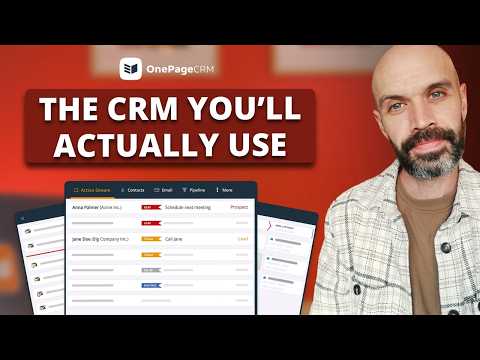 6:46Organize your sales day in six minutesYour whole sales day in six minutes: the Action Stream, the Lead Clipper, a quote, a follow-up, and the Pipeline. See how it works.
 11:27Email Sequences: schedule, automate, triggerSchedule an email for later, build a sequence that follows up on its own, and fire the whole thing from an Autoflow.
 10:23Automate the busywork with AutoflowTen minutes on Autoflow: see how OnePageCRM can automatically handle status changes, follow-up assignments, and more.
 16:48Lead capture tools in OnePageCRMThe three features to capture leads in OnePageCRM: Web Forms, the Lead Clipper extension, and a Zapier workflow.
 20:47Manage emails in your CRMComposing, quotes, bulk email, templates, and signatures... OnePageCRM has a lot of email features.
 11:26Clean up a messy CRMIs your CRM out of control? Here are three fixes for a messy database: clear old Actions in bulk, merge duplicates, update stale deals.
 4:47Client tasks and projects in one placePrioritizing clients, rescheduling tasks, sending quotes, and managing the post-sales process. See how OnePageCRM handles all of it.
 8:40Add connections between your contactsSee the people behind an account with relationships, linked contacts, and organization mapping.
 22:09OnePageCRM for real estate agentsA walkthrough for real estate agents: manage buyers and sellers, update property deals, and capture leads off a listing.
 16:01Three helpful features you might have missedWeb Forms, Autoflow, and Custom Reports are the three parts of OnePageCRM that do the most work for the least setup.
 31:38Simple CRM for small businessDive deep into the Action Stream and Focus Mode, contact pages and Next Actions, the Lead Clipper, and segmenting a database.
 9:54A full CRM overview with the founderTen minutes with OnePageCRM's founder. This is the quickest way to see whether OnePageCRM fits your business.
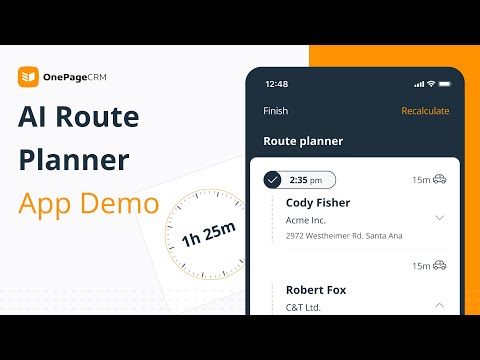 22:33Route planning for field salesFor anyone selling on the road, OnePageCRM has a Route Planner that calculates the fastest route between your visits.
No demos on that topic yet.