Best CRM for
Freelancers
Organize your client database, keep track of follow-ups, and monitor projects with OnePageCRM. Our powerful CRM software will help you nurture existing relationships and win new clients.
 4.7 (265+ reviews)
 Google security assessed
Why freelancers choose OnePageCRM
OnePageCRM is a CRM system designed to be so simple that single users can have it up and running in a few minutes.
Powerful features
Use our bullet-proof follow-up system to add reminders to freelancing clients. The CRM will automatically prioritize them.
Simple interface
No need to be a CRM expert. OnePageCRM is so easy that you’ll quickly get a grasp of it with no prior CRM experience.
Responsive support
Any questions? We are happy to help you. Small businesses in over 80 countries trust OnePageCRM.
Build long-lasting relationships with clients
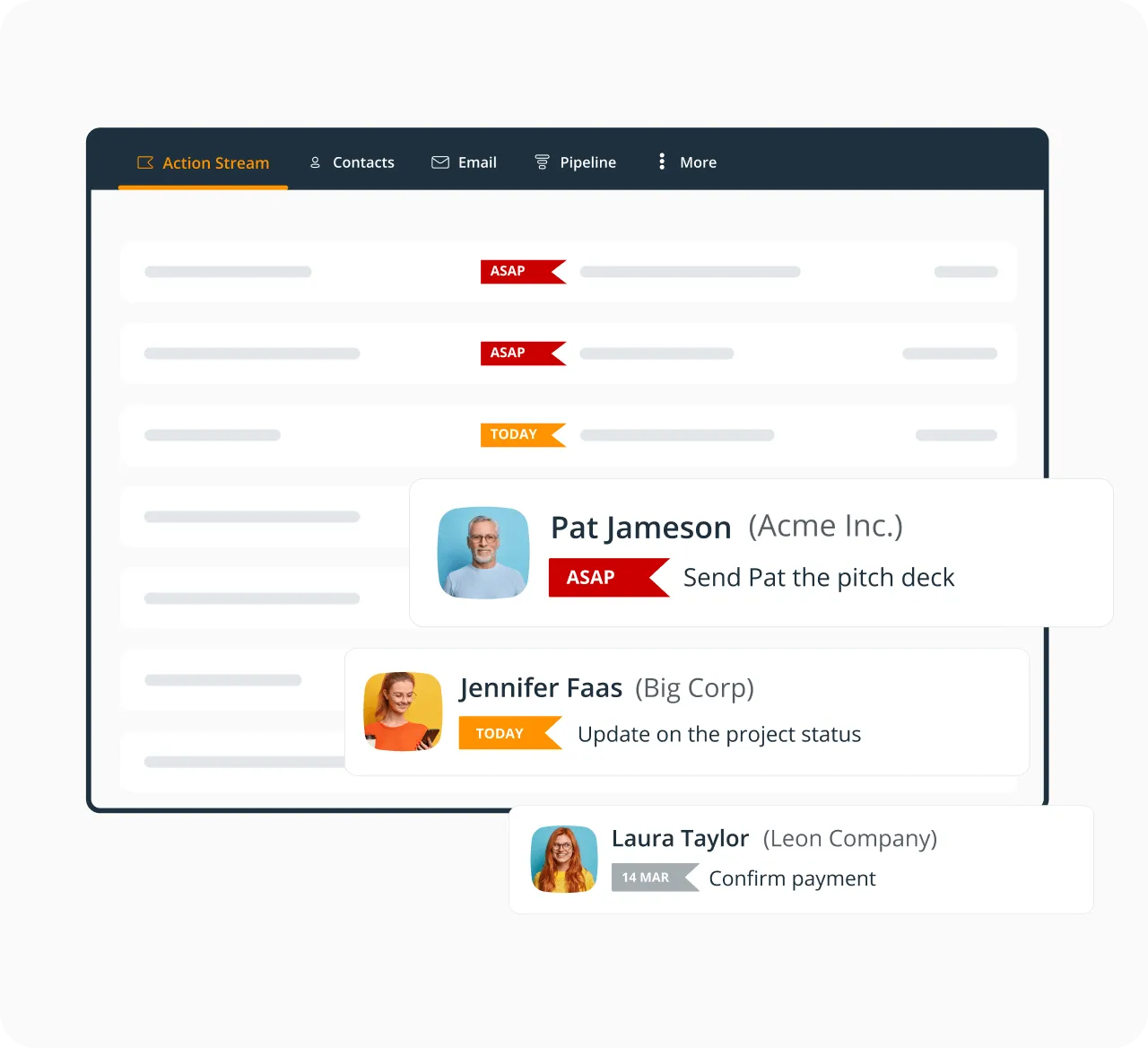
Do you have any dormant clients or any clients that might be open to referring you to a few of their colleagues? OnePageCRM is a great tool for follow-ups and reminders. Add a task or a reminder next to any contact in your database and we’ll automatically arrange them in a color-coded list.
Once the time comes, OnePageCRM will remind you to re-connect with a client.
Keep all work communication in one place
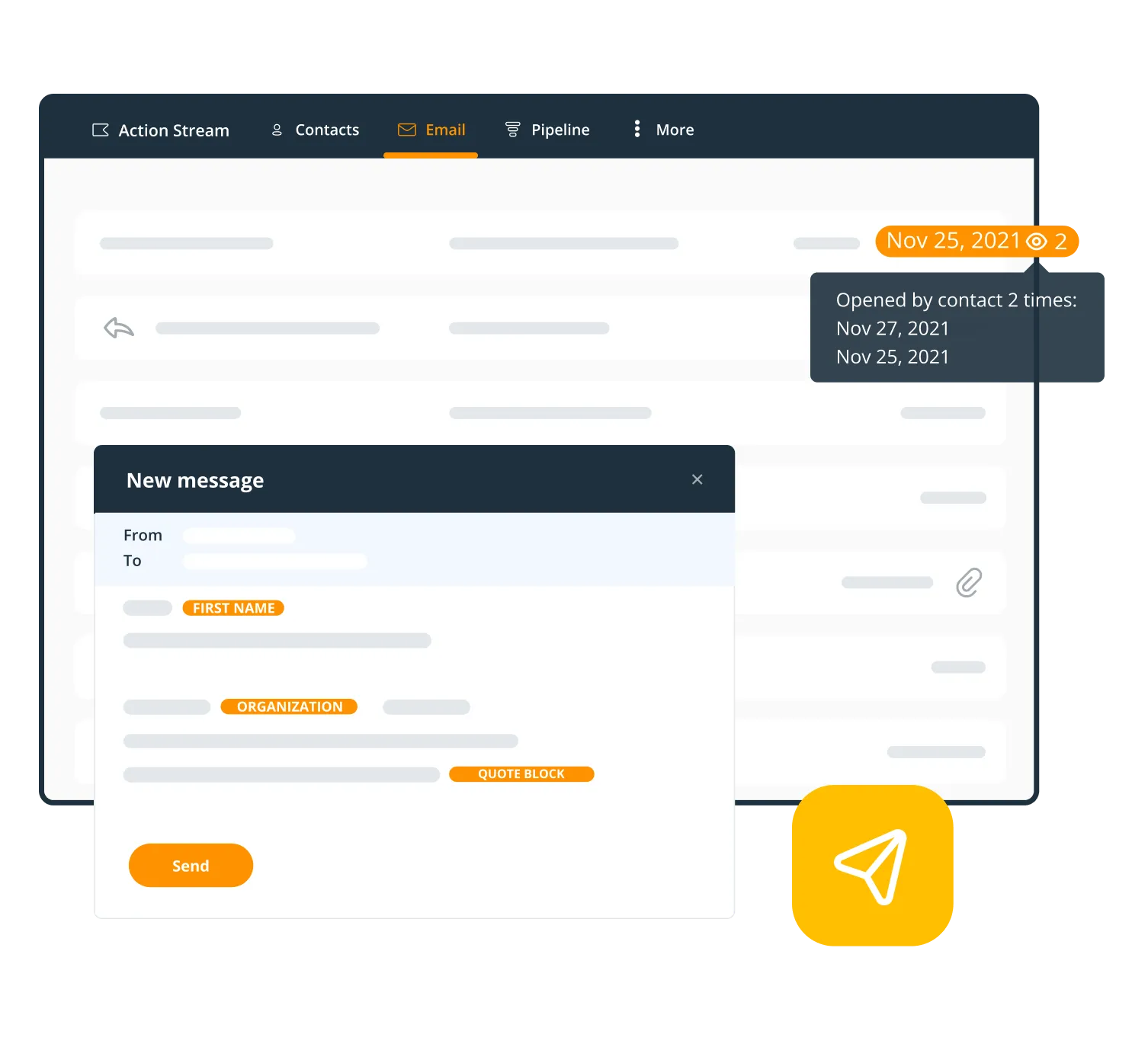
OnePageCRM has a smart AI-recognition system. Enable a sync between your email client and CRM and we’ll automatically detect emails from your CRM contacts and store them on their Contact Pages.
You can view the full email history with any client and even send and receive emails without leaving your CRM. We also have free email templates and track email opens.
Have all client records up-to-date
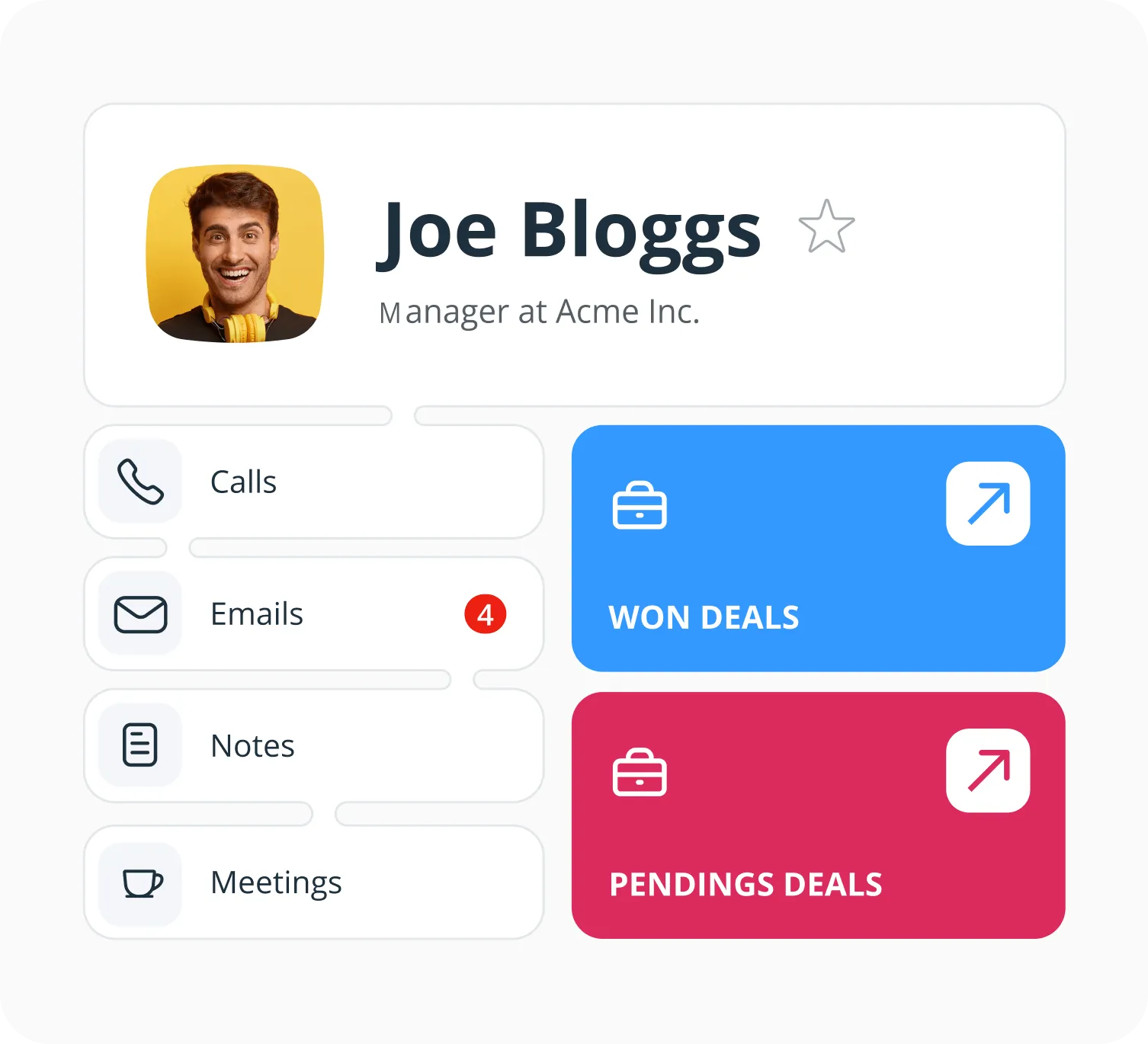
Everything you need to know about your existing and new clients—from their contact information to associated projects, call notes, emails, past interactions, and latest Activity—is on one scrollable page.
It’s called OnePage-CRM for a reason!
Add new clients to CRM from social media
Do you use social media for finding new clients and reaching out to them?
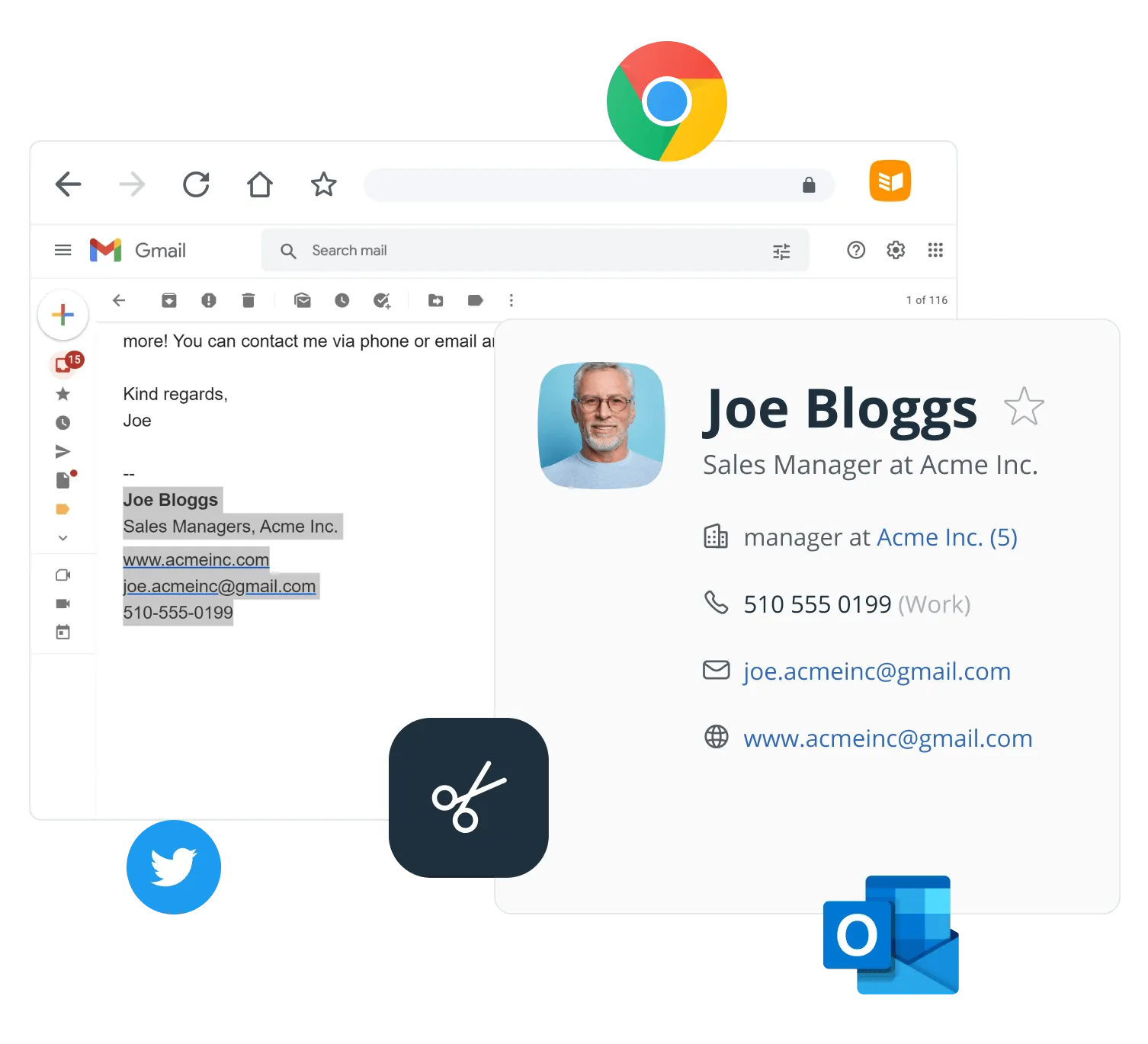
OnePageCRM automatically detects contact information on any web page, including your email inbox. You can create new contacts in your CRM with just one click—and add a reminder straight away.
With OnePageCRM, connecting with new clients is easy!
Automate repetitive tasks
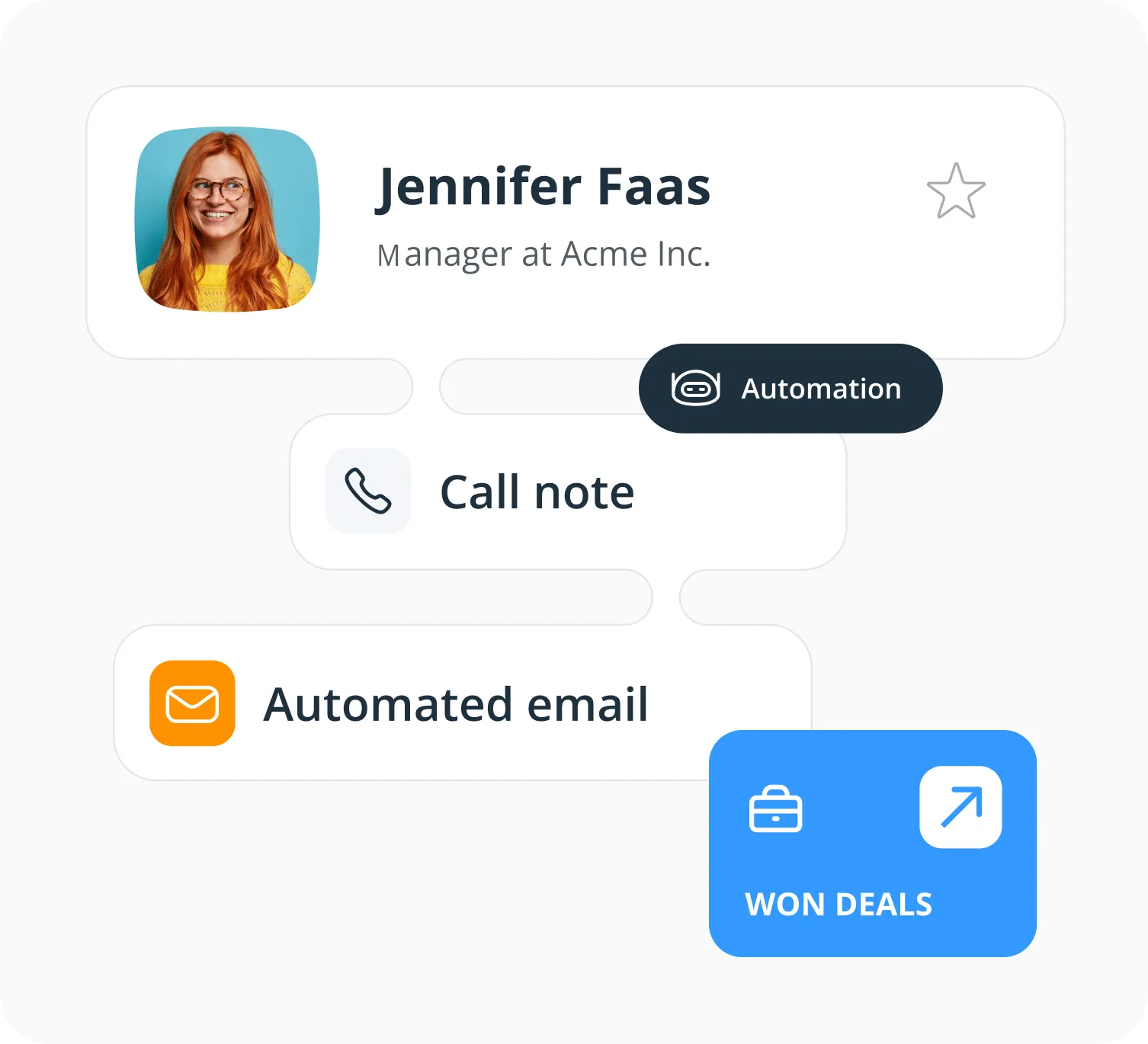
If you have repetitive data entry tasks, OnePageCRM can help you automate them. Send invoices in a click, trigger follow-up emails after calls, easily move projects through your pipeline, and much more.
Focus on building relationships with clients while OnePageCRM takes care of the admin.
Manage client projects
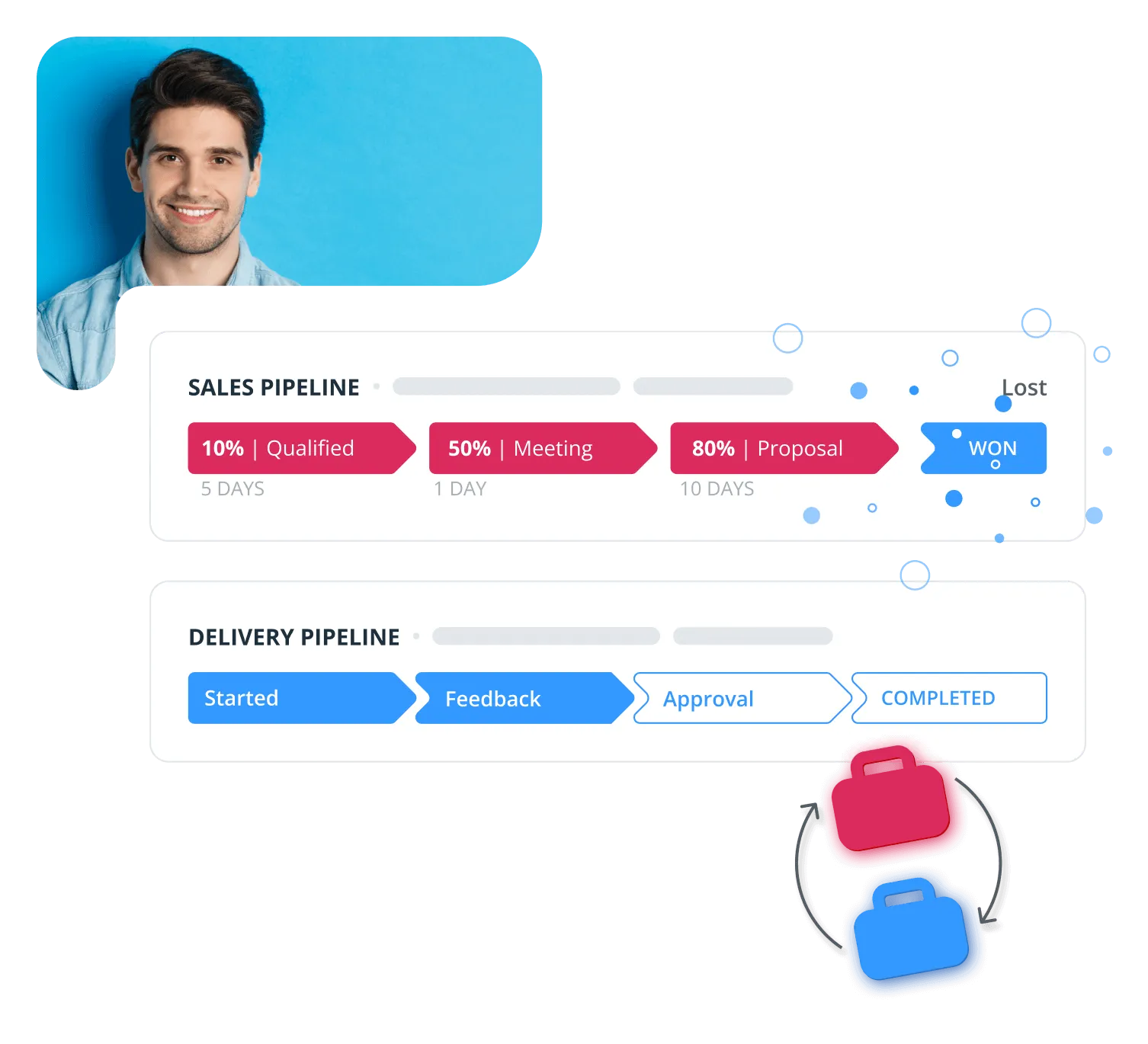
Add a Delivery pipeline as a light project management tool.
You can customize stages and keep track of your client projects right inside your CRM.
The best CRM for your team
Bring a partner or subcontractor into the same CRM. You share one inbox, see the same notes on every client, and hand over tasks or deals in a click. KPIs and the pipeline are visible to both.
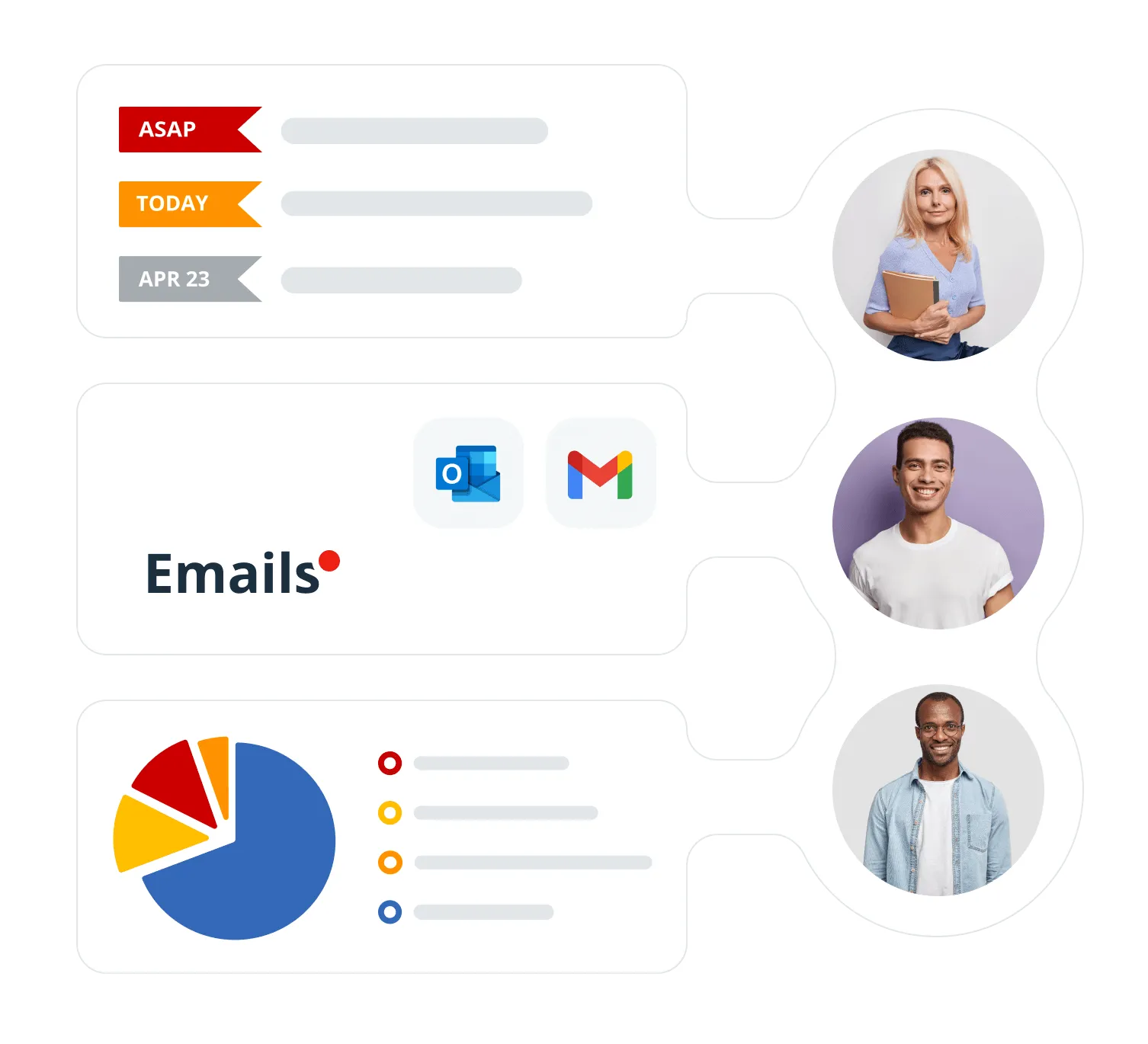
Mobile CRM for freelancers
OnePageCRM works on any platform and any device.
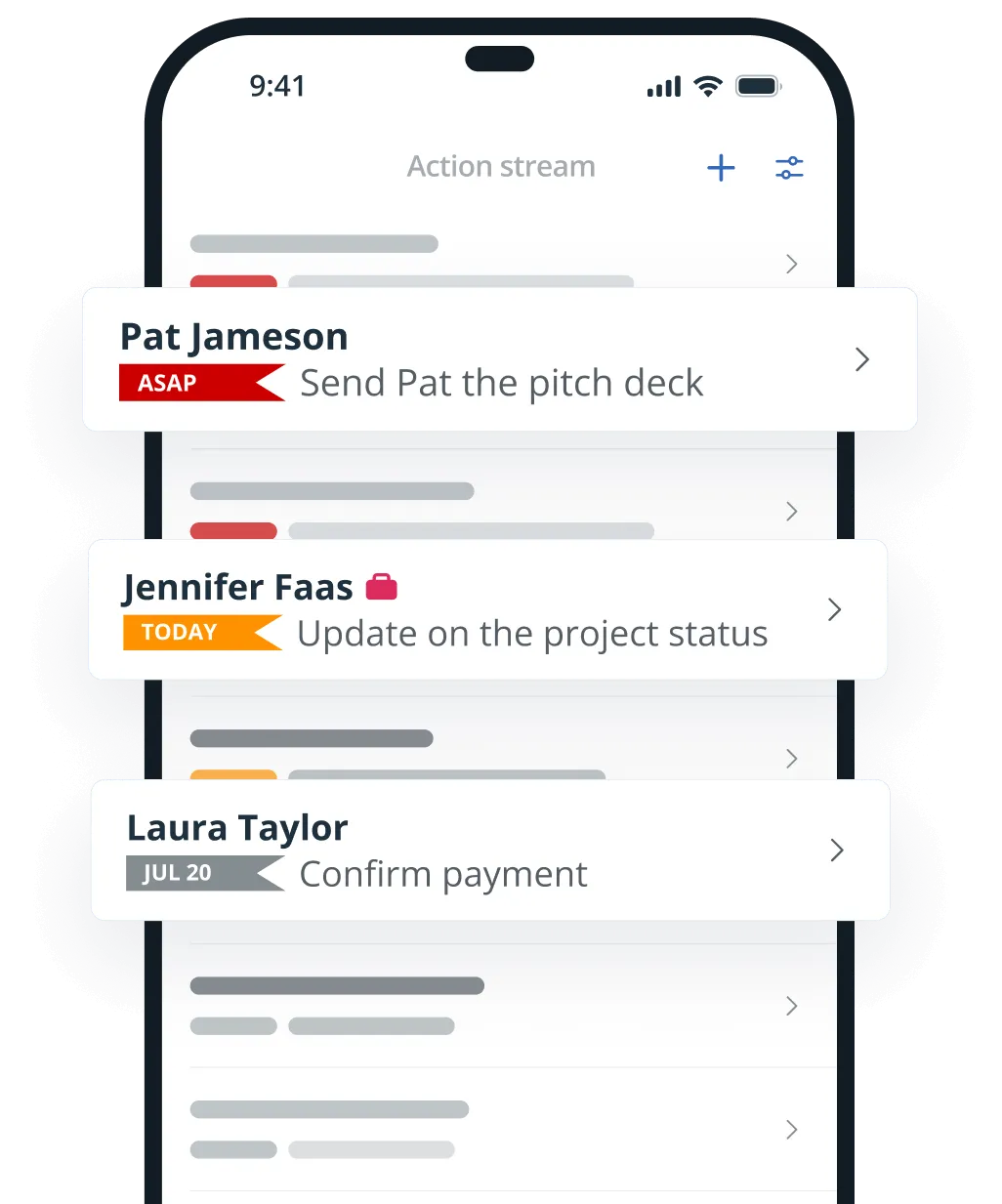
Mobile CRM
Manage your clients from your phone between jobs. The free iOS and Android apps let you look up a client, log a call, add a note, set a reminder, and more.
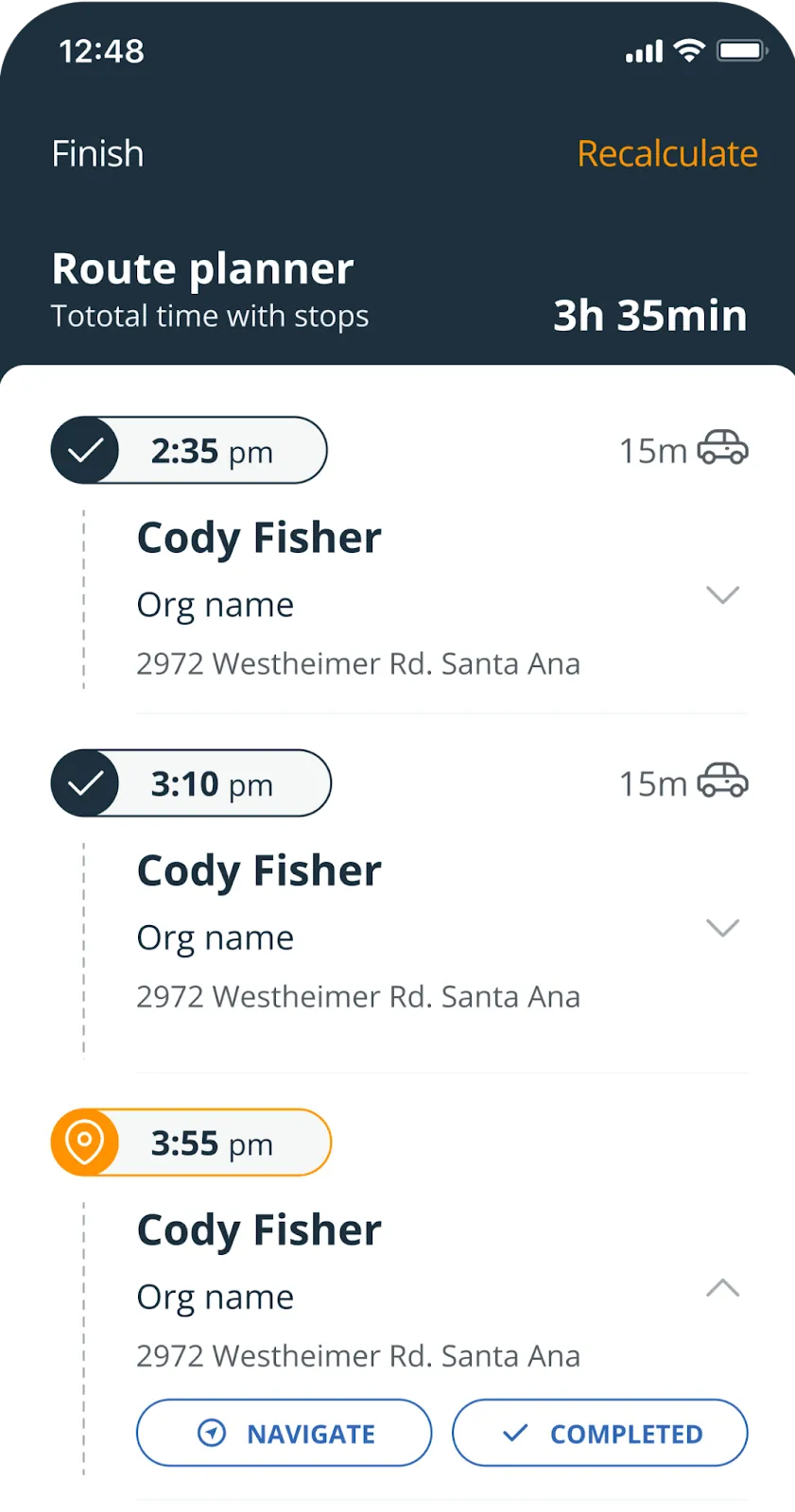
Route Planner
Some client work happens on site. The free On the Road app plans the drive for you: it puts your visits in the quickest order, shows each drive time, and can call your next client.
Connect OnePageCRM to
your favorite apps
As a freelancer, you need to use several business apps—and OnePageCRM integrates with them. Have everything you need to grow your freelance business.
 QuickBooksCreate invoices and estimates in a few clicks and see QuickBooks history in your CRM.
 XeroSend invoices and quotes straight from your CRM and align your sales and accounting.
 Sage AccountingKeep all invoices and quotes in CRM to align your sales and accounting teams.
 PayPalSee all PayPal invoices in your CRM without switching between the two apps.
 NusiiCreate and track sales proposals from your CRM.
 Quick QuotesCreate and email sales quotes in a flash from your CRM for free.
 GmailStore emails in your CRM, send and track emails in bulk, create templates, and more.
 OutlookUse custom templates, send emails in bulk, track email opens, and much more.
 CalendarSync your CRM with Google, Outlook, or Apple Calendars.
 ZapierConnect your CRM with thousands of apps and automate your work.
What our users say about OnePageCRM
50%
higher conversion rate
“I follow up when I’m supposed to and never drop the ball. This system is easy, it makes the process kind of fun, and it has great support! I recommend OnePageCRM to everyone.”
 Richard SmithSenior VP at Perimeter Commercial Real Estate
“This is hands down the top CRM system that I have worked with. It is easy to navigate, it keeps you on track, it is integrated with many apps that I was already using.”
 MaryLynne ChristmanChief Eventor at Collaborative Event Management
“OnePageCRM is like having an assistant I don’t have that gets our sales on a priority list, reminds me of what I need to do daily and provides a proven solution for us in building new business.”
 Geoff FlynnCreative and Operations Director at Brand Blue
4×
more leads become opportunities
Best CRM for Freelancers
Not every freelancer needs a CRM.
For example, if you’re just starting your freelance business and don’t have many clients, then there’s probably no need for you to have a client database.
Once your business starts to grow and you get more referrals, you’ll feel the need for a more systemized approach to client management.
This is where a CRM system comes into play.
Some freelancers start with creating a spreadsheet with all their clients, others might try a note-taking app. But after a while, the limitations of these apps become obvious, and freelancers start looking for a simple CRM system that is easy for single users.
There are several benefits of having a CRM as a freelancer:
— Client management. A CRM lets freelancers organize their client database and diligently record all client-related information in a centralized manner. With a proper CRM, freelancers can always see the full history of their client interactions and personalize their approach to every client.
— Client acquisition. A CRM is also a business development tool that many solopreneurs and freelancers use to build new relationships and acquire new clientele. A good CRM for freelancers helps you segment leads into different categories and improve your lead nurturing process so that you convert leads into clients more effectively.
— Task and project management. As a freelancer, you have to work on a variety of different projects. A CRM can help you track these projects and keep them recorded in one place. For example, projects can be linked back to specific clients or tracked on the Kanban board. Besides, a good CRM for freelancers also has follow-up reminders.
— Invoicing and quoting. Freelancers manage their processes from start to finish. That’s why a CRM for freelancers should also have integrations with invoicing apps, such as QuickBooks, Xero, or Sage Accounting. In this case, all invoices and quotes will be stored directly in your CRM on the clients’ Contact Pages.
OnePageCRM is the best CRM for sole traders, freelancers, and anyone who’s starting to build their business alone. Its unique combination of a simple client database and productivity tool gives freelancers a powerful way of actively managing their records and growing their clientele.
OnePageCRM is the only action-focused CRM in the world. It has the unique Action Stream feature that sorts all contacts in the database by the urgency of the task or reminder assigned next to them.
In other words, OnePageCRM is the only CRM that lets freelancers leverage their network and actively work on nurturing business relationships from the very start.
To effectively manage your freelance business, you need a good CRM.
OnePageCRM is one of the simplest CRMs in the world. It lets you keep track of all your clients without overwhelming you with unnecessary features and bloated software. Besides, everything in OnePageCRM revolves around contacts.
All client-related information is stored on their respective Contact Pages: from emails, past projects, upcoming tasks, and much more.
Working as a freelancer comes with its own challenges. You need to juggle different projects for various clients, take care of the admin stuff, deliver high-quality work, actively look for new clients, build your personal brand, keep in touch with old clients, meet deadlines, and so on.
The pressure is so real and it can get overwhelming at times.
That’s why more and more freelancers start using an action-focused CRM, like OnePageCRM. It’s the only CRM in the world that acts as both — a simple contact database and a productivity tool.
With OnePageCRM, you can easily track your work, meet the deadlines, and juggle multiple tasks.
The simple CRM
you’ve been looking for
The CRM that is built with small businesses in mind. It makes your follow-up process easy, helps you grow sales, and build long-term relationships with your freelancing clients.
21-day free trial • No credit card required • Simple setup