Best CRM for
Small Business
OnePageCRM is a super affordable small business CRM. While simple, it has all the core CRM features and a user-friendly and lightweight interface.

Why OnePageCRM
Here are three reasons that make OnePageCRM the best CRM platform for small businesses.
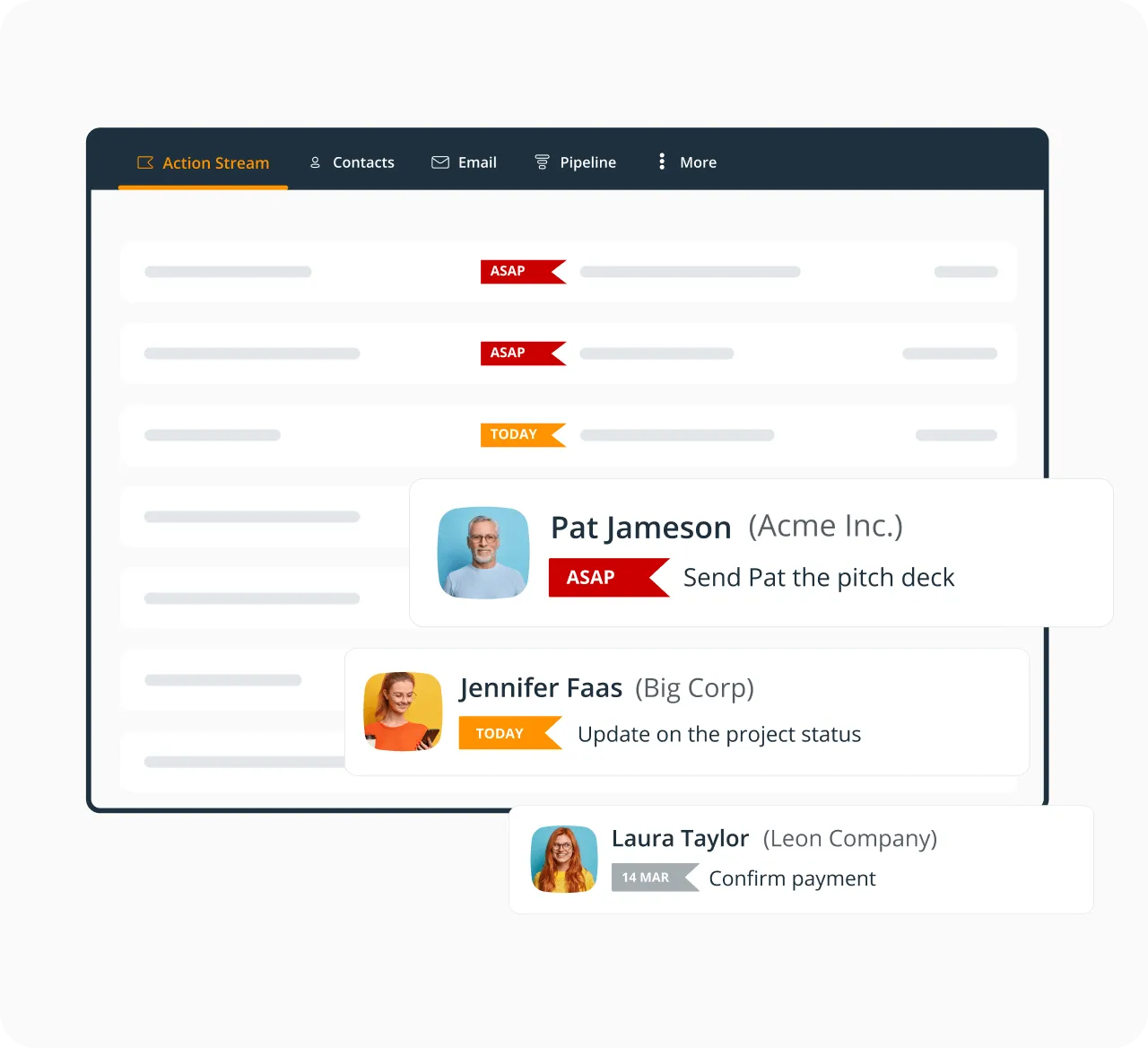
Track follow-ups
Add color-coded reminders next to customers and leads. We made it easy to prioritize and track sales.
Keep it simple
Zero admin and no clutter. OnePageCRM has a lightweight interface and lets you focus on what matters.
Grow faster
Since 2010, we’ve been helping small businesses grow. Check out our case studies backed up by real ROI.
Keep track of leads and customers
OnePageCRM makes it easy for small businesses to track sales:
— Add follow-ups next to CRM contacts,
— Automatically prioritize contacts,
— Turn your contact database into a simple engine.
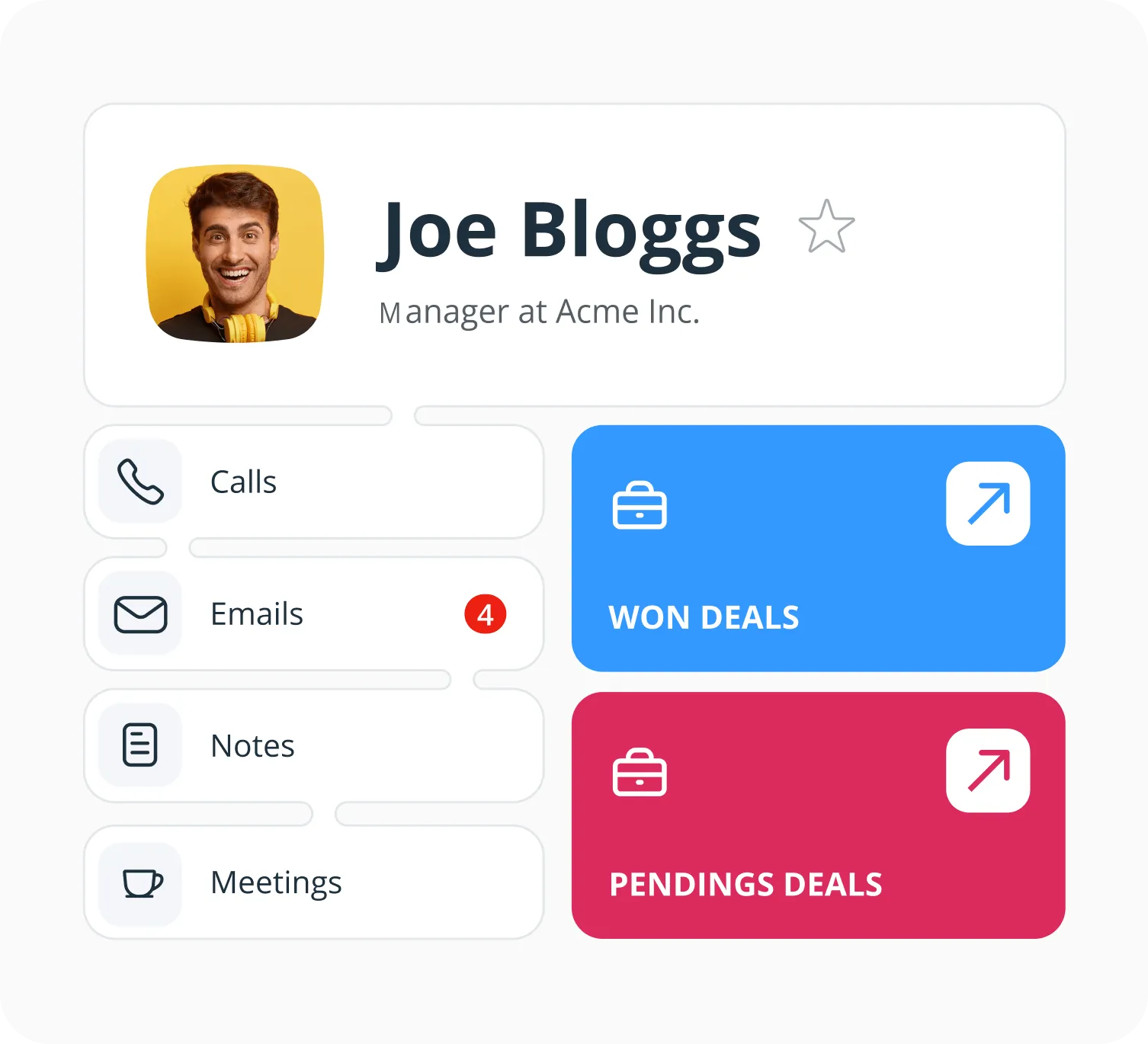
Centralize all customer data
Use this simple CRM to organize customer data in your small business:
— Sync customer data from other apps into OnePageCRM,
— See all important customer data inside your CRM,
— Send emails, make calls, schedule tasks from one system.
Organize and manage emails
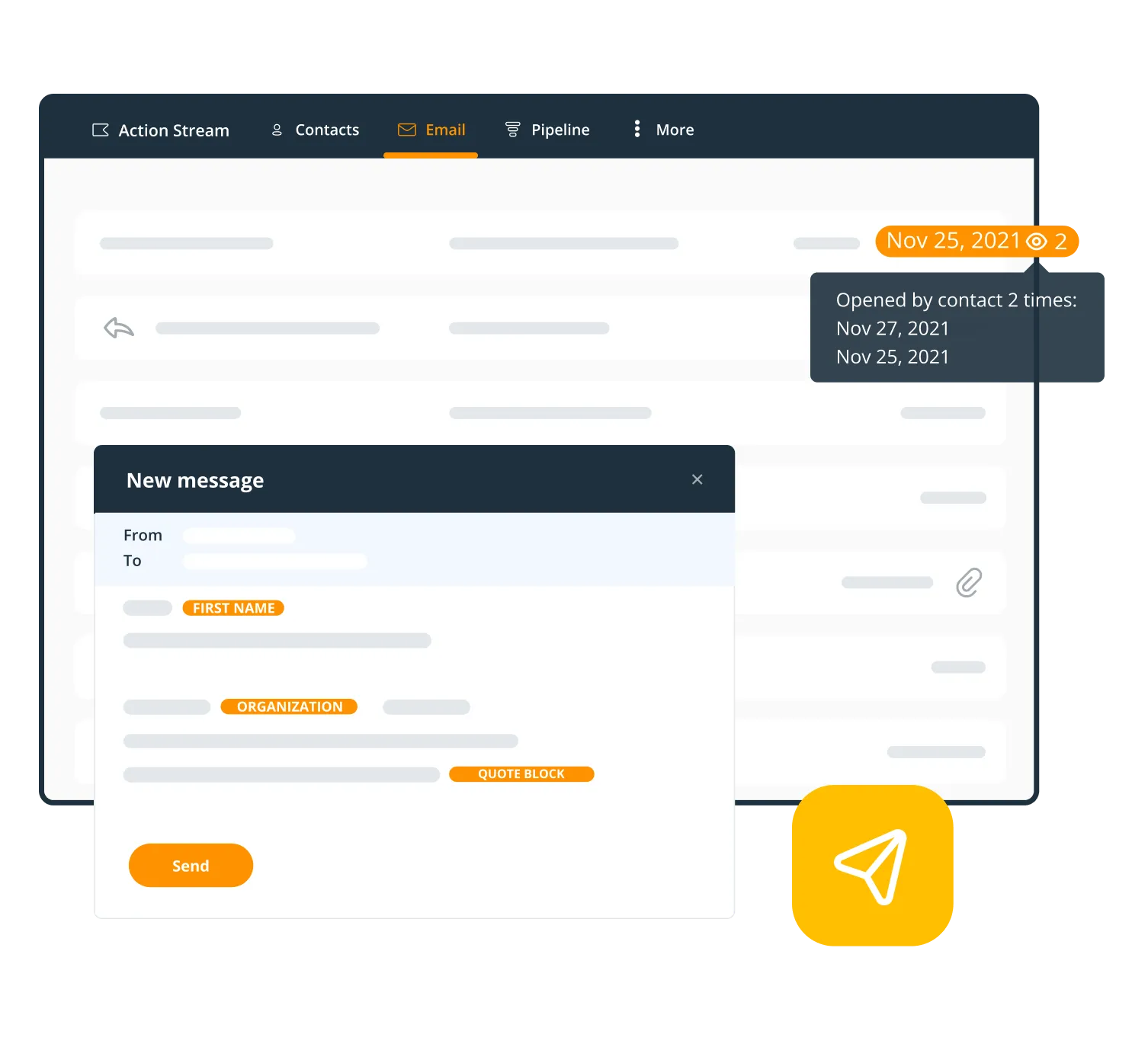
OnePageCRM has a smart email integration:
— Send and receive emails to and from CRM contacts,
— Mass email your contacts with Bulk Send,
— Track email opens and use free custom templates.
Stay within budget
This simple CRM fits your small business budget:
— Free add-ons (Web Forms, Lead Clipper, and more).
— A long free trial (21 days, no credit card required).
— Two pricing plans with no hidden fees.

Scale your small business
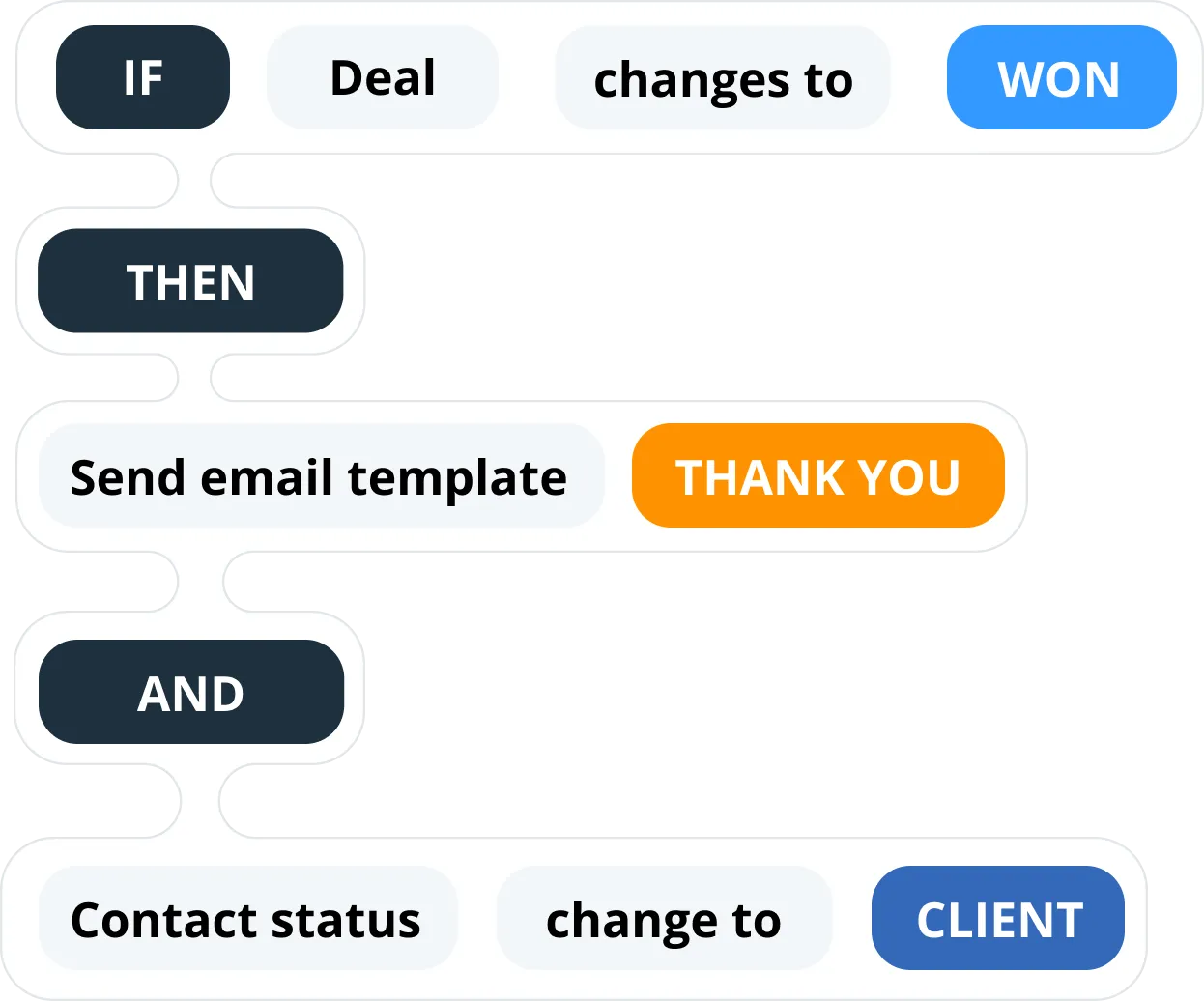
Say no to manual data entry. OnePageCRM gives your time back to you:
— Auto-save new CRM contacts from social media,
— Automate simple repetitive tasks,
— Generate sales quotes in 30 seconds.
Monitor your business growth
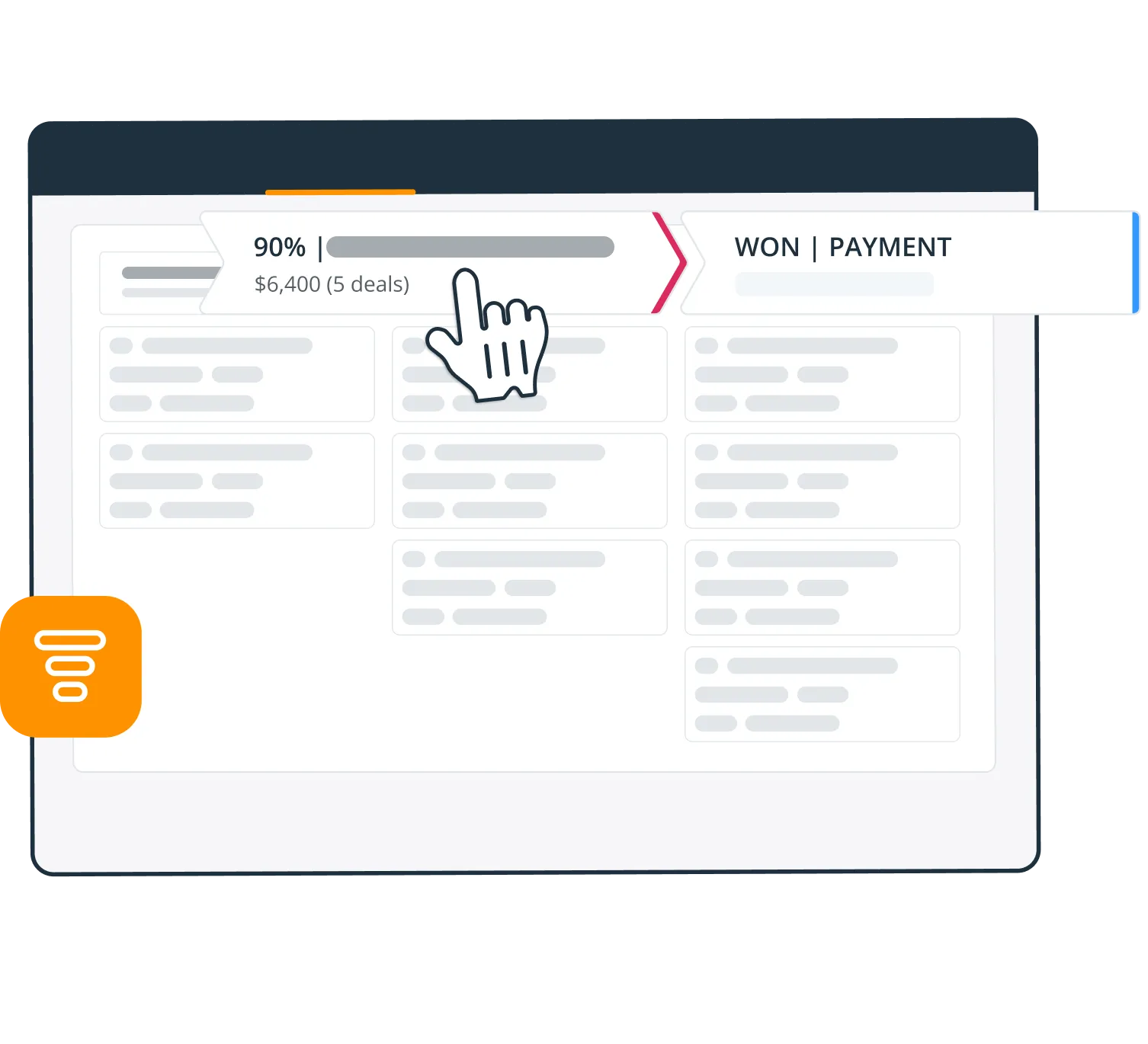
Customize OnePageCRM to meet your small business needs:
— Track metrics in interactive reports,
— Switch between sales and post-sales pipelines,
— Use this CRM’s light project management tool for won deals.
The best CRM for small business
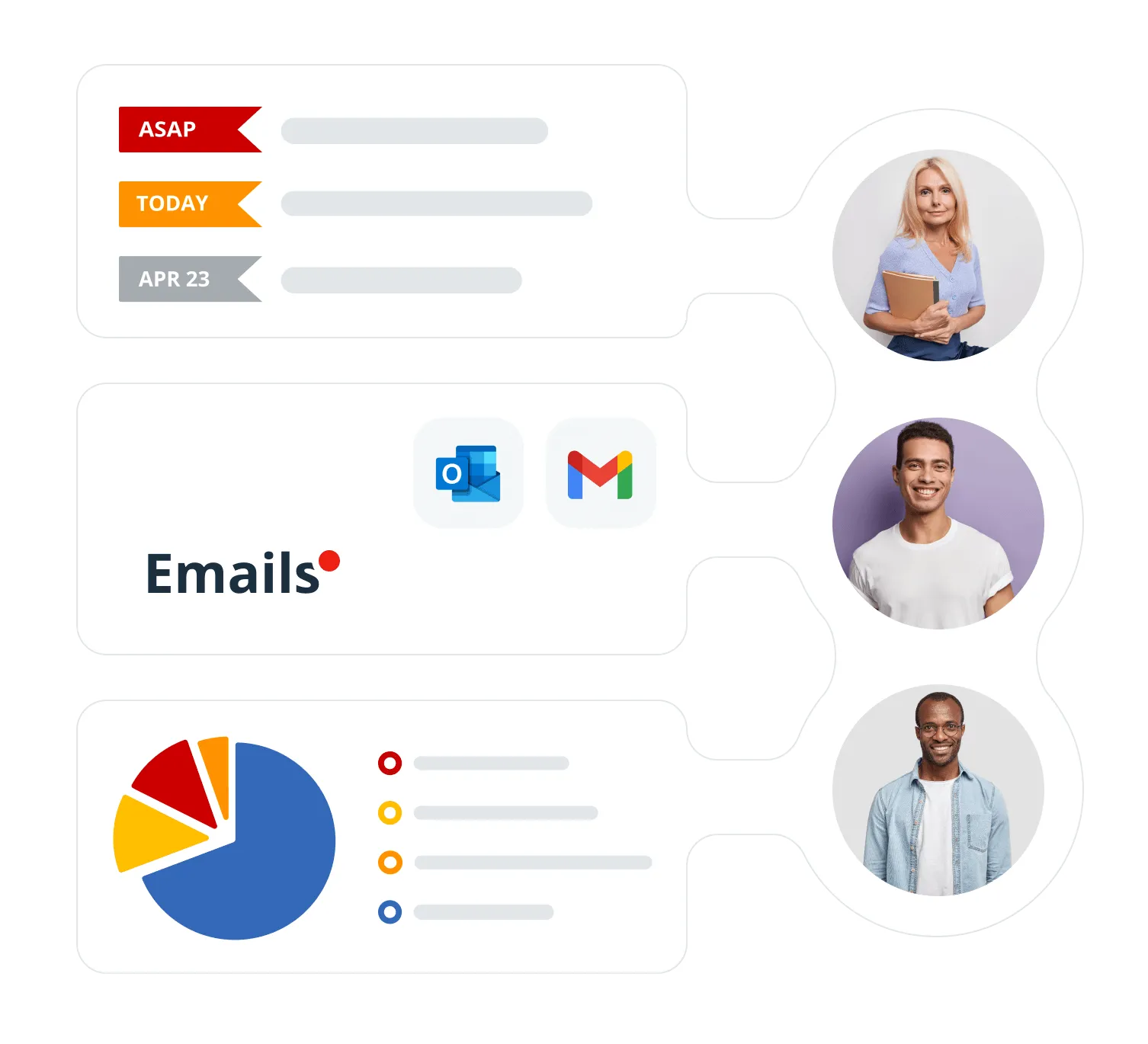
Your team shares one inbox and one set of customer notes in OnePageCRM. Pass a task or a deal to a colleague in a click, and keep an eye on KPIs and the pipeline together.
Mobile CRM for small business
OnePageCRM works on any platform and any device.
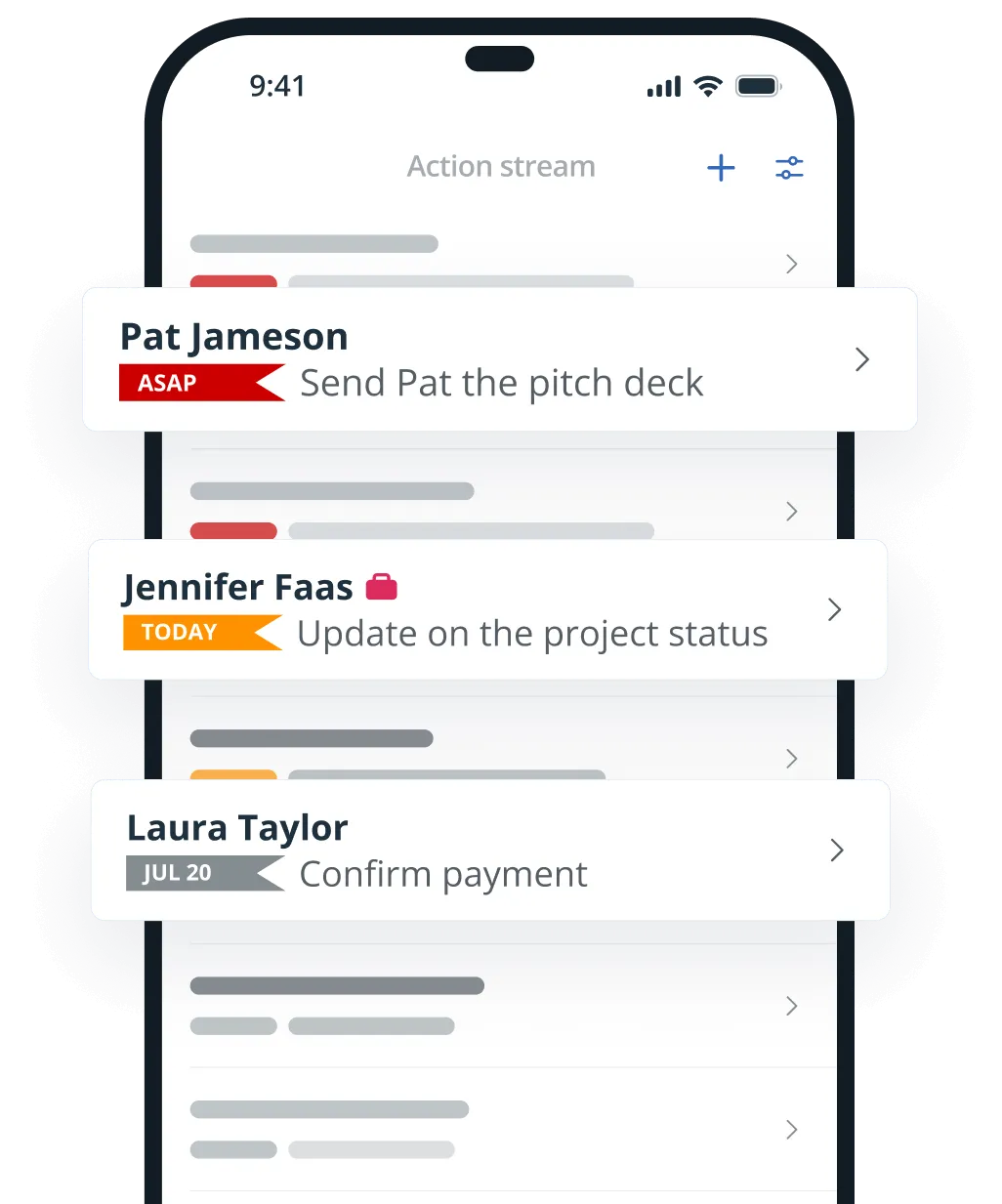
Mobile CRM
Bring your customer list along wherever you work. The free iOS and Android apps let you look up a customer, log a call, add a note, set a reminder, and more.
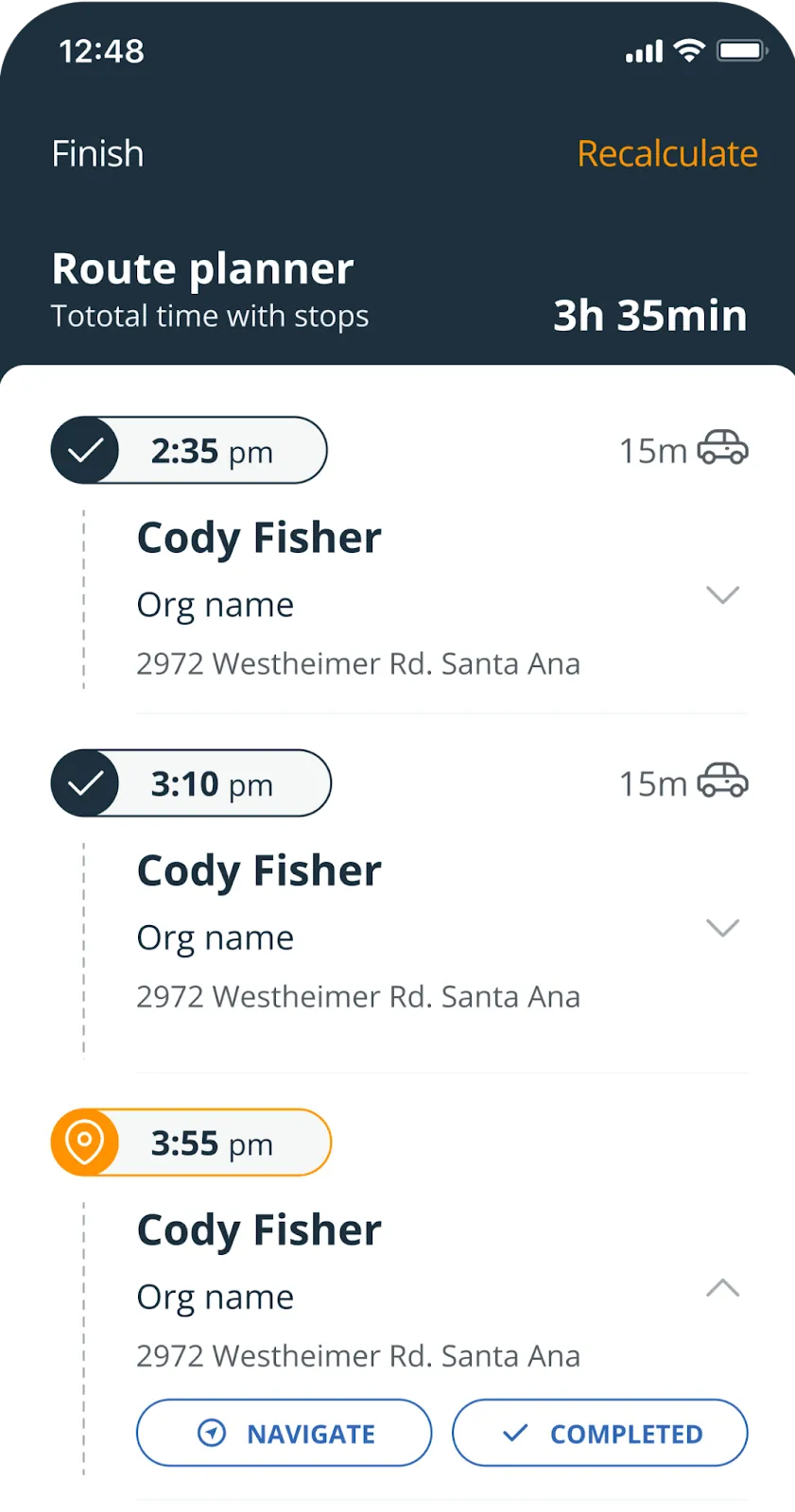
Route Planner
Use the free On the Road app for a day of customer visits. It sorts your stops into the quickest route, shows how long each drive takes, and can call the next customer.
Connect OnePageCRM to
small business apps
To help your business grow, OnePageCRM integrates with other apps.
 Web FormsBuild online forms and make every new web form submission actionable.
 Lead ClipperAdd contacts from any webpage to your CRM in just a few clicks.
 GmailStore emails in your CRM, send and track emails in bulk, create templates, and more.
 OutlookUse custom templates, send emails in bulk, track email opens, and much more.
 CalendarSync your CRM with Google, Outlook, or Apple Calendars.
 WhatsAppConnect WhatsApp to your CRM for easier calls and messaging.
 Quick QuotesCreate and email sales quotes in a flash from your CRM for free.
 QuickBooksCreate invoices and estimates in a few clicks and see QuickBooks history in your CRM.
 MailchimpGenerate leads, sync contacts, and track email campaigns from one place.
 ZapierConnect your CRM with thousands of apps and automate your work.
What small businesses love about OnePageCRM
In their words, not ours.
100%
follow-up rate
“OnePageCRM is really flexible. You can use it if you’re a larger company, if you’re self-employed, a sole trader, or a really small company. We now have many users, but we started with just one, and OnePageCRM made it very easy to grow our business from there.”
 Lars HellestraeFounder of Sales Agents UK
“OnePageCRM creates a sales process, and all we have to do for our success is to follow it. As soon as one action is complete, we set the next one, and it creates a seamless line of sales actions that ultimately leads to us getting paid. Last year, we expanded our business and doubled our sales to €250,000, and it would not have been possible without the help of this CRM software.”
 Bruce HenryManaging Director at MOTM Events
+87%
success rate
“To put it very simply OnePageCRM has changed my life. No need for spreadsheets and useless CRMs that simply don’t work. This approach is simple—take action! I highly recommend it.”
 Michelle O’ConnorO’Connor Executive Search
“I love the simplicity and the fact that the rest of my team has embraced it, this is hugely important. The support team has done a terrific job since day one answering questions, providing training and keeping on top of us as new customers.”
 Marty HurwitzOwner & Founder of THE MVEye
“If my team haven’t logged in a note or a call with a client, I consider it to not have happened. That is how intrinsic and important OnePageCRM is to our business. It’s our Bible.”
 Ciara CrossanFounder and CEO at Wedding Dates
Small Business CRM FAQs
Built with small businesses in mind, OnePageCRM is an ultra-simple CRM software. It has a minimal setup, zero bloat, simple pricing. It’s as simple as using a spreadsheet (but much more enjoyable and effective). OnePageCRM is a fuss-free CRM system with straightforward functionality and a lightweight interface.
Yes, OnePageCRM is one of the most affordable CRM solutions for small businesses. It doesn’t only integrate with various business tools but it also offers several free add-ons built specifically for small businesses: a browser extension, a free web form builder, a sales quoting tool, and much more.
OnePageCRM is much more than a CRM app. Its unique and intuitive Action Stream feature has helped thousands of small businesses around the world grow their sales and strengthen client relationships.
For small businesses, customers are their top priority. A small business CRM should put customers at the heart of everything you do.
Here are top things to look out for when choosing a CRM for a small business:
— Does it allow smooth contact management? Ideally, you want a CRM system that keeps client data well organized and easily accessible.
— Does it support integrations with your favorite apps? If your business needs, say, Mailchimp or any other business app, make sure to check whether your chosen CRM has integrations with these apps.
— Does this CRM make it easy for you to stay in touch with clients? Ideally, you want your CRM to encourage you to take a proactive approach to client management. For example, OnePageCRM actively reminds users to set follow-up reminders and tasks to all contacts in the database.
— Does this CRM have simple automation tools? As a small business, you don’t have the massive resources of large organizations and you also don’t have their complex processes. That’s why your chosen CRM should have simple automation tools that will help you speed up your processes without overcomplicating them.
Many small businesses start using spreadsheets as their first client database.
Although this is a simple solution, you’ll notice its limitations as soon as your business starts to grow. The more clients you get, the more difficult it’ll be to manage them from a spreadsheet. And if your team starts to grow, it’ll become even more challenging to keep a spreadsheet tidy and well-organized without breaking anything.
A simple CRM, such as OnePageCRM, can help you organize your database in the most efficient way without big time investment from your side.
The best CRM
for small business
OnePageCRM makes your follow-up process easy, helps you grow sales, and build long-term relationships.
21-day free trial • No credit card required • Simple setup