Call from the CRM, and it logs itself
Click a contact's number in OnePageCRM, and NUACOM places the call. When the call ends, it's already logged on that contact, with the duration and your call notes.
The call recordings are there too. If you want to listen back to a call, you can play its recording right from the CRM.
Know the caller before you pick up
When a call comes in, NUACOM finds the number in your CRM, shows you who's calling, and puts their details in front of you.
If you need to make changes, click once and their OnePageCRM profile opens. You can add a deal or update their details while you talk.
Get AI call summaries in your CRM
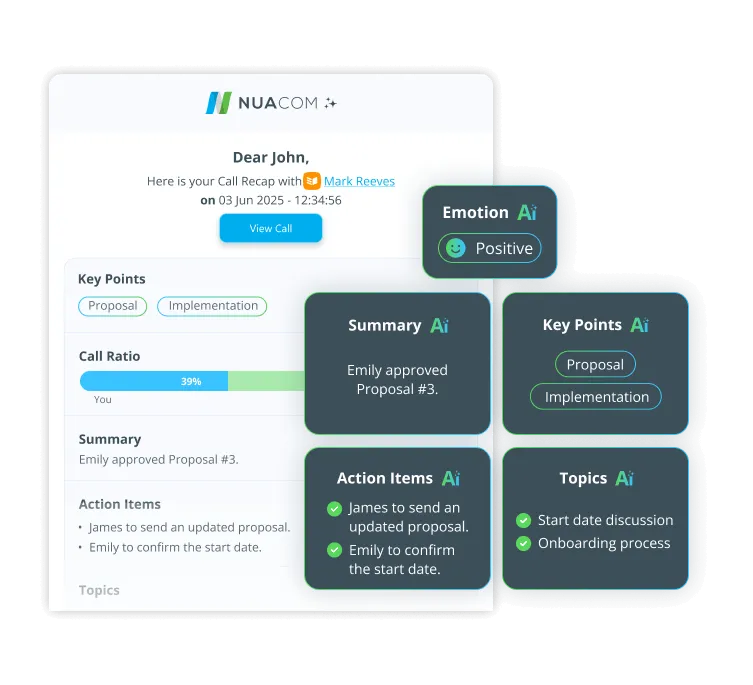
After a call, NUACOM's AI writes up what happened: a summary, the key topics, the action items, and the mood of the conversation.
NUACOM then adds the most important points to the contact's page in OnePageCRM.