Evernote is a note-taking app. You write notes in it, sort them into notebooks, and tag them so you can find them again.
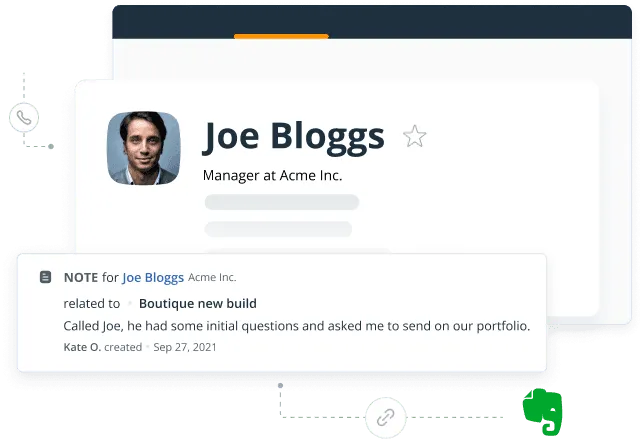
The Evernote CRM integration lets you pull notes out of Evernote and save them onto a contact in OnePageCRM, so the research behind a deal ends up with the person it's about.
Not really, and it is not built to be one. Evernote is good at capturing and organising what you write down, from meeting minutes to project plans. A CRM adds the parts it has no reason to cover, like follow-up reminders next to contacts, email conversations on a Contact Page, and deals you can move through a pipeline.
On any contact in OnePageCRM, click the arrow next to + Note and choose Evernote. A window opens with your notebooks and tags, so you can search or filter to find what you want. Select one note or several, click Save, and they appear in that contact’s timeline.
Yes. Every user connects their own account, so everyone reaches their own notebooks. One thing to know is that notes shared with you through Evernote Business cannot be saved into the CRM.
You choose when you authorise it, anywhere from a day to a year. When it runs out you reconnect the same way.

 1:24
1:24