OnePageCRMvs. Close CRM
Below, we provide a comparison of OnePageCRM vs. Close CRM, so you can select the option that fits your business best.
 4.7 (265+ reviews)
 Google security assessed
What’s the main difference?
 OnePageCRM
OnePageCRM is an action-focused CRM. It is designed for small businesses and helps them build and nurture business relationships with clients, leads, and partners.
 Close
CloseClose is a sales CRM for startups and small businesses heavily focused on calls and emails functionality. It is mostly used for lead generation and sales pipeline management.
Why small businesses prefer OnePageCRM
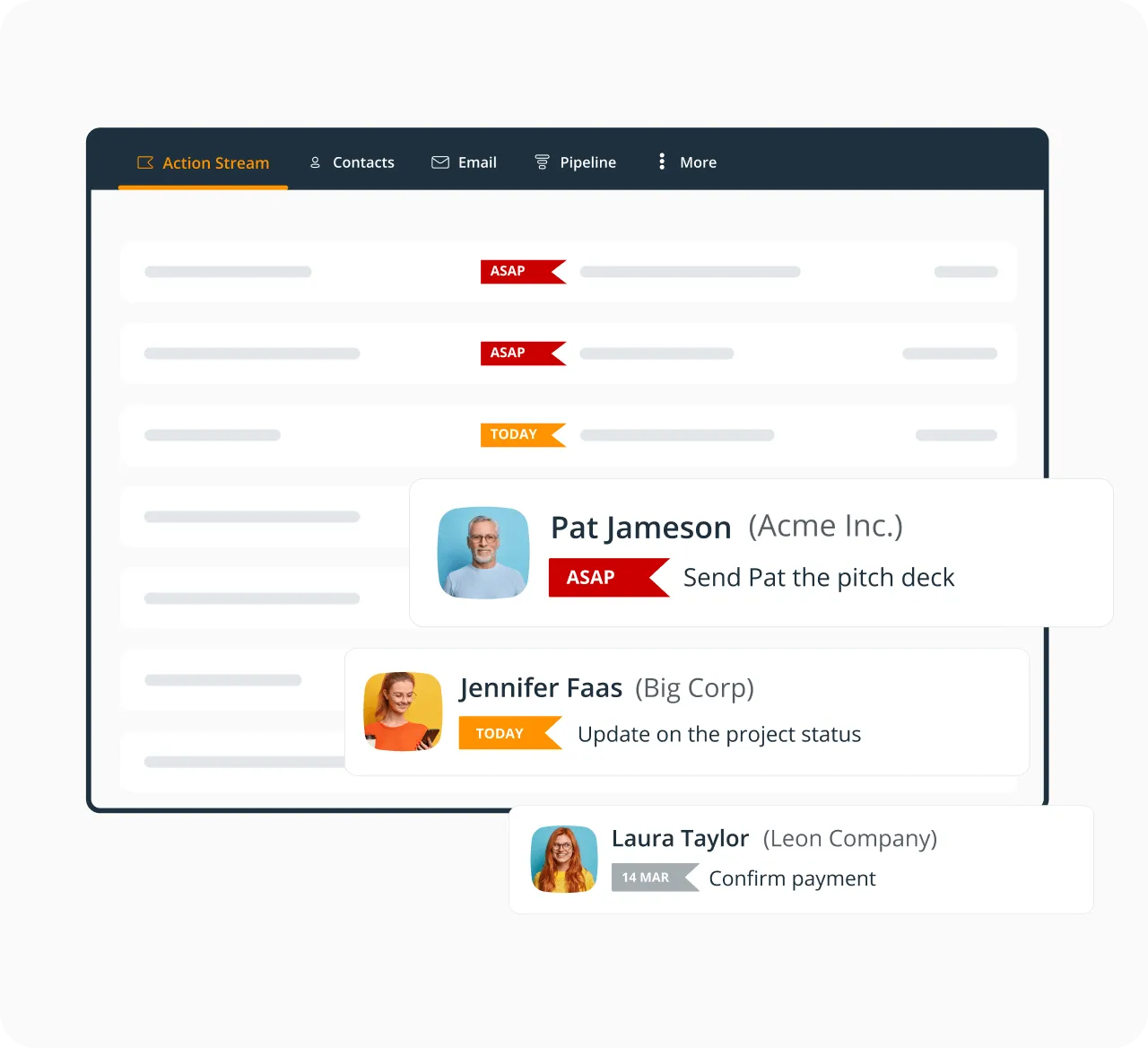
Follow-up reminders in the Action Stream
All contacts in OnePageCRM can have Next Actions (time-sensitive tasks and reminders). OnePageCRM automatically sorts them in the Action Stream according to their urgency. The most urgent ones float to the top.
Simple interface
The first time you log into OnePageCRM you'll notice how intuitive and easy-to-use it is. We don't overwhelm you with too many tabs or features.
This CRM was designed for small businesses who want to focus on growth and take action without spending too much time on learning how a CRM tool works.
Powerful CRM functionality
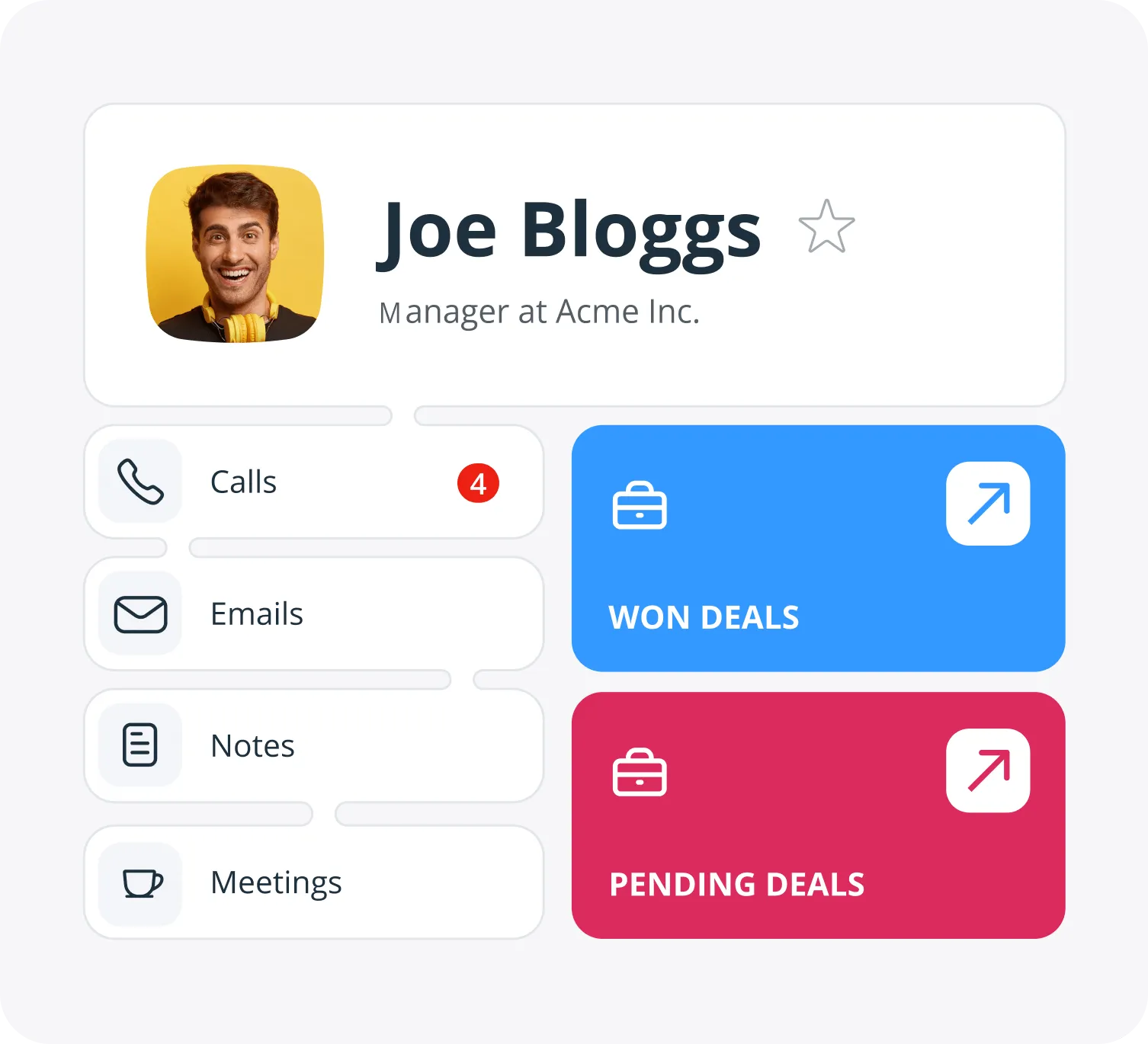
Besides its simplicity, OnePageCRM has all important CRM features: starting from contact management to reporting and sales forecasting.
And if at any point you need support, we are always here to help.
What our users are saying

“Since implementing OnePageCRM into my business I have seen a constant growth in advertising sales, simply because I follow up on my tasks daily…”
Thomas Heavey · Founder at Irish Vintage Scene Publishing
“…As soon as one action is complete, we set the next one, and it creates a seamless line of sales actions that ultimately leads to us getting paid…”
 Bruce HenryManaging Director at MOTM Events
“OnePageCRM is like having an assistant I don’t have that gets our sales on a priority list, reminds me of what I need to do daily…”
 Geoff FlynnCreative and Operations Director at Brand Blue
“…If my team haven’t logged in a note or a call with a client, I consider it to not have happened…”
 Ciara CrossanFounder and CEO at Wedding Dates
“I find OnePageCRM to be far more user-friendly and with a much easier learning curve.”
 Kelly MainForbes Advisor
“The customer support provided by the OnePageCRM team is unparalleled!”
 Jennifer WaldenGoogle review
“…nothing can come close to its compact and client-centric way of data presentation!”
 Magiting MagatGoogle review
“OnePageCRM stands above many others due to ease of use, value, short learning curve…”
 Bill GluthGoogle review
“It’s near impossible to let any relationship fall through the cracks.”
 Lauren AyersGoogle review
“With OnePageCRM, I know what I need to do next with my leads or existing customers.”
 Petter Frøshaug VasholmenGoogle review
“…the best balance of cost and functionality goes to OnePageCRM.”
 Ross GolenGoogle review
“…for its dedicated purpose, it’s perfect without a lot of bloat.”
 Melody JacksonGoogle review
“OnePageCRM is terrific for our little business.”
 Greg HoldawayGoogle review
“…the focus on Next Action is exactly what our small business needs.”
 HowardGoogle review
“I particularly like the full Outlook email integration, especially the open tracking feature.”
 Phil KGoogle review
“It offers everything I was looking for to help organize my contacts and build a usable database…”
 Joseph CascianiGoogle review
Frequent questions
- Focus 100% on taking action instead managing your contact database.
- Follow up with every lead, on time, every time.
- Keep all the information you need to close a contact on one scrollable page.
- Generate leads in a click from any web page.
- Build deals and send sales quotes in seconds.
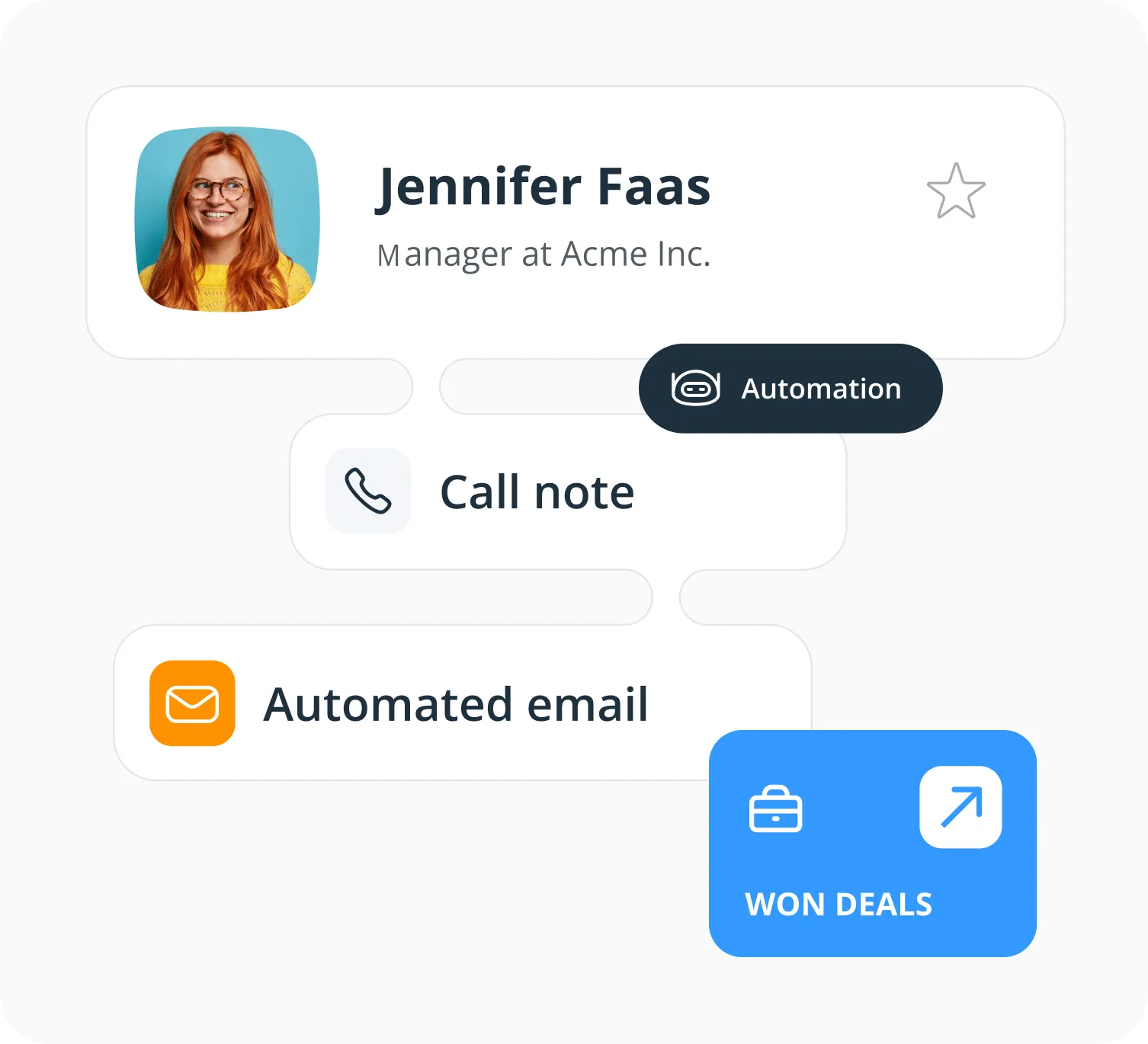
- Save time with smart sales automation features.
- Generate and automatically email custom activity reports.
- Reap the full power of sales CRM on the go with native and highly ranked iOS and Android apps.
- Enjoy the perks of the world-class, above-and-beyond customer support.
Note: We keep this page updated but please keep in mind that some of the numbers in reviews and feature comparisons might be outdated. It's advised to double-check official websites for more up-to-date information.
A great CRM is a tool that helps you sell more. It should be easily customized to your business process and above all, a tool your sales team loves using.
At OnePageCRM, we keep things simple. By applying GTD (Getting Things Done) productivity principles to sales, we can help you convert leads to customers, reach sales targets and grow your business fast.
With OnePageCRM, you can ensure you stay on top of your pipeline, manage contacts, track sales, log calls and complete your Next Actions all from your browser, mobile or tablet. Finally, you and your team can focus on sales, not software.
You can get started in just a few minutes.
OnePageCRM has an intuitive interface. Even if you've been using spreadsheets before, you'll quickly grasp the main functionality of our CRM system.
We believe that no one needs to spend weeks figuring out how to work a CRM and then trying to convince their team to use it.
No matter how easy-to-use is OnePageCRM, we make sure that you always have a helpful human on the other end ready to offer you advice, support, and show you how you can make the most of our software.
- We offer multi-channel support and answer questions via email, phone, and a live chat.
- We do our best to be available and answer urgent queries even during weekends.
- We add human touch to our support and provide everyone with a personalized response that you feel is coming from a living person rather than a bot.
- We go an extra mile. Our team takes time to understand your problem and follows up with you later on to see how you’re getting on.
- We offer webinars and jump on a screenshare when needed. We also have a comprehensive Help Site that covers everything about our CRM system.
- We believe in the old “teach a man to fish, and you’ll feed him for a lifetime” thing. That's why we don't just fix your problem but help you learn how to make the most out of your CRM.
The best CRM is the one that meets your needs.
Here are five key things to consider when choosing a CRM:
- Business goals. A CRM is not a ‘one-size-fits-all’ solution. One of the biggest reasons for CRM adoption failing is neglecting to clearly define the business objectives for the CRM. You need to make sure the CRM you chose fits with your business goals and ambitions.
- Ease of use. The effectiveness of your CRM to reach business goals is directly proportional to its usability. It needs to make the life of your sales team, easier not harder. Choose a tool that can be easily customized to your business needs.
- Integrations. CRM systems that don’t offer the ability to connect to other parts of your business (lead generation, lead nurturing, accounting applications) are not serving your company in a way that maximizes revenue. Think of your CRM as the glue, that keeps all your business process working seamlessly together.
- Budget. Be sure you have 100% clarity on what you are getting for the price you pay. Many solutions offer basic functionality at a free or low price point only to ramp up the cost for reporting or advanced usability later in the funnel.
- Support. A good CRM will have a great customer support team to help your sales team use the application to make more sales. Look to see if the CRM offers support in your time zone. Is it just via email or online help ticket? Or do they offer live customer chat, webinars and phone support?
When choosing a CRM for your business, you need to consider a few things:
- Who will be using the CRM?
- How much time do you have for CRM onboarding?
- What is your CRM budget?
- What level of customer support are you expecting from the CRM?
Quick tip: when evaluating several CRMs, try ranking each point from 1-10 and compare the results.